14. HOW TO MONITOR ROUTES
14-14
14.9 How to Share Route During Route Monitoring
With multiple EC-3000 units, you can share the route monitored on the master EC-
3000 unit with other units (FMD-3x00, FCR-2xx9 or FAR-3xx0).
Follow the procedure below to enabling the route sharing feature.
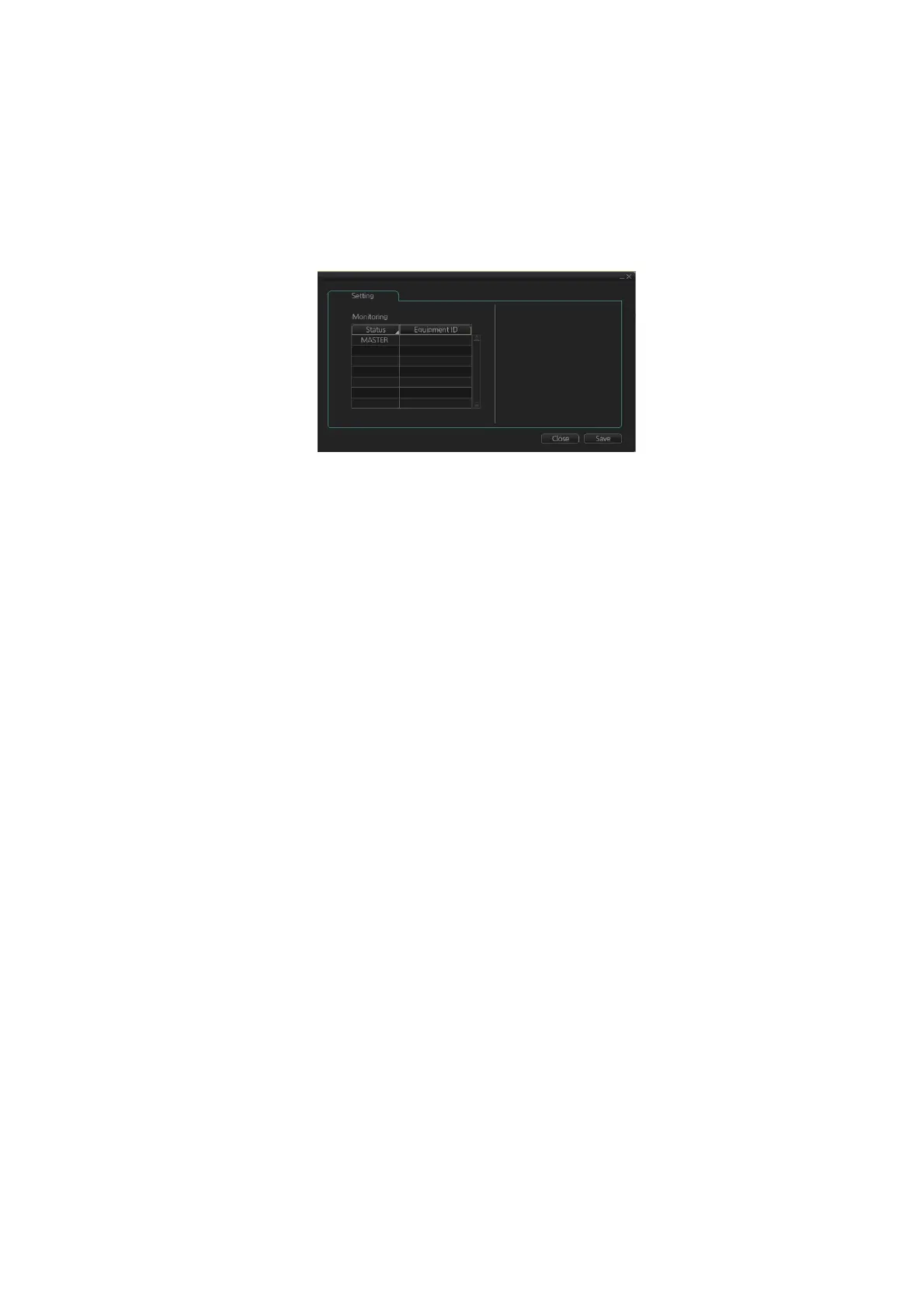
1. Open the menu, select [Monitoring] from the [Shared] menu to show the [Setting]
dialog box.
2. Right click the equipment ID of the unit to show the pop-up menu. Select [MAS-
TER], [BACKUP], [SYNC] or [CLEAR] as appropriate.
[MASTER]: Assigns selected unit as the master unit. One unit must be assigned
as the master unit.
[BACKUP]: When route monitoring starts on the master, the route and its informa-
tion are displayed on the backup.
[SYNC]: Selected unit receives and displays the route data output from the mas-
ter, and monitors the route displayed on the master.
[CLEAR]: Removes the selected unit from route monitoring sharing.
Note: To restore the original setting for units, click the [Status] column, then select
[Reset].
3. Click the [Save] button to save settings, then click the [Close] button to finish.
CRA001
CRA002



 To Next Page