7. HOW TO MANAGE CHARTS
7-21
• [withdrawn]: Cell has been canceled.
• [unknown]: Cell is not delivered as part of a data server service (ex. unencrypted
ENC).
• [broken]: Cell is corrupted.
7.15 How to Open Charts
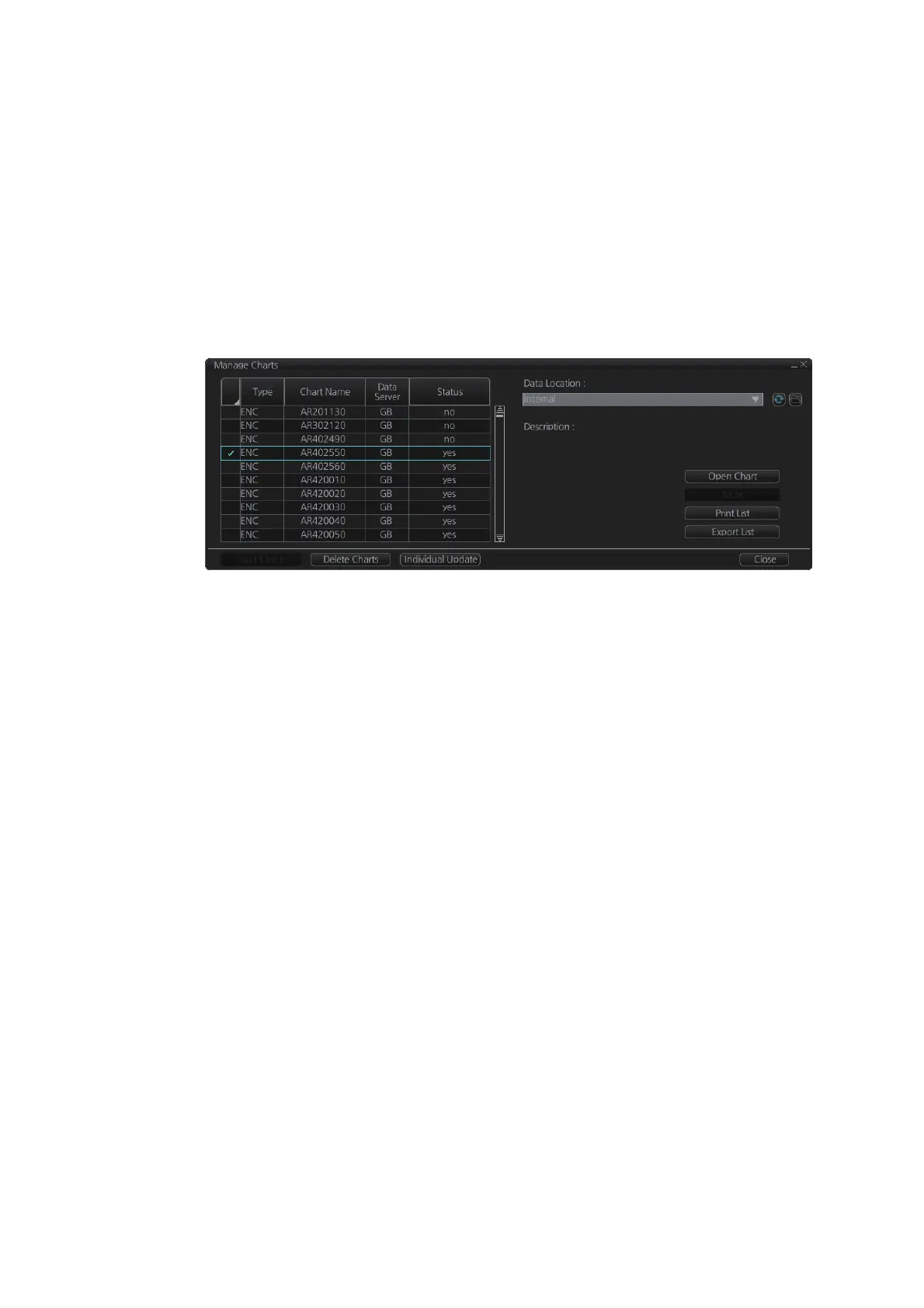
In the Chart maintenance mode, click the [Manage Charts] button on the
InstantAccess bar™ to display the dialog box shown below. Select the chart to open
then click the [Open Chart] button.
7.16 How to Print Chart List, Cell Status List
7.16.1 How to print the chart list
1. In the Chart maintenance mode, click the [Manage Charts] button on the
InstantAccess bar™ to show the [Manage Charts] dialog box.
2. Check the charts to print.
3. On the [Filter] window, check the information to print.



 To Next Page