15. NAVIGATION TOOLS
15-7
15.3.7 How to adjust PI line length
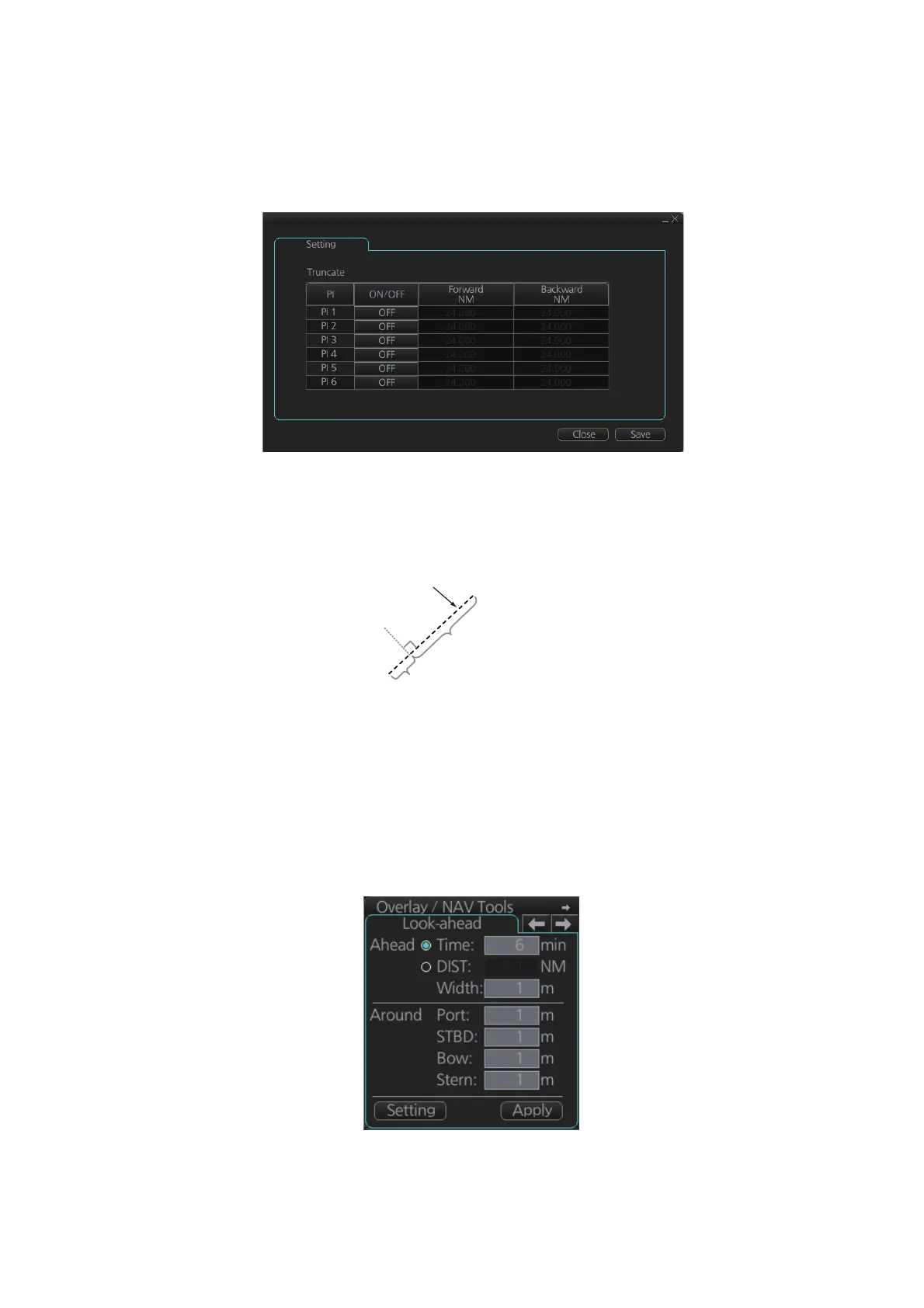
You can adjust the forward and backward lengths of a PI line when [Index Lines] is set
to 1.
1. Open the MENU and select [NAV Tools] and [PI Lines].
2. If not already displayed, click the [ON/OFF] button to display the PI line whose
length you want to adjust.
3. Click the value in [Forward] and [Backward] columns to adjust their lengths, refer-
ring to the illustration below.
4. Click the [Save] button to finish.
15.4 Look-ahead
Look-ahead sets the area ahead and around own ship for which to check for safe nav-
igation. See section 11.2 for how to activate own ship check.
PI line
Adjust the
forward length.
Adjust the
forward length.
Adjust the
backward length.
Adjust the
backward length.



 To Next Page