18. TT AND AIS DISPLAYS
18-10
Note: You can also select the method by right-clicking the loca-
tion. Click desired association method.
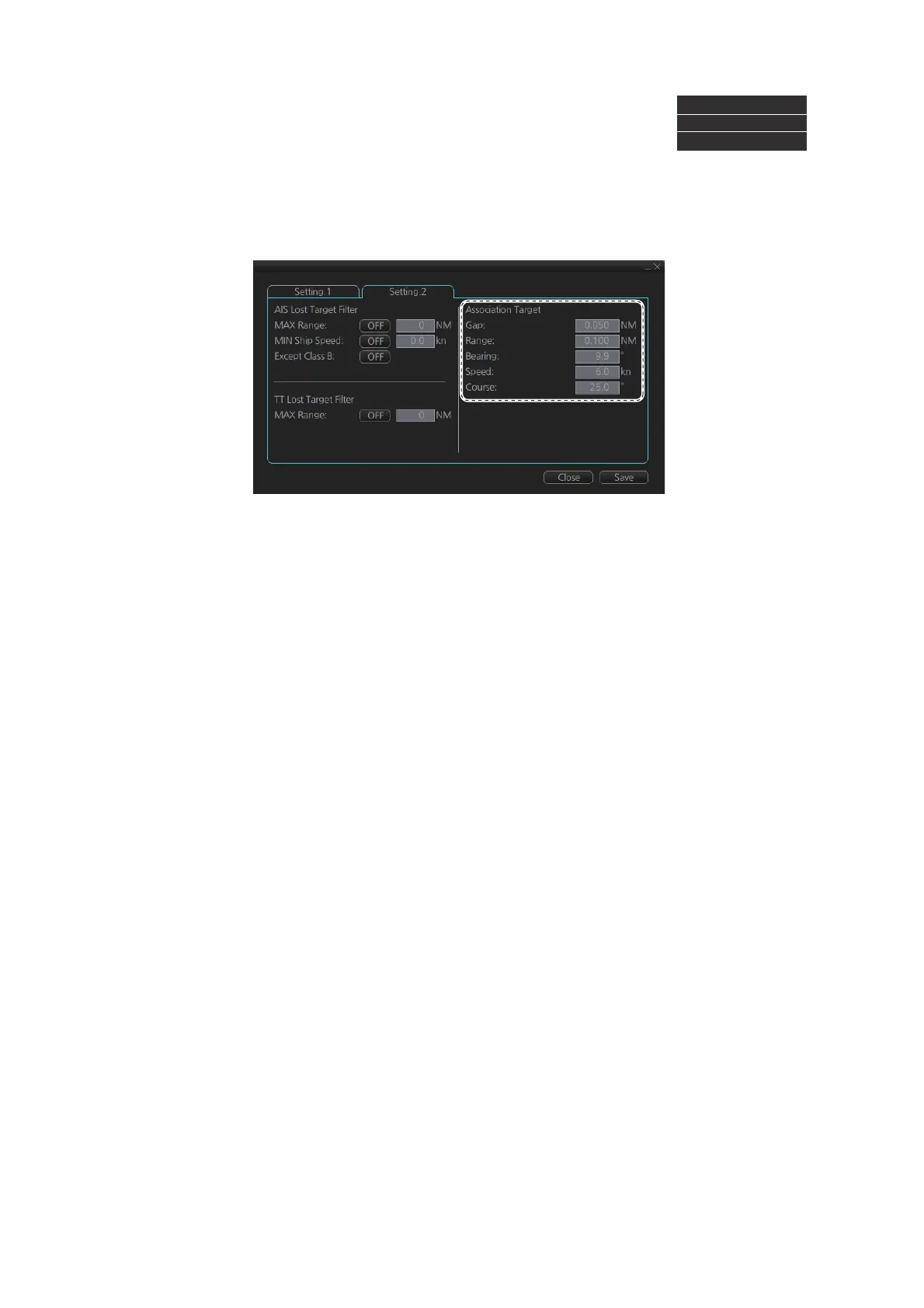
18.3.2 How to set the conditions for association
To set the criteria for association, right-click [AIS] on the [TT/AIS] page in the [NAV
Tools/Overlay] box, select [Setting] and open the [Setting.2] page. For setting details,
see section 4.14.2.
Association: OFF
Association: TT
Association: AIS



 To Next Page