12. ROUTES
12-21
6. Select the destination to save the exported data.
7. Click the [OK] button.
8. Click the [Close] button to close the dialog box.
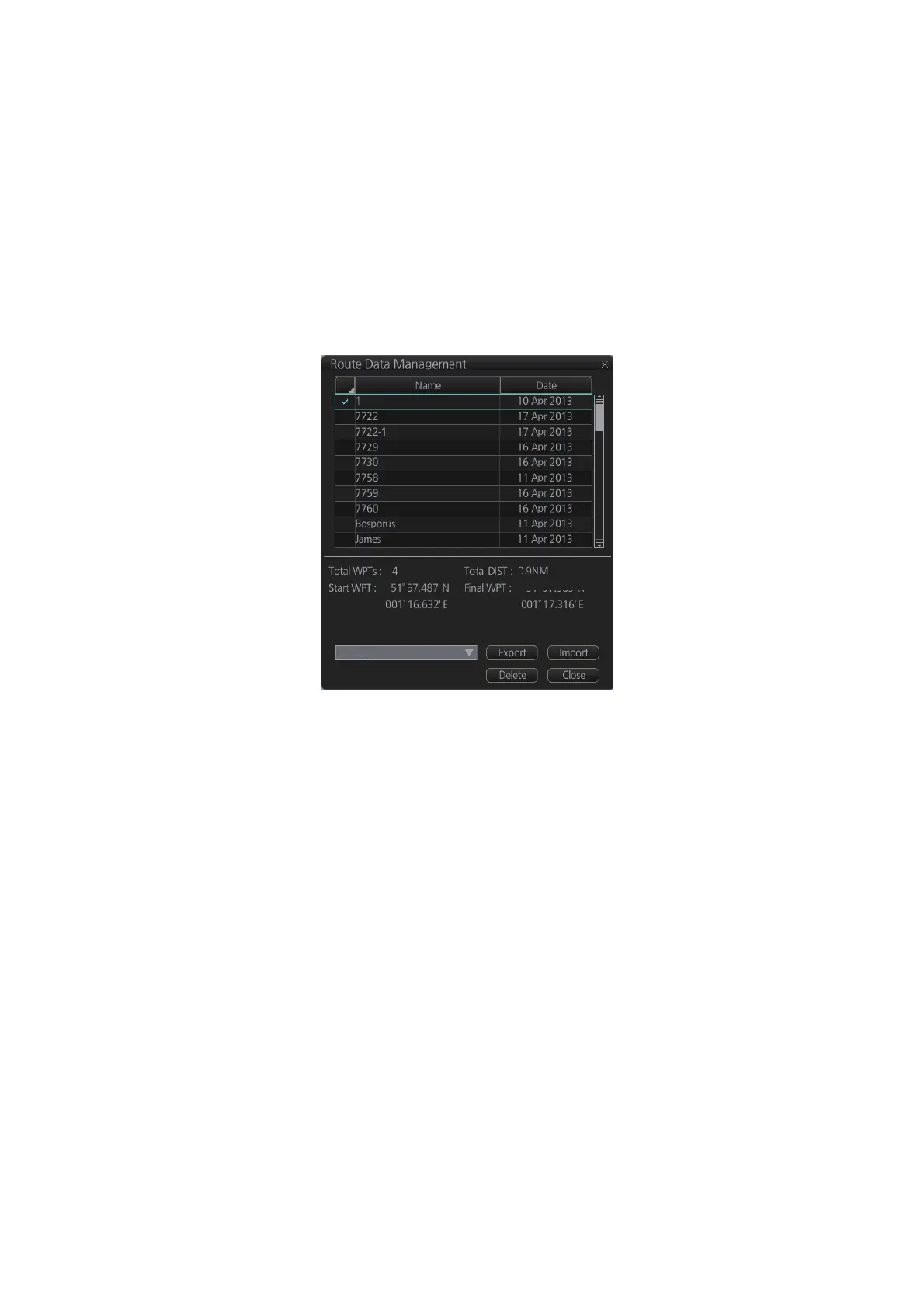
12.11 How to Delete Routes
1. Click the [PLAN] button on the Status bar to get into the Planning navigation
mode.
2. Click the [Manage Data] button on the InstantAccess bar™ followed by the
[Route] button.
3. Put a checkmark in the check box to the left of the route name.
4. Click the [Delete] button. The confirmation message appears.
5. Click the [OK] button.
6. Click the [Close] button to close the dialog box.
0.92NM
RTZ



 To Next Page