9. VECTOR (S57) CHARTS
9-6
8. Select the items to highlight, then click the [View] button.
Items selected here appear with an orange highlight mark.
9. To remove highlights, set the [Update Review] column of the [Viewing Dates] di-
alog box to [OFF].
10. Click the [Close] button on the [Viewing Dates] dialog box to close the dialog box-
es.
9.3 Symbology Used in S57 Charts
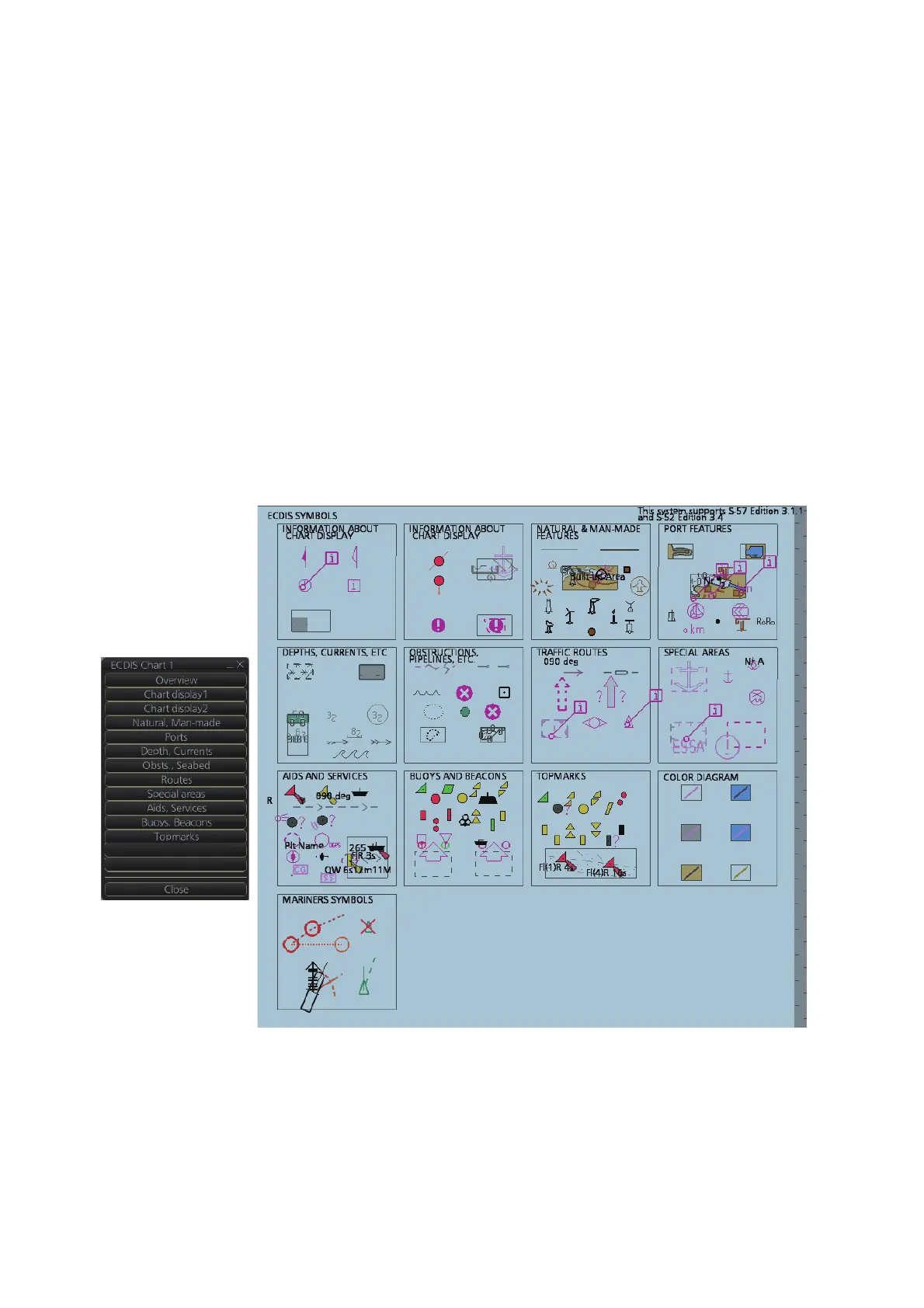
You can familiarize yourself with the symbology used by browsing IHO Chart 1, which
is included in this system. Note that it behaves as any S57 chart and it follows your
selections. See section 8.2.
1. Click the [Chart INFO] and [Chart 1] buttons on the InstantAccess bar™ to show
to the [ECDIS Chart 1] menu, shown below.
2. Click a chart feature to show detailed information about the feature. Click [Over-
view] to show a compilation of all features, shown below.
9.3.1 Presentation library used for S57 chart features
The system uses the official IHO presentation library to draw S57 charts. The presen-
tation library is replaceable, but this feature is only intended to be used by a qualified
technician and type approval authorities.
When this manual was published the official presentation library was "pslb04_0.dai",
known as "Official IHO presentation library for system Ed 4".
New symbols
Color diagram



 To Next Page