22. SETTINGS MENU
22-15
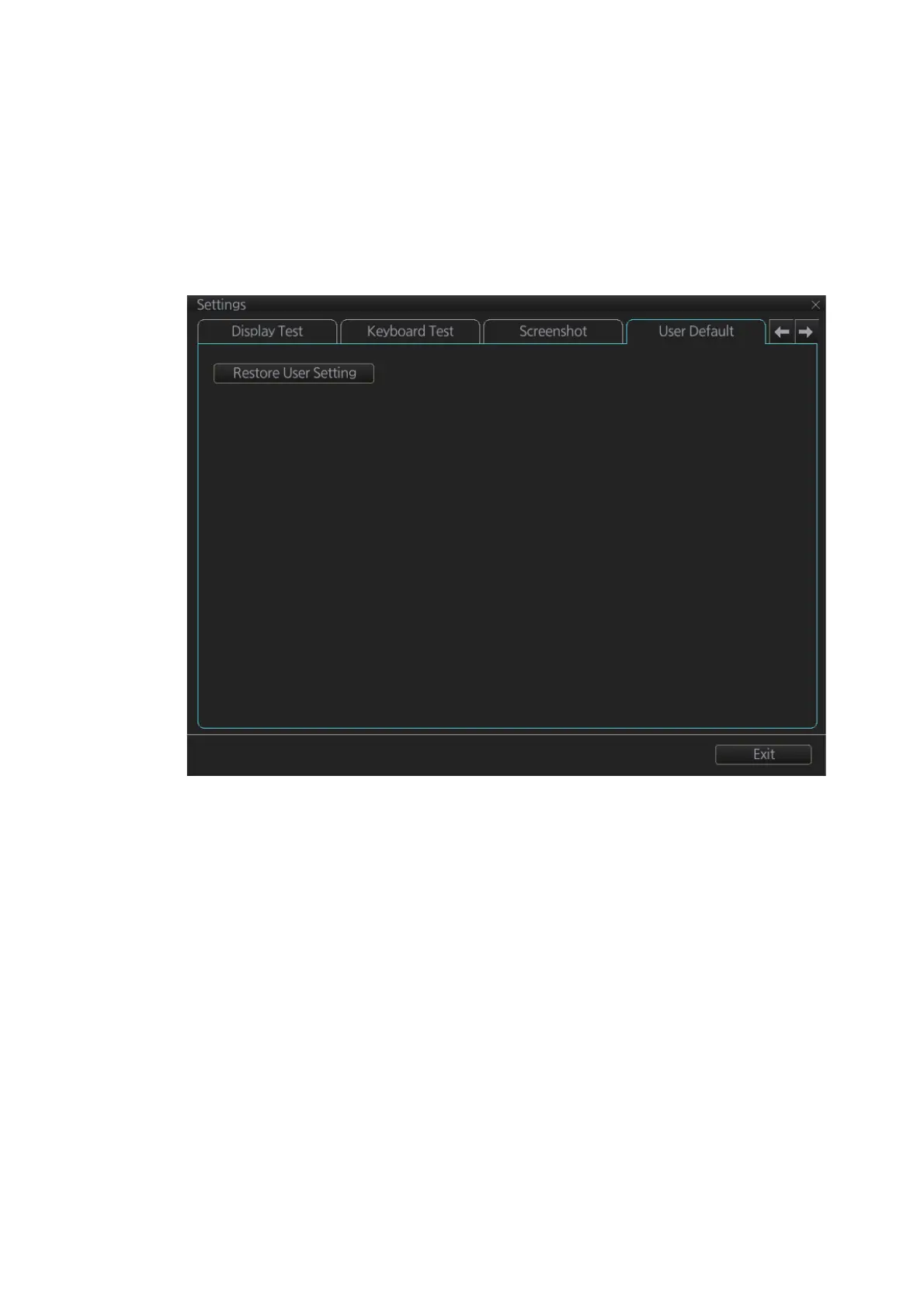
22.12 User Default
The [User Default] page restores all default settings for [Radar menu], [Chart menu],
[User profile] and [Setting menu]. Click the [Restore User Setting] button. The mes-
sage "All setting data will be restored to the default. Do you wish to continue?" ap-
pears. Click the [Yes] button to restore default settings and reset the power.
If you require the setting data, copy it to a USB flash memory (using the file export fea-
ture), BEFORE restoring user defaults.



 To Next Page