1. OPERATIONAL OVERVIEW
1-24
1.13 Context-Sensitive Menus in the Radar Mode
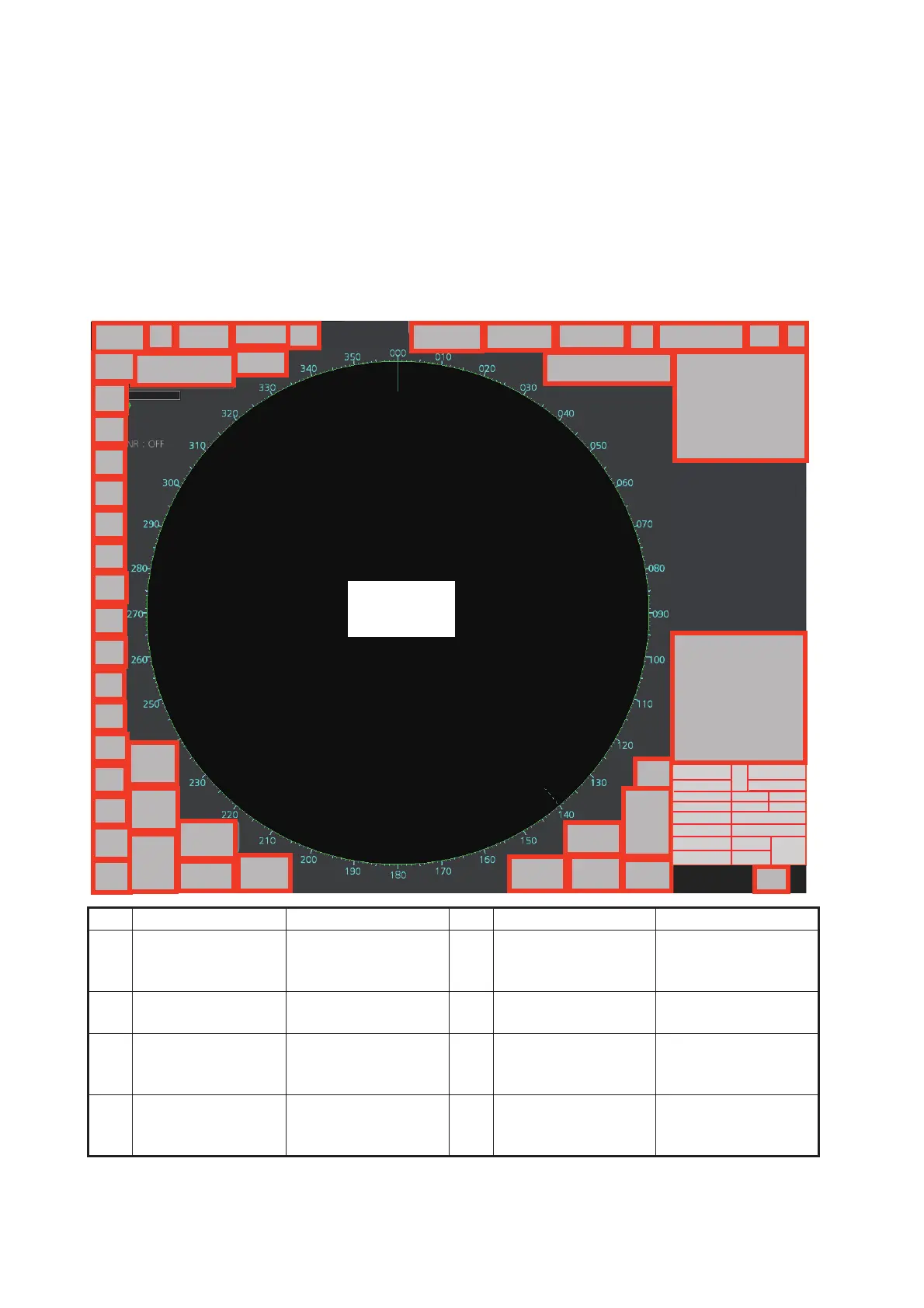
Context-sensitive menus are available with many of the boxes and buttons surround-
ing the display area and objects within the display area. Right-click the boxes and but-
tons marked with numerals in the illustration below to show the related context-
sensitive menus. If a menu is not operated within 30 seconds it is automatically closed.
For context-sensitive menus in the chart mode, see the chapter on chart overview.
1.13.1 Context-sensitive menus available with buttons and boxes
No. Box name Menu No. Box name Menu
1 Adjust Local Time Local Time Adjust 2 Cursor Position Range-Bearing Po-
sition, X-Y Position,
Cursor Menu
3 Sensor Informa-
tion, Datum Box
Select Sensor, OS
Info Menu
4 AIS Info Expanded AIS Data,
AIS Message
5 Association Association OFF/
TT•AIS, Association
Menu
6 TT OFF / MAN / AUTO /
MAN/AUTO,TT
Menu, Symbol Menu
7 AIS DISP OFF / FILT /
ALL, AIS Menu,
Symbol Menu
8 Vector OS Vector Menu,
Target Vector Menu
RADAR
FUNCTIONS
(see next page)
240.8
°
3229
°
0.088
41
3
20
23
28
29
31
32
38
37
36
35
34
5
7
8
14
16
15
2
1
30
21
39
6
10
13
17
18
11



 To Next Page