1. OPERATIONAL OVERVIEW
1-23
1.12.2 How to enter numeric data
Select the numeric data, then do one of the following:
Control Unit: Use the ten keys to enter data.
Trackball module: Spin the scrollwheel to set data then push the left button.
1.12.3 How to enter alphanumeric character data
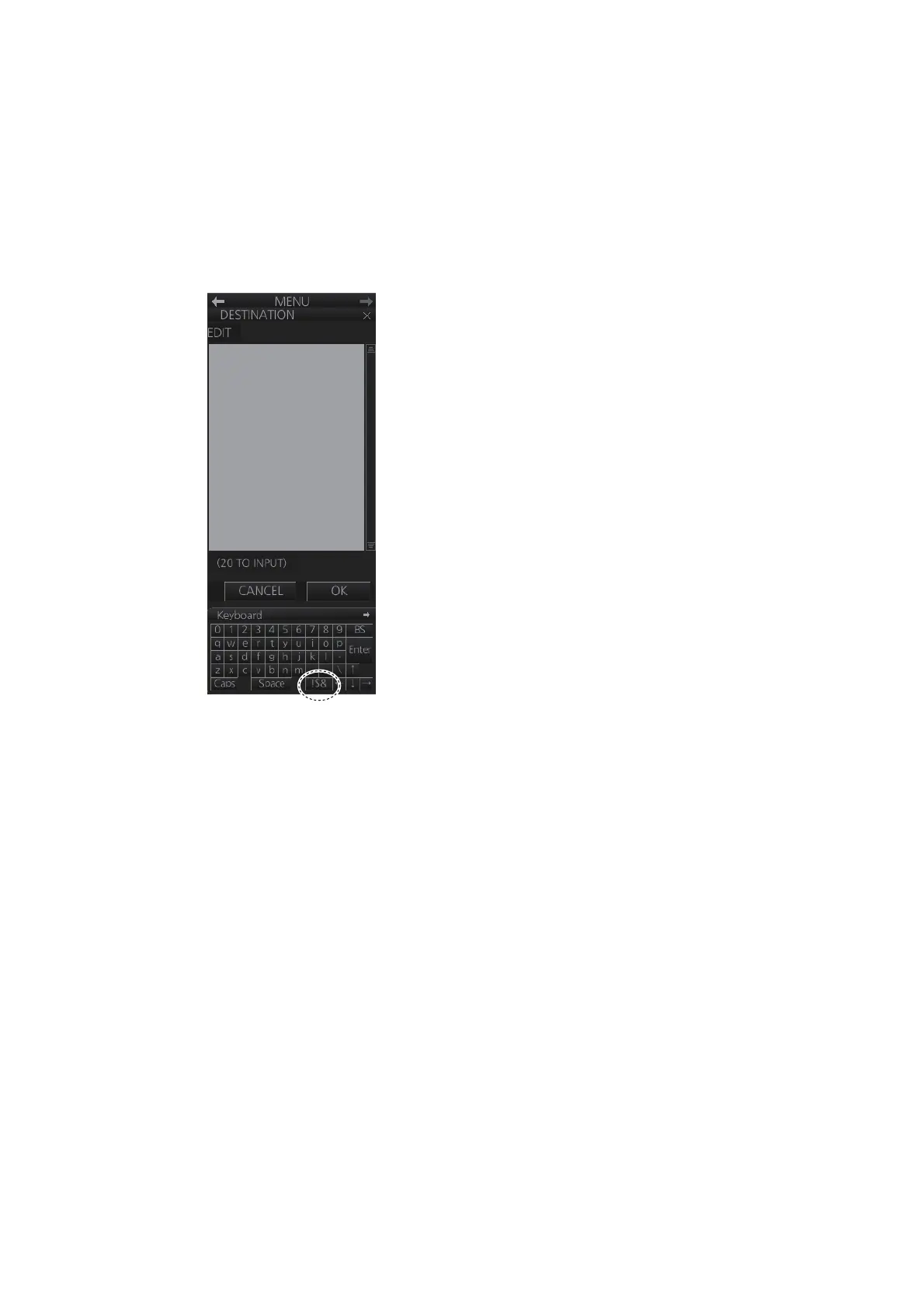
Some operations display a software keyboard to enter alphanumeric character data.
To enter characters, click applicable characters on the software keyboard. You can
switch between letter input and symbol input by clicking the key shown in the illustra-
tion above:
Click to switch between
letters and symbols.



 To Next Page