8. HOW TO CONTROL CHART OBJECTS
8-12
8.4 Control of Predefined IMO Chart Display Set-
tings
There are three sets of predefined chart display settings that can be used to display
charts with certain chart features. The predefined chart display settings are
• [IMO BASE]
• [IMO STD] (STANDARD)
• [IMO ALL]
When the chart settings are changed. the following settings changes are also applied
to each page of the [Chart Display] menu.
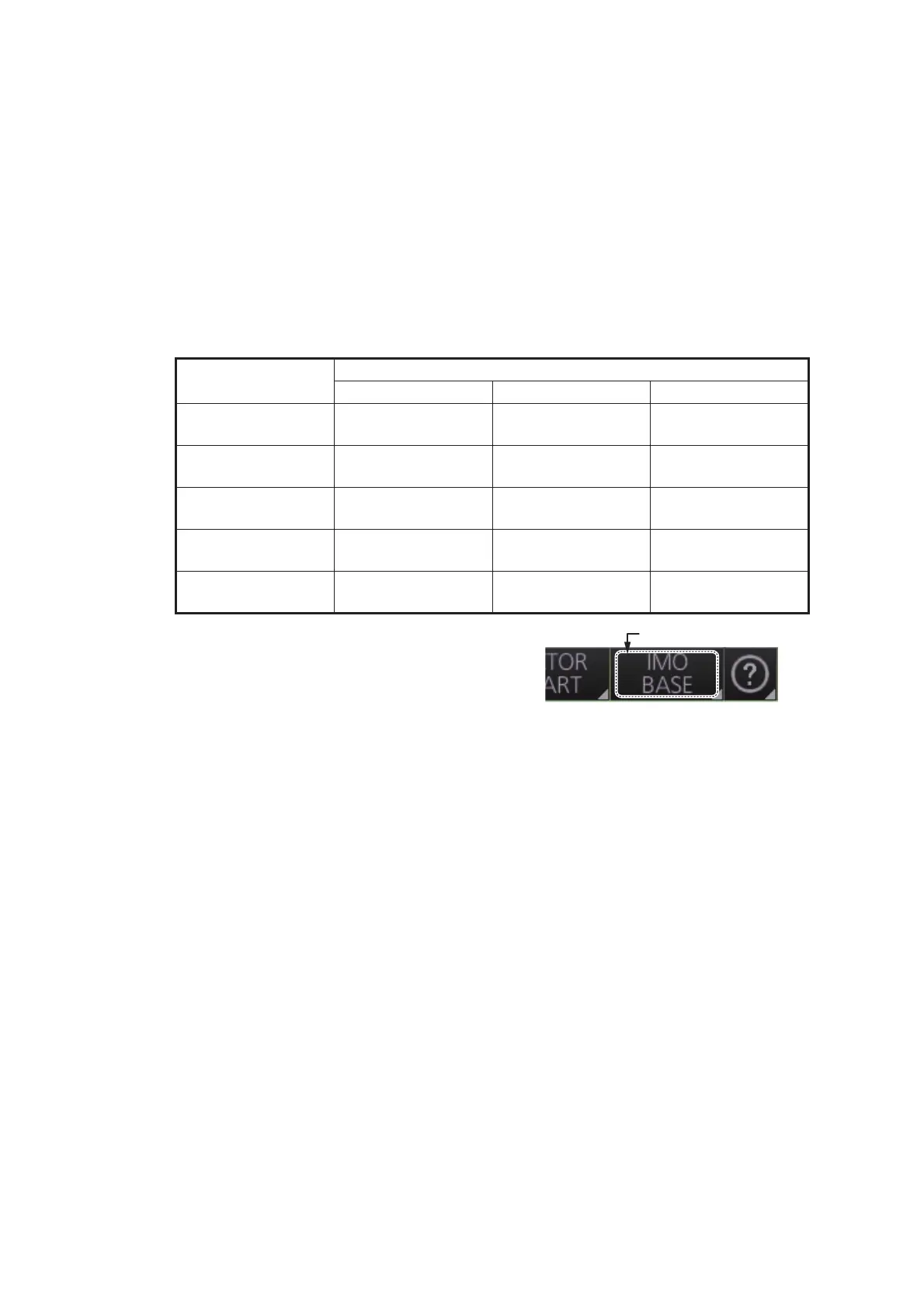
You can change the chart display setting in use
with the [Chart database] button on the Status
bar.
[Chart Display] menu
IMO Base IMO Standard IMO All
[General] page All items are un-
checked.
All items are un-
checked.
All items are un-
checked.
[Standard] page All items are un-
checked.
All items are
checked.
All items are
checked.
[Other] page All items are un-
checked.
All items are un-
checked.
All items are
checked.
[Text] page All items are un-
checked.
All items are un-
checked.
All items are un-
checked.
[NtoM] page All items are
checked.
All items are
checked.
All items are
checked.



 To Next Page