3. TARGET TRACKING (TT)
3-9
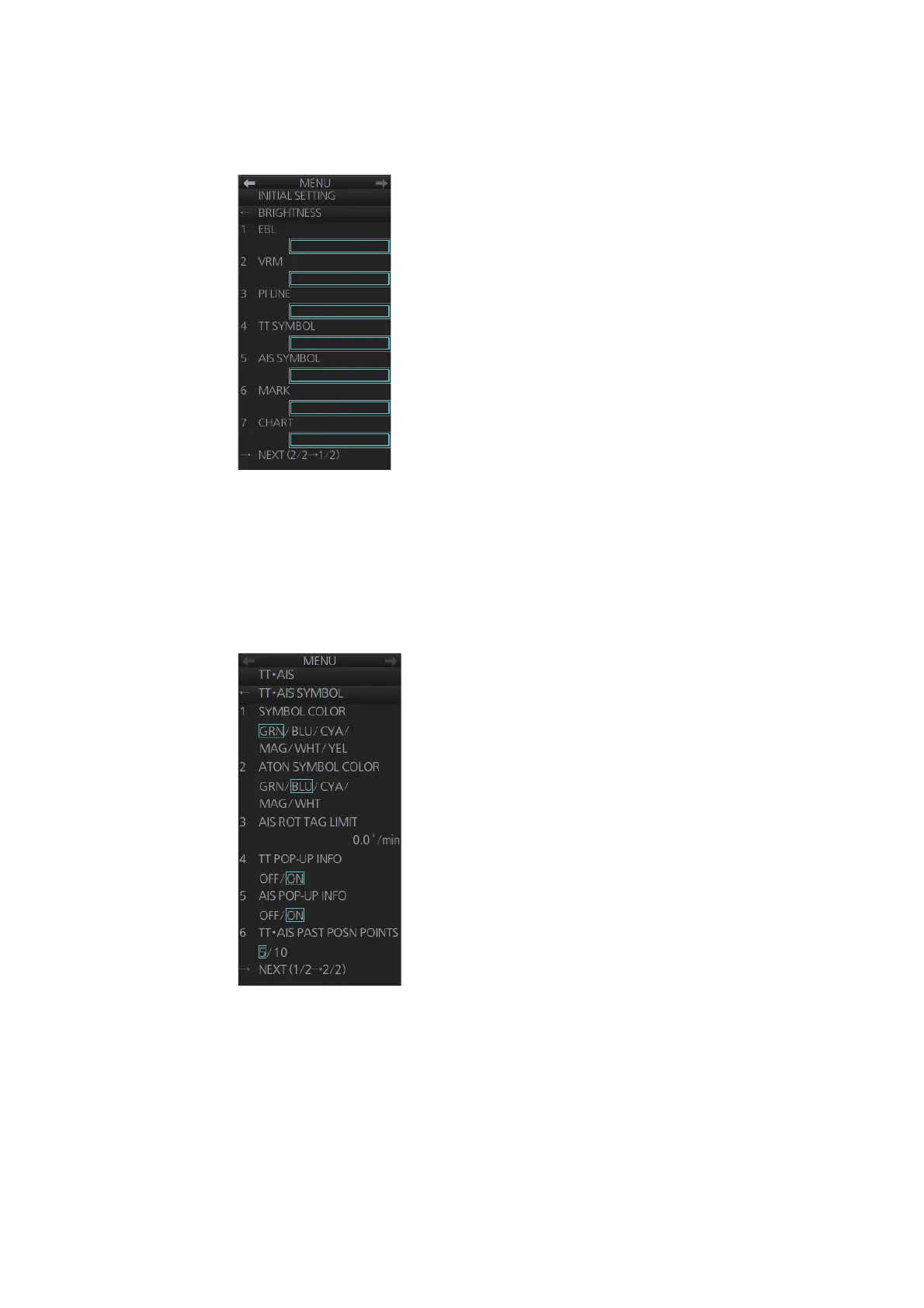
3.7.2 TT symbol brilliance
1. Right-click the [BRILL] button on the InstantAccess bar™ then select [BRILL
menu].
2. Go to page 2, select [4 TT SYMBOL] then spin the scrollwheel to adjust the bril-
liance.
3.7.3 Color for TT symbol
You can select the color for the TT symbol as follows:
1. Right-click the TT mode indication then select [Symbol Menu] to show that menu.
2. Select [1 SYMBOL COLOR] and desired color. (Red and yellow are available with
the A-and B-type.
㻝㻡
㻝㻡
㻝㻡
㻝㻡
㻝㻡
㻝㻡
㻝㻡



 To Next Page