22. SETTINGS MENU
22-4
22.4 File Maintenance
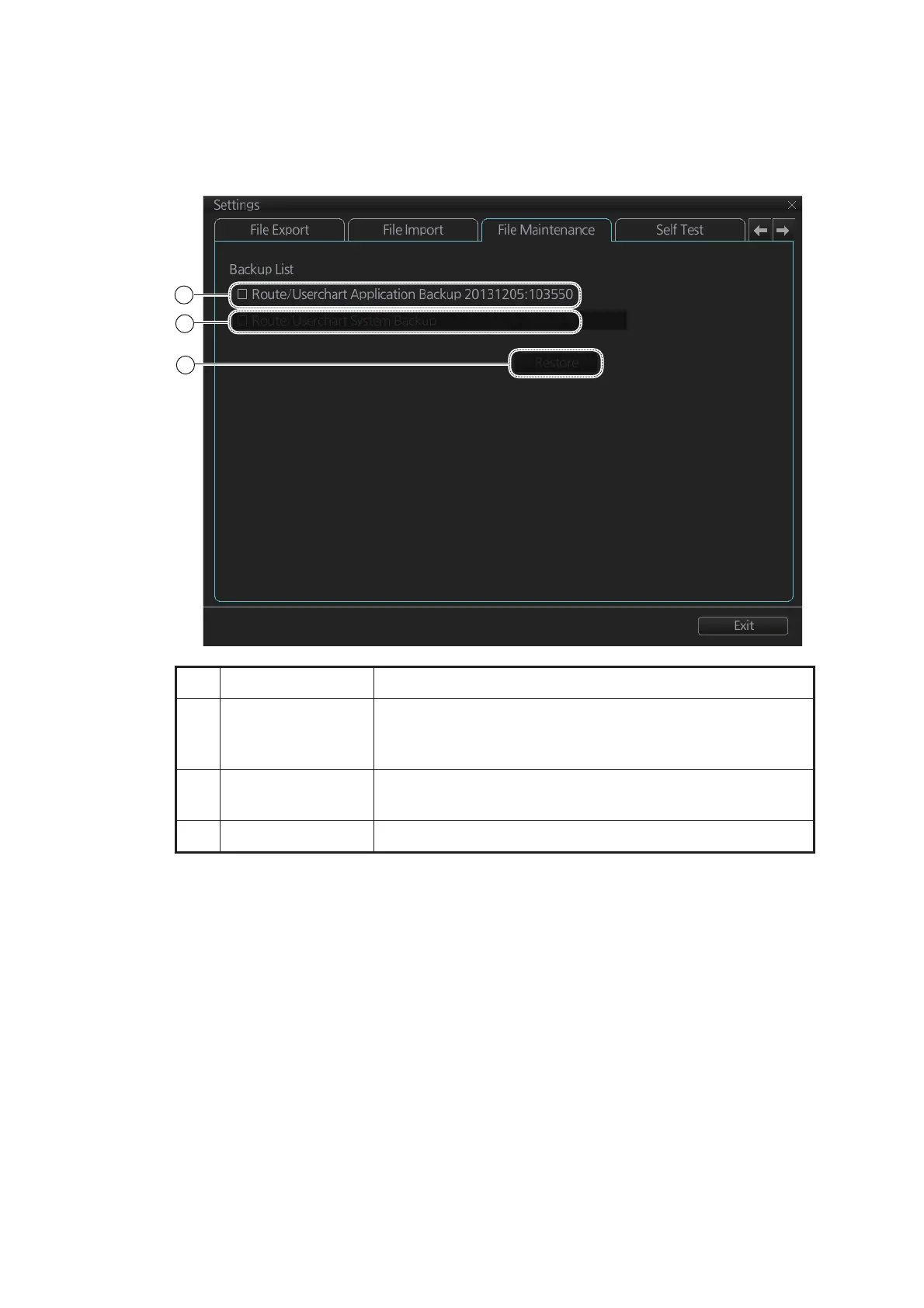
The [File Maintenance] page lets you restore the last-saved route/user chart applica-
tion and route/user chart system.
Note: To restore the route data from the backup data, first check all route data then
do the restore from the latest data.
No. Name Description
1 [Route/Userchart
Application Back-
up]
Click to restore last-saved route/userchart application.
2 [Route/Userchart
System Backup]
Click to restore last-saved route/userchart system.
3 [Restore] button Click to restore item selected.



 To Next Page