8. HOW TO CONTROL CHART OBJECTS
8-8
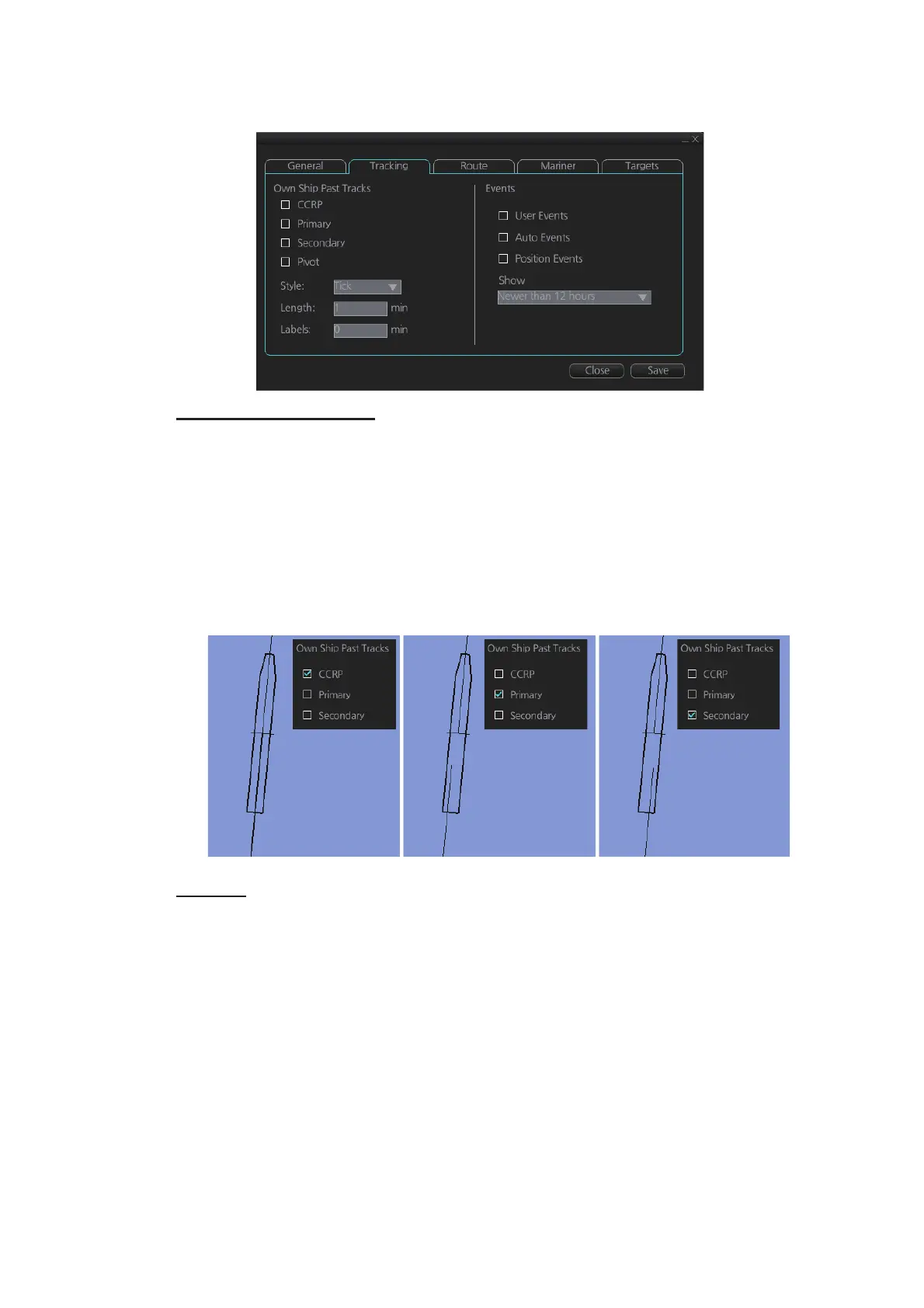
8.3.2 Tracking page
[Own Ship Past Tracks]
[CCRP]: Check to plot CCRP position.
[Primary]: Check to plot own ship's past track with position fed from sensor with high-
est priority.
[Secondary]: Check to plot own ship's past track with position fed from sensor with
second highest priority.
[Pivot]: Check to plot own ship's track with own ship’s pivot position as reference.
[Style]: Select time stamp position for past track (indicated by [Tick] or [Point]).
[Length]: Select length of past track.
[Labels]: Select label interval.
[Events]
Events marks are based on the [Voyage] log records.
[User Events]: Display event symbols on the chart. User events are recorded by click-
ing [Log], [Event Log] and [User Event] on the InstantAccess bar™.
[Auto Events]: Display automatically entered event symbols, where the system has re-
corded an event based on conditions you have set. Auto events are recorded every 1-
4 hours.
[Position Events]: Display the latitude and longitude of an event, recorded by clicking
[Log], [Event Log] and [POSN Event] on the InstantAccess bar™.
Note 1: A MOB event is visible always.
Note 2: You can select the period of time to display event marks, from the [Show] list
box. [Newer than 12 hours], [Newer than 24 hours], [Newer than 1 week], [Newer than
2 weeks], [Newer than 1 month], [Newer than 3 months], or [All].



 To Next Page