15. NAVIGATION TOOLS
15-16
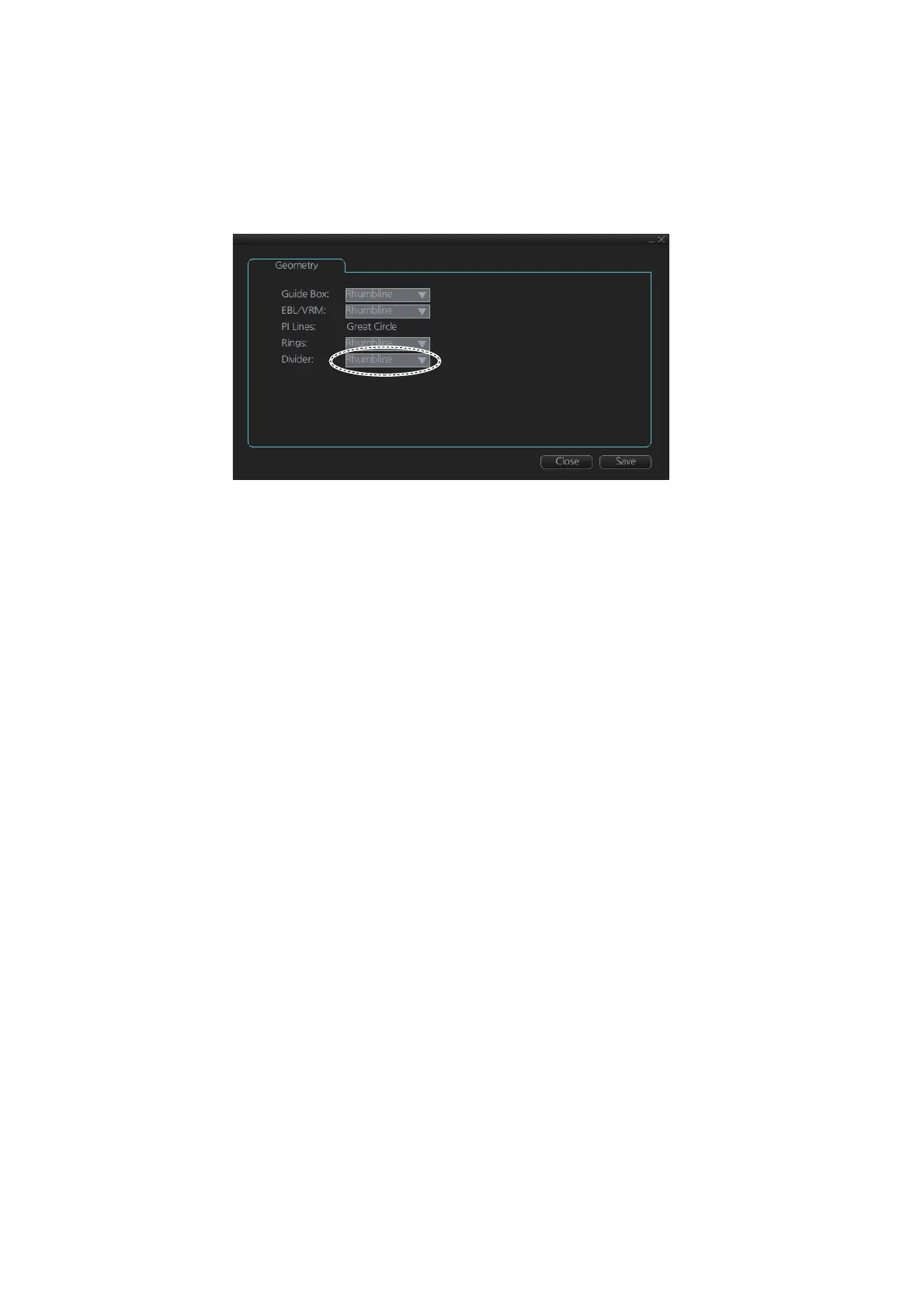
15.10.4 How to select the calculation method for the divider
The range calculation method for the divider can be selected to Rhumbline or Great
Circle. Do as follows to select a calculation method.
1. Open the menu, then select [NAV Tools] and [Geometry] to show the [Geometry]
page.
2. Select [Rhumbline] or [Great Circle] with the drop down list box for [Divider].
3. Click the [Save] button to save the setting, then click the close button to finish.



 To Next Page