13. USER CHARTS
13-12
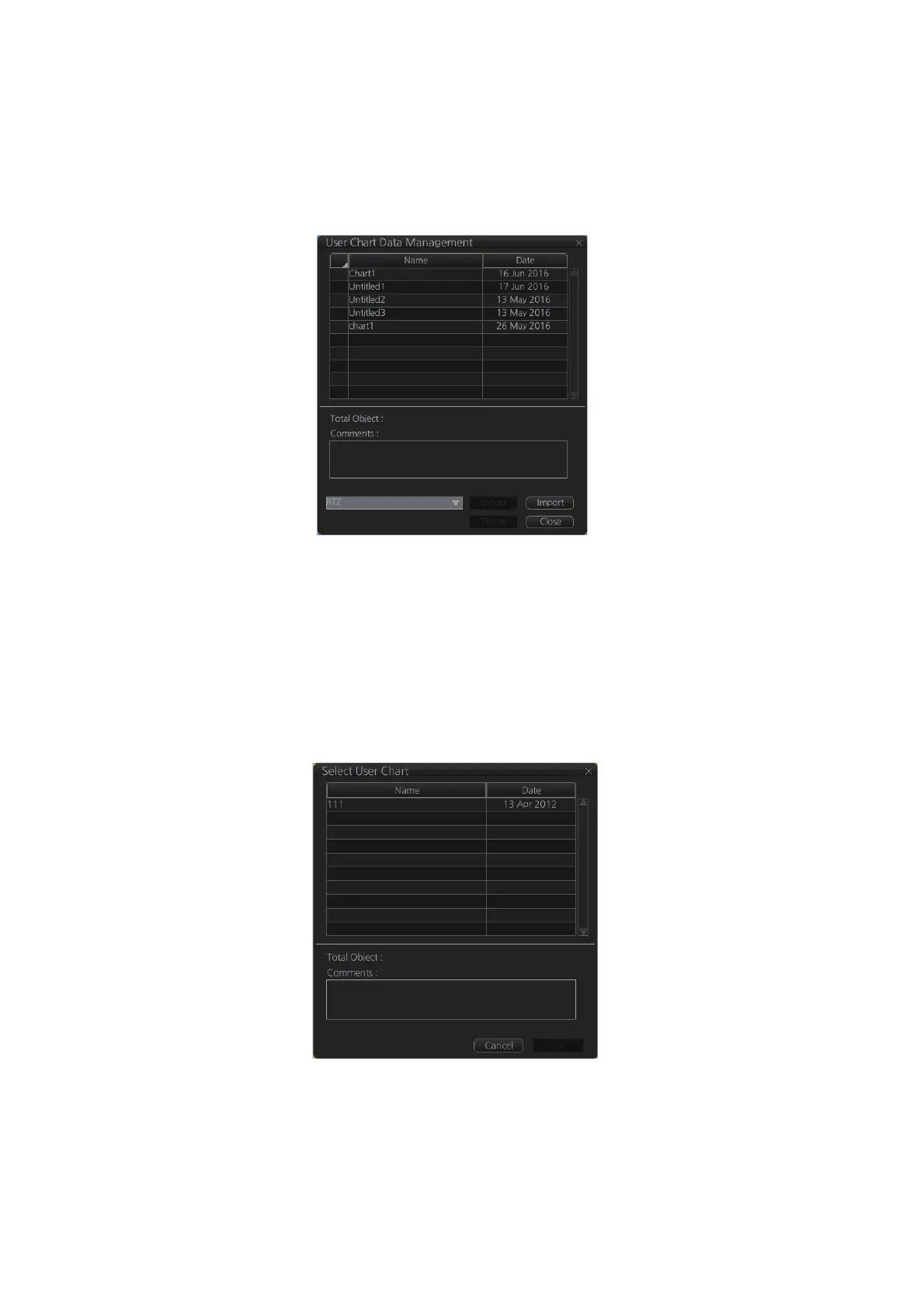
13.10 How to Delete User Charts
1. Click the [PLAN] button on the Status bar to get into the Planning navigation
mode.
2. Click the [Manage Data] button on the InstantAccess bar™ followed by the [User
Chart] button.
3. Check the user chart(s) to delete.
4. Click the [Delete] button.
13.11 User Chart Reports
1. Click the [Plan] button to go to the Voyage planning mode.
2. Click the [Report] button followed by the [User Chart] button to show the [Select
User Chart] dialog box.
3. Select the appropriate user chart then click the [OK] button to show the selected
report. See the next several pages for examples of reports.



 To Next Page