2. RADAR, CHART RADAR OPERATION
2-63
2.39.11 Notes details
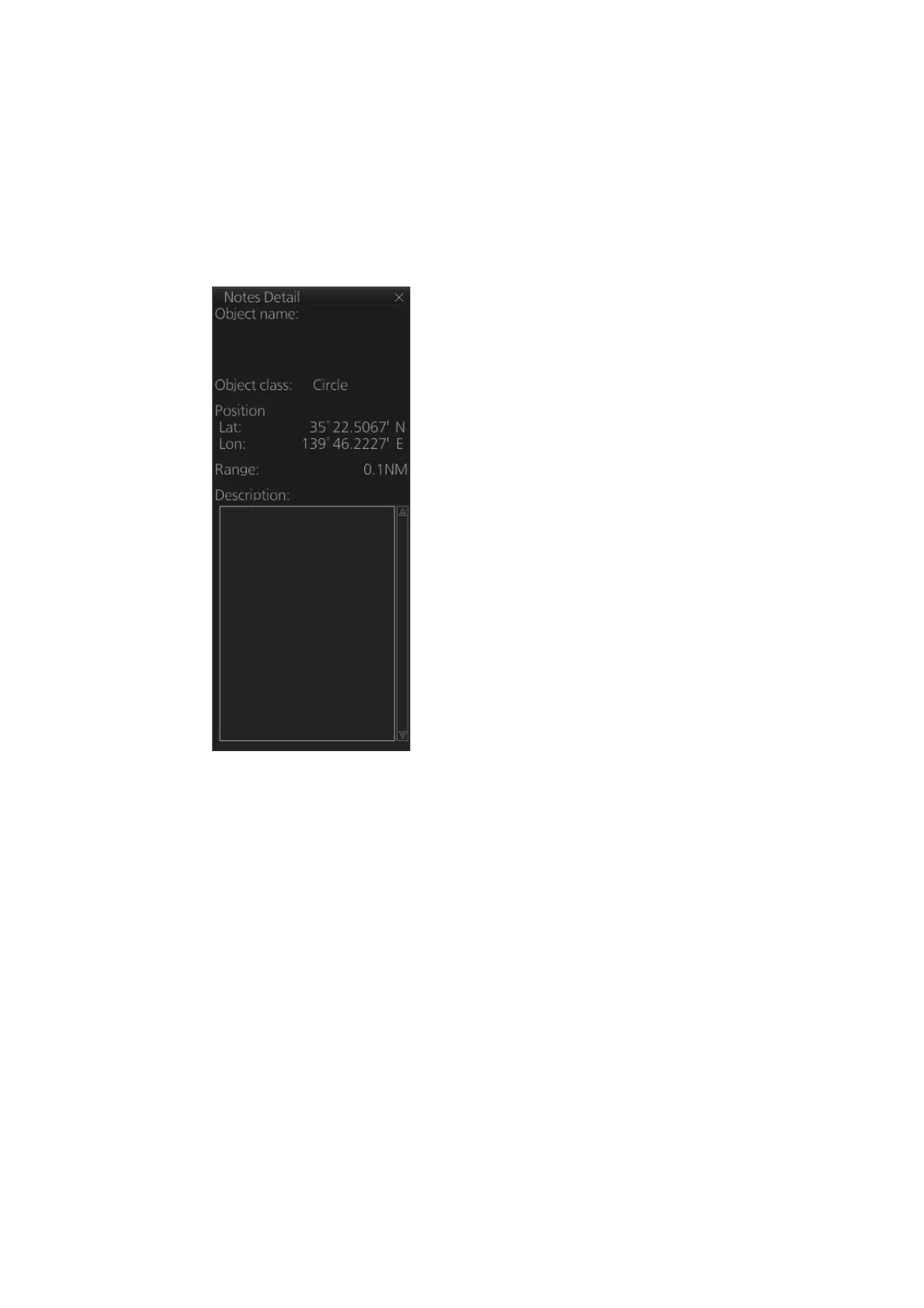
"Notes" provides messages for the operator relative to a specific ship position. The
chart radar compares the Notes position and own ship position and displays the Notes
when own ship is at the distance from the Notes specified in route planning. To display
the Notes at other times, right-click the display area to show the context-sensitive
menu, then select [Notes details]. In the example below the Notes about a wreck are
shown.
• Object name: The name assigned to the Notes.
• Object class: The type of object (point, line, area or
circle) linked to the Notes.
• Position: Position of the object in latitude and
longitude.
• Range: The range to the object.
• Description: A description of the object, input in the
Voyage planning mode.
Wreck area
Wreck within circle



 To Next Page