24. CONNING DISPLAYS
24-9
Example 12 (Offshore Service Vessel, Aft 2)
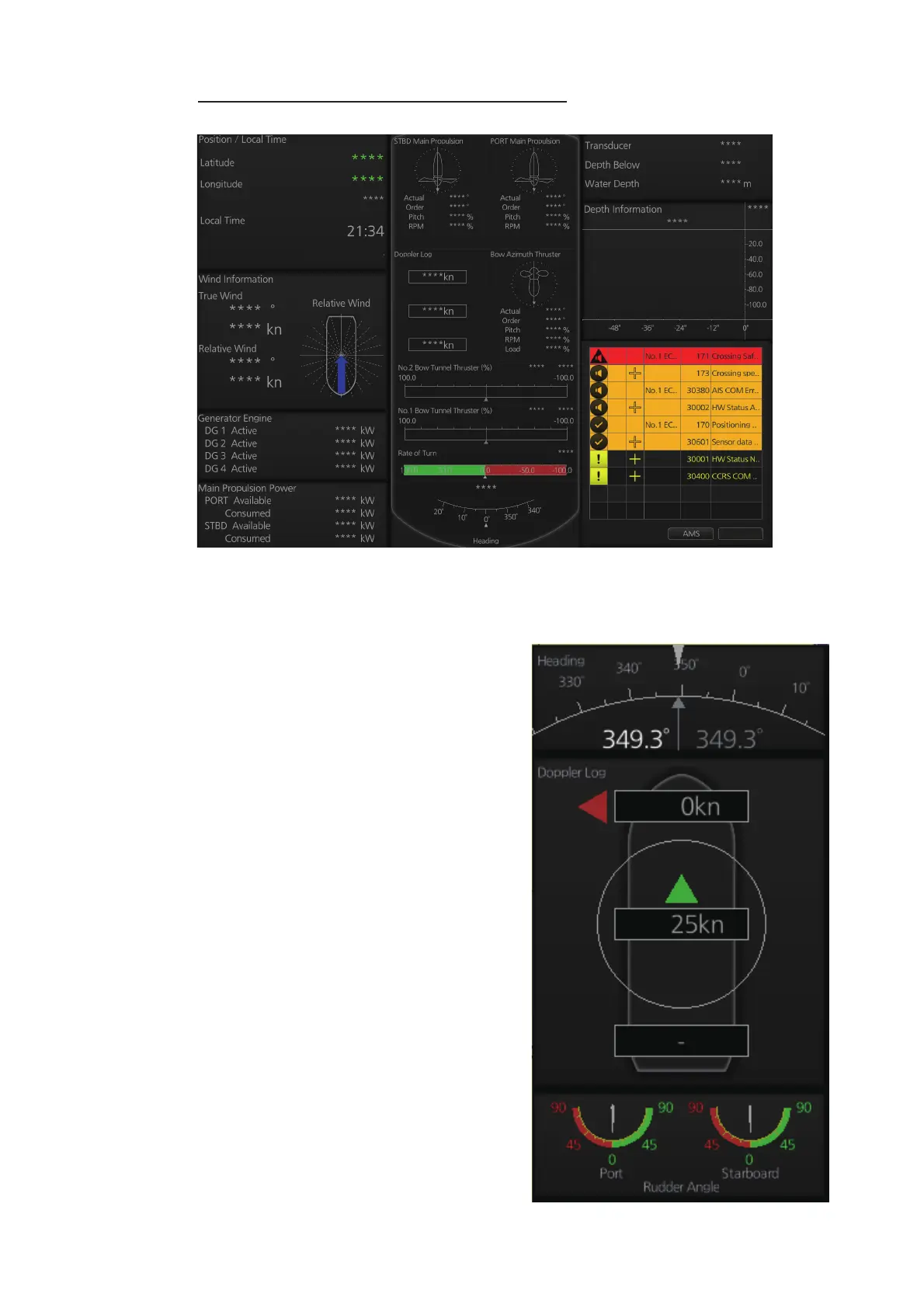
24.3 Mini Conning Display
The mini conning display, available in the
Voyage navigation mode, provides various
navigation information and is set during
the installation. The display example be-
low shows heading, doppler log speed and
rudder angle. To show or hide the mini
conning display, click the [Mini Conning]
button on the InstantAccess bar™.
To shift the mini conning display, right-
click the mini conning display to show the
context-sensitive menu. Click an option:
[Left Top], [Left Middle], [Left Bottom],
[Right Top], [Right Middle] or [Right Bot-
tom].
27 May 2016
Silence



 To Next Page