5. RADAR MAP AND TRACK
5-15
5.15 User Chart Display
The active user chart can be shown in the chart radar mode. See chapter 13 for a de-
scription of the user chart.
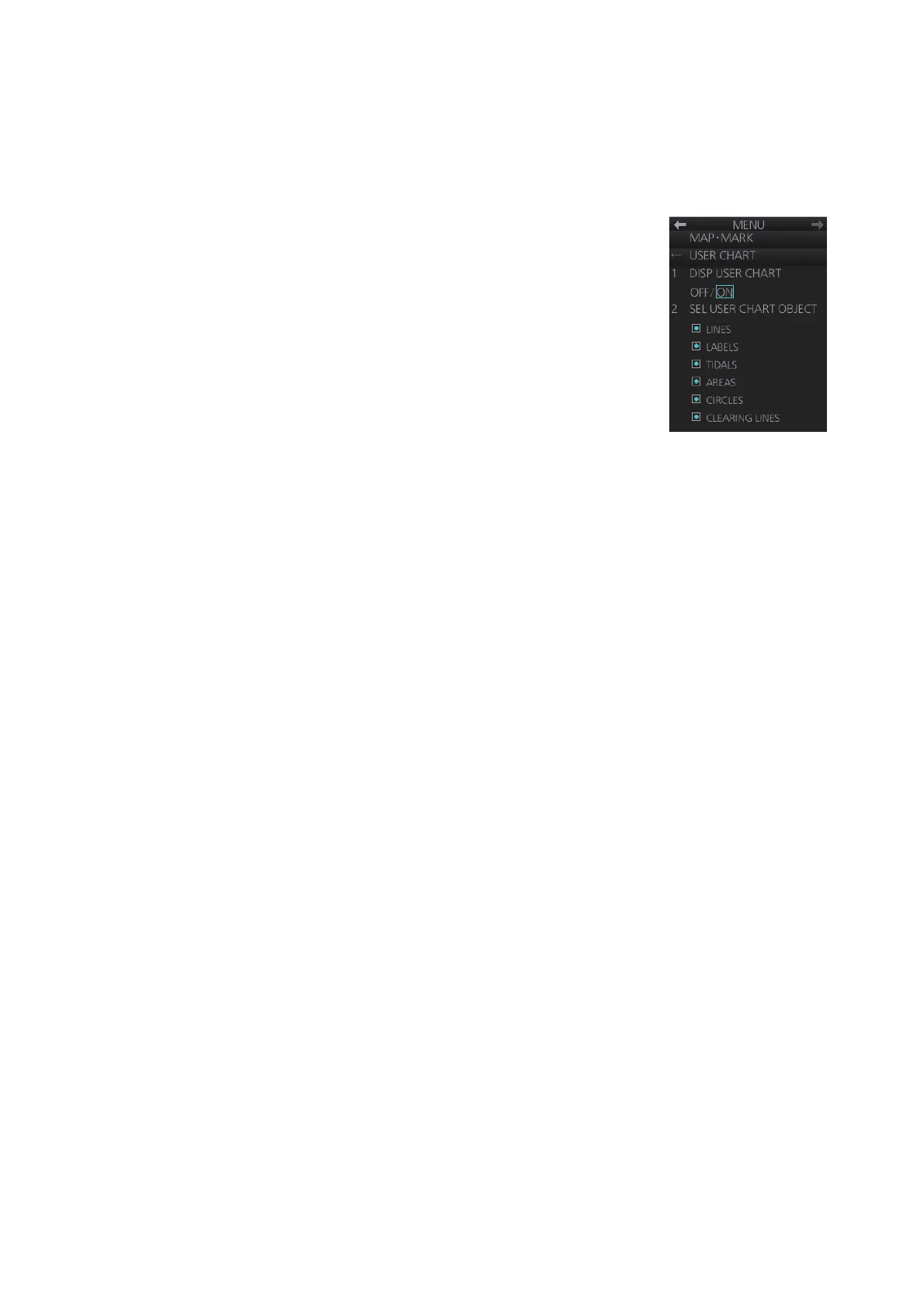
1. Right-click the [Mark] box then select [Map/Mark Menu] and [5 USER CHART].
2. Show or hide the user chart on the radar display with [1
DISP USER CHART].
3. Show or hide the user chart objects on the radar display
with [2 SEL USER CHART OBJECT].
4. Close the menu.



 To Next Page