2. RADAR, CHART RADAR OPERATION
2-12
2.12.1 How to select a customized echo
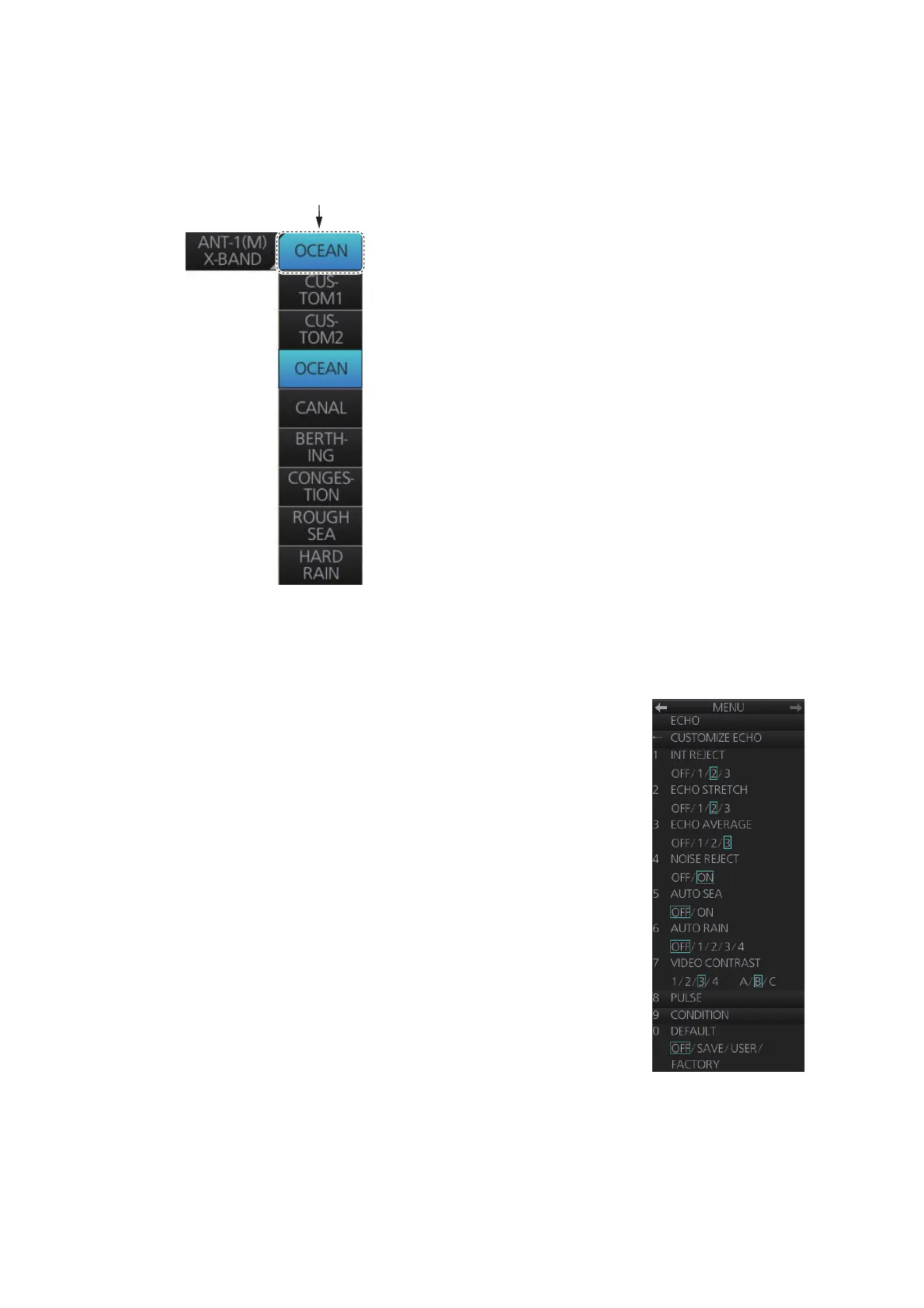
Click the [Customize Echo] button on the Status bar to select a customized echo op-
tion from the drop-down list.
2.12.2 How to edit a customized echo
You can edit a customized echo as below.
1. Right-click the [Customize Echo] button on the Status bar
then click [Customize Echo Menu].
2. Set the items below referring to the sections shown.
3. Click [7 VIDEO CONTRAST].
4. Spin the scrollwheel to select 1, 2, 3 or 4 (Dynamic
Range) or A, B, C (Curve) as appropriate then push the
left button. Refer to the description and illustration below.
Int Reject: section 2.7
Echo Stretch: section 2.8
Echo Average: section 2.9
Noise Reject: section 2.10
Auto Sea: section 2.5
Auto Rain: section 2.6
Pulse Length: section 2.3
Click to show
drop-down list.
[Customize Echo] button



 To Next Page