6. CHART OVERVIEW
6-6
6.1.3 InstantAccess bar™
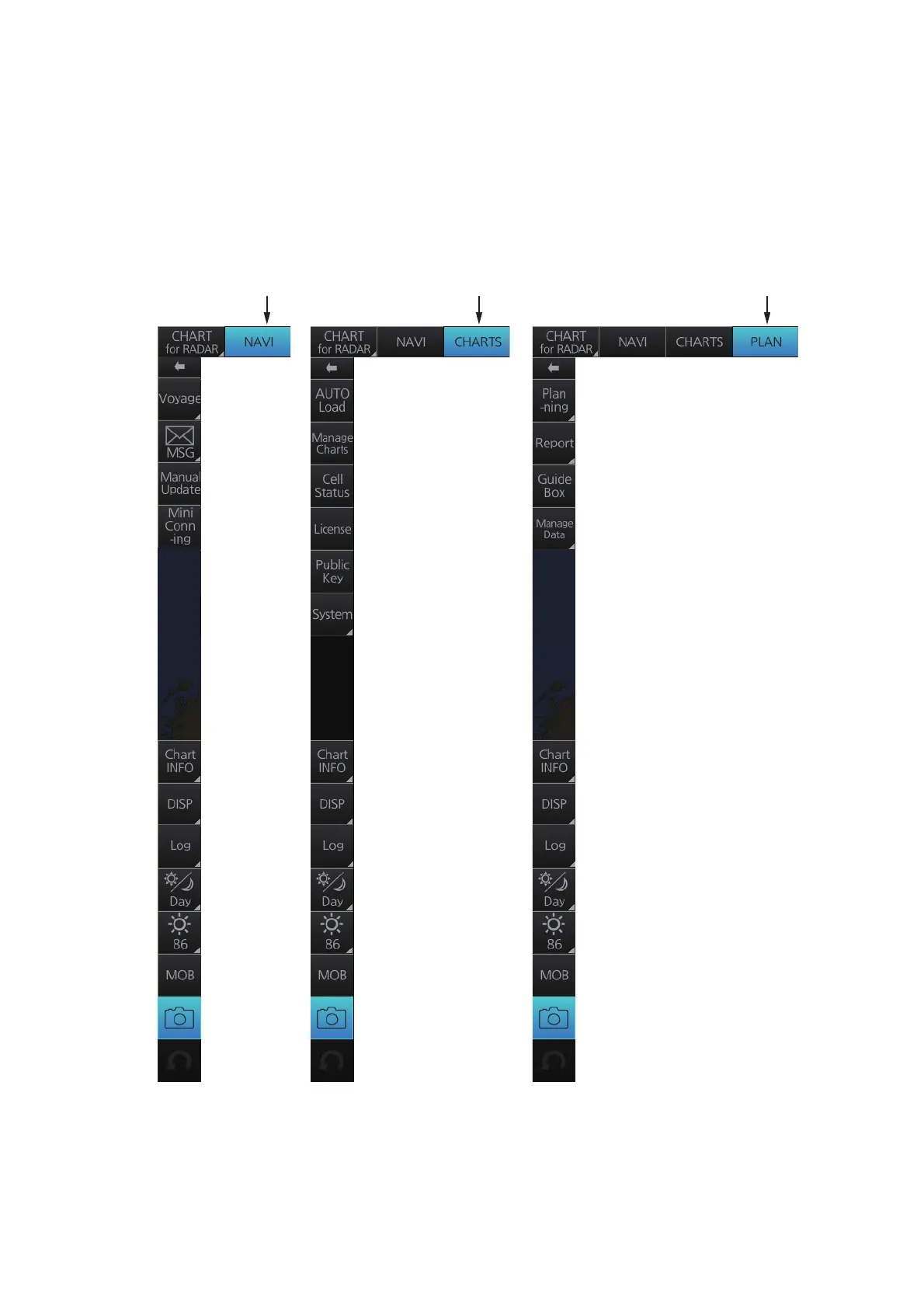
The InstantAccess bar™ runs vertically along the left edge of the screen. The bar con-
tains all the operating functions related to the selected chart operating mode (Voyage
planning, Voyage navigation and Chart maintenance). The bar is divided into two sec-
tions, upper and lower. The buttons in the lower section are common to all modes. A
button with a triangle mark at its bottom right corner indicates a button with multiple
functions.
Chart maintenance
mode bar
[NAVI] button
activated
[CHARTS] button
activated
[PLAN] button
activated
Voyage planning
mode bar
Voyage navigation
mode bar



 To Next Page