6. CHART OVERVIEW
6-5
Drop-down list button
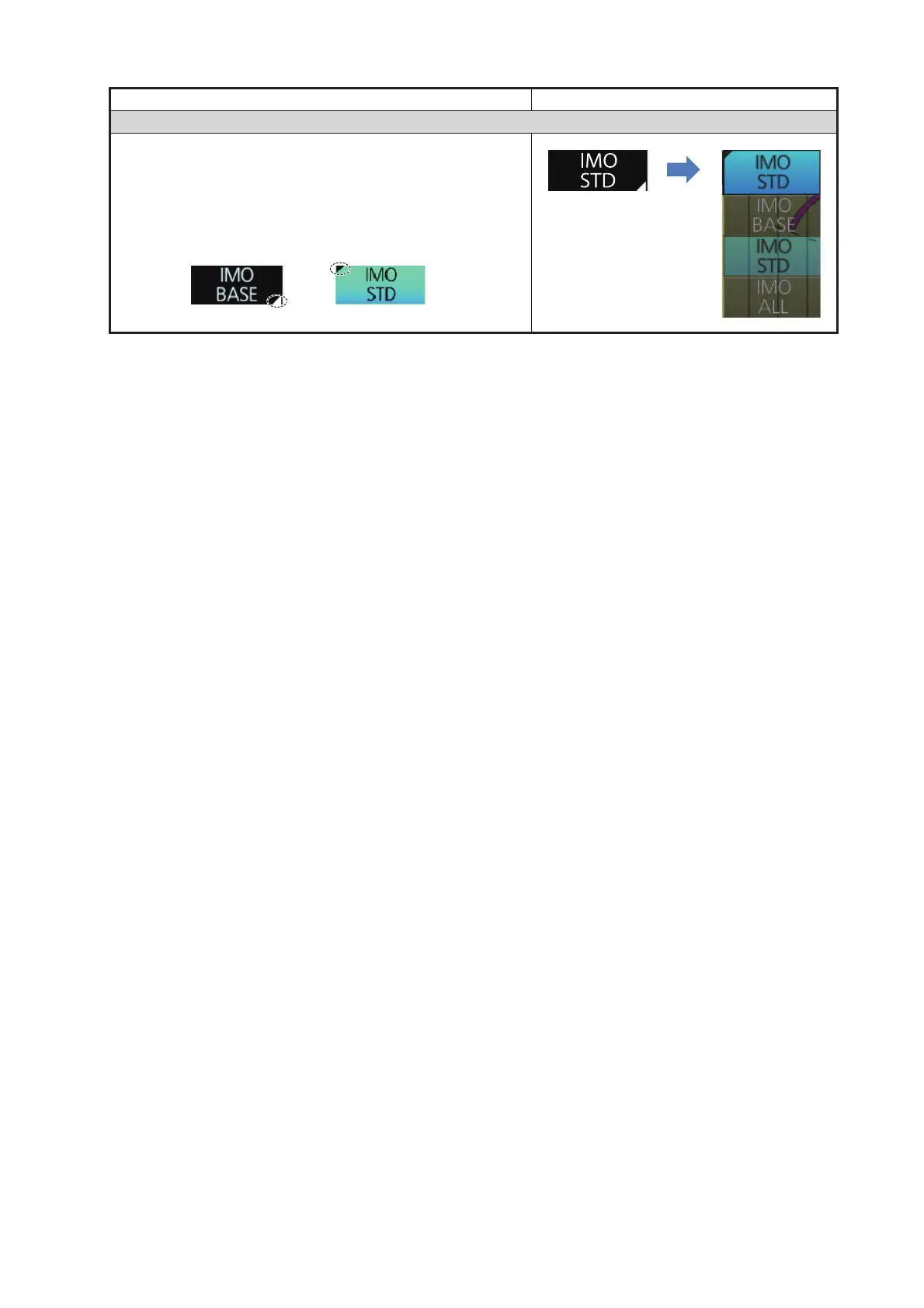
A drop-down list button provides a list from which to se-
lect an option related to the label on the button. The
[Chart Database] button is an example of a drop-down list
button. See the right figure. A drop-down list button has a
list status indicator (a triangle) whose position changes
according to list status.
Button type Operating procedure
Click
button.



 To Next Page