15. NAVIGATION TOOLS
15-13
15.9 Curved EBL
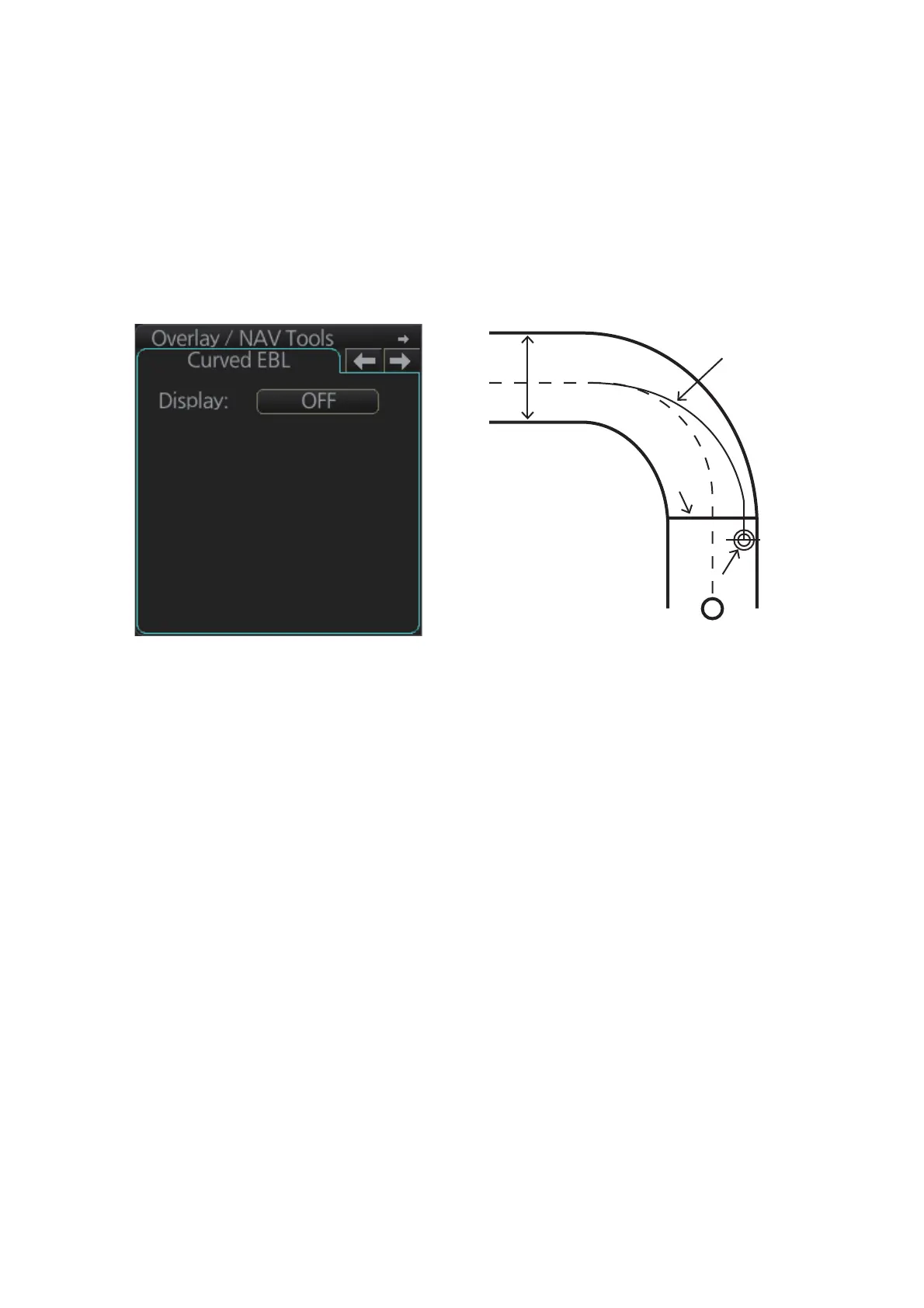
The [Curved EBL] function shows the planned steering radius. You can use this func-
tion to determine the best location to begin a turn. You can also use the [Curved EBL]
function to determine whether a turn is conduct as planned.
To show/hide the [Curved EBL], click the [ON]/[OFF] button on the [Curved EBL] page
of the [Overly/NAV Tools] box.
Note: This function is only available when a EC-3000 with TCS functionality is con-
nected to the network.
WPT1
Curved EBL
Steering lineSteering line
OS markOS mark
XTD limit



 To Next Page