12. ROUTES
12-25
12.13 Reports
This chart radar generates reports for waypoints in the selected route. If connected to
a printer, reports can be printed by clicking the [Print Text] button. Text in reports can
be searched with the [Find] button.
To generate a report, do the following:
1. Click the [Plan] button to go to the Voyage planning mode.
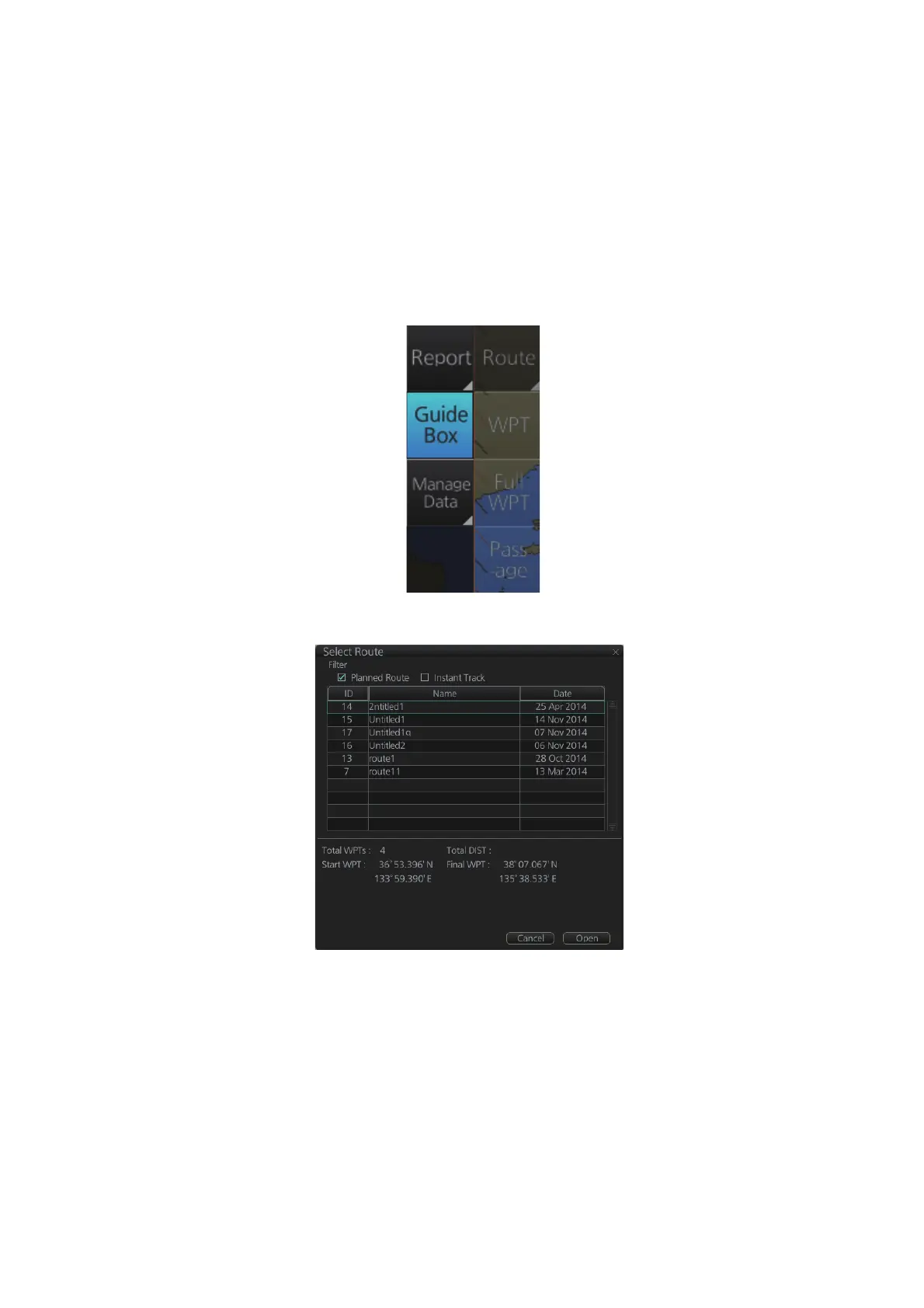
2. Click the [Report] button followed by the [Route] button. Click applicable “report”
button.
The following dialog box appears.
3. Select the appropriate route then click the [Open] button to show the selected re-
port. See the next several pages for examples.
177.50NM



 To Next Page