22. SETTINGS MENU
22-10
22.9 Display Test
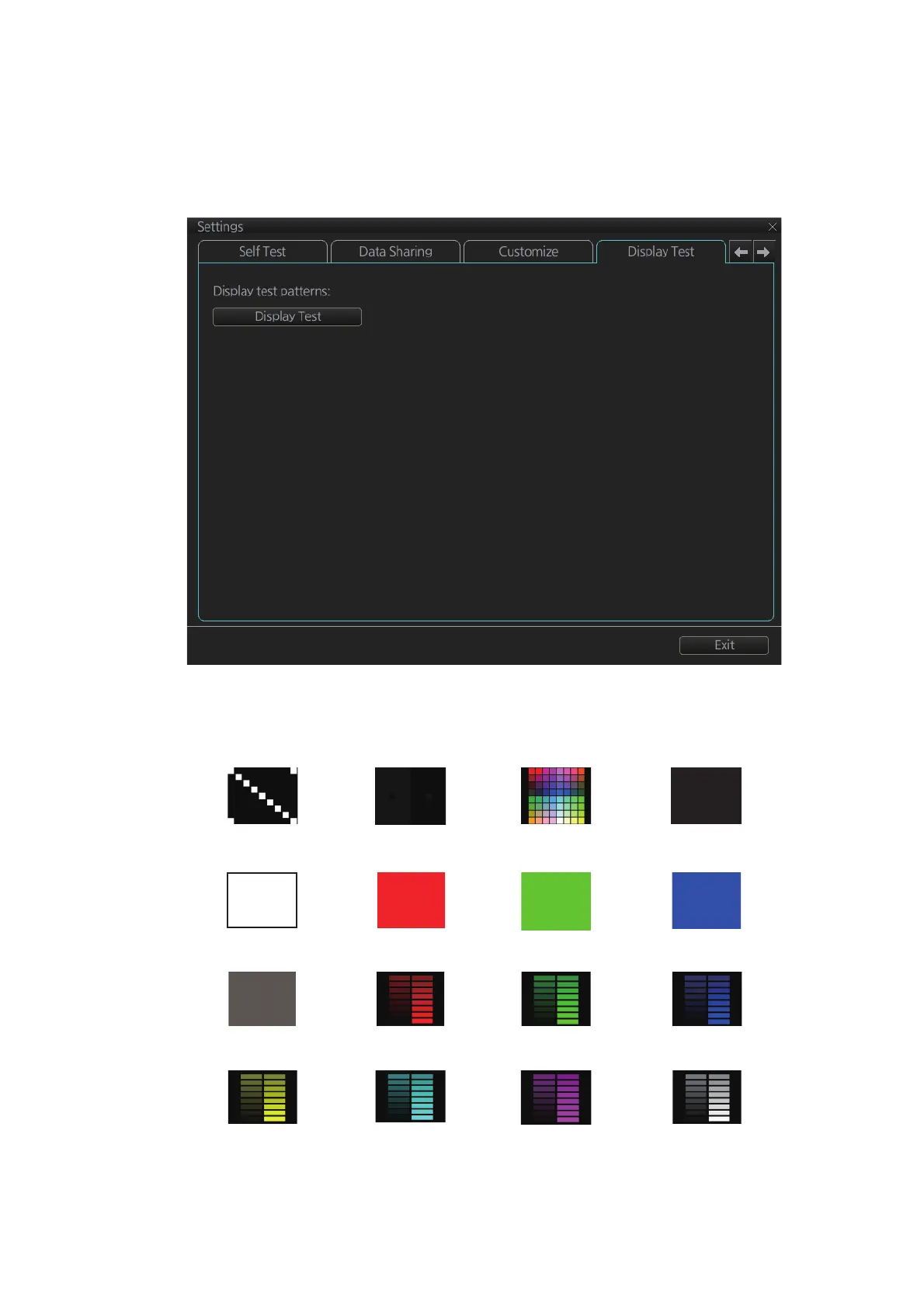
The [DIsplay Test] page displays various test patterns to check the monitor for proper
display of colors. Click the [Display Test] button to start the test. The buzzer sounds
when the display test starts.
Left-click to proceed in the numerical order shown below; right-click to proceed in re-
verse order.
To quit the display test at any time, press the ESC key on the applicable Control Unit.
(1) (2) (3) (4)
(5) (6) (7) (8)
(9) (10) (11) (12)
(13) (14) (15) (16)
Diagonal Black All colors Black
White Red Green Blue
Gray Red bars Green bars Blue bars
Yellow bars Aqua bars Purple bars Gray bars



 To Next Page