9. VECTOR (S57) CHARTS
9-9
9.5.3 Catalog of AIO cells
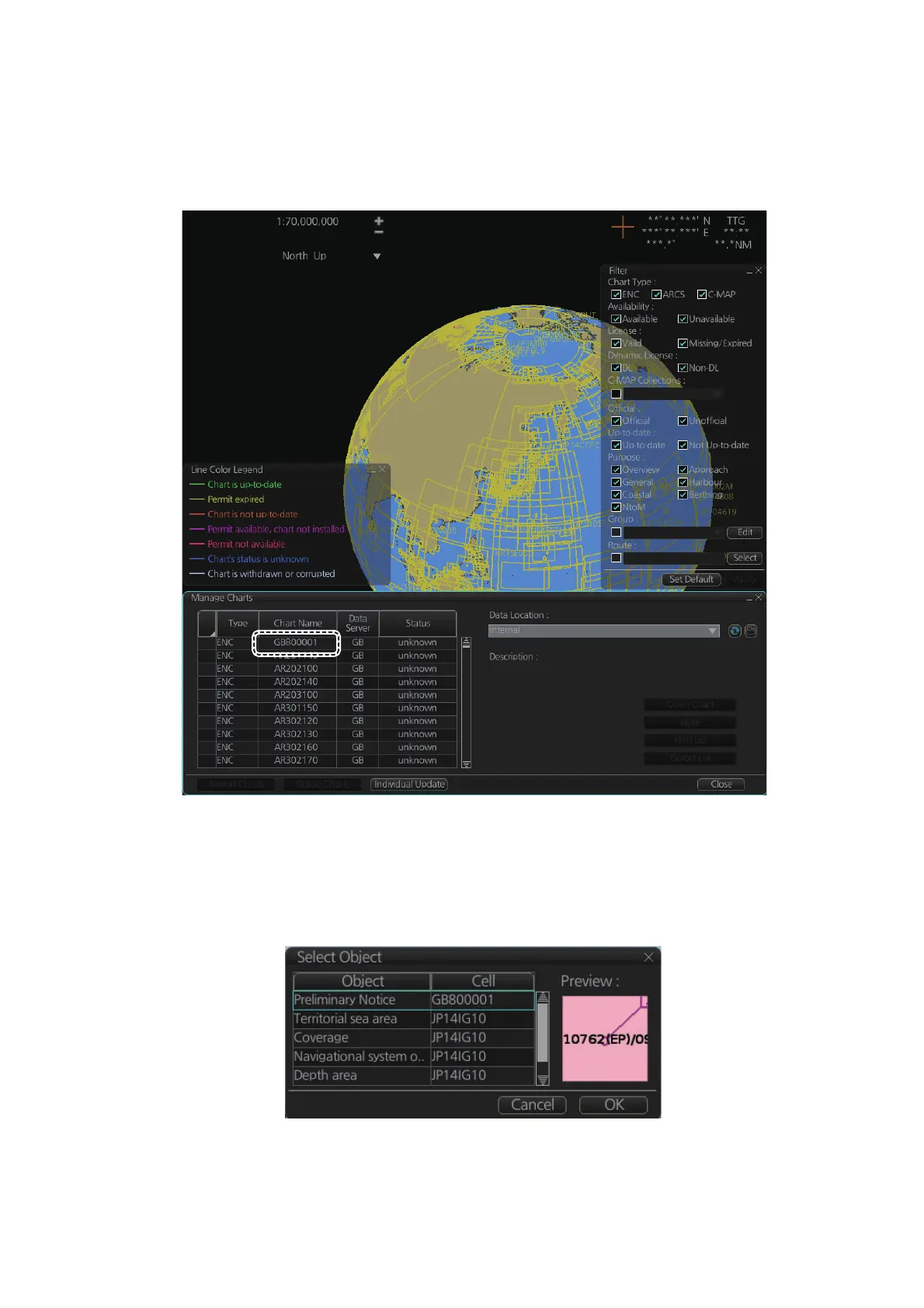
A catalog of AIO cells is maintained in the [Manage Charts] dialog box. To show this
box, get into the Chart maintenance mode then click the [Manage Charts] button on
the InstantAccess bar™. The AIO cell is GB800001.
9.5.4 How to find AIO chart object information
Do the following to find chart object information contained in the AIO.
1. Right click a red hatched area in the chart area, then select [Pick Report] to show
the [Select Object] dialog box.



 To Next Page