8. HOW TO CONTROL CHART OBJECTS
8-4
8.2.3 Chart Display menu
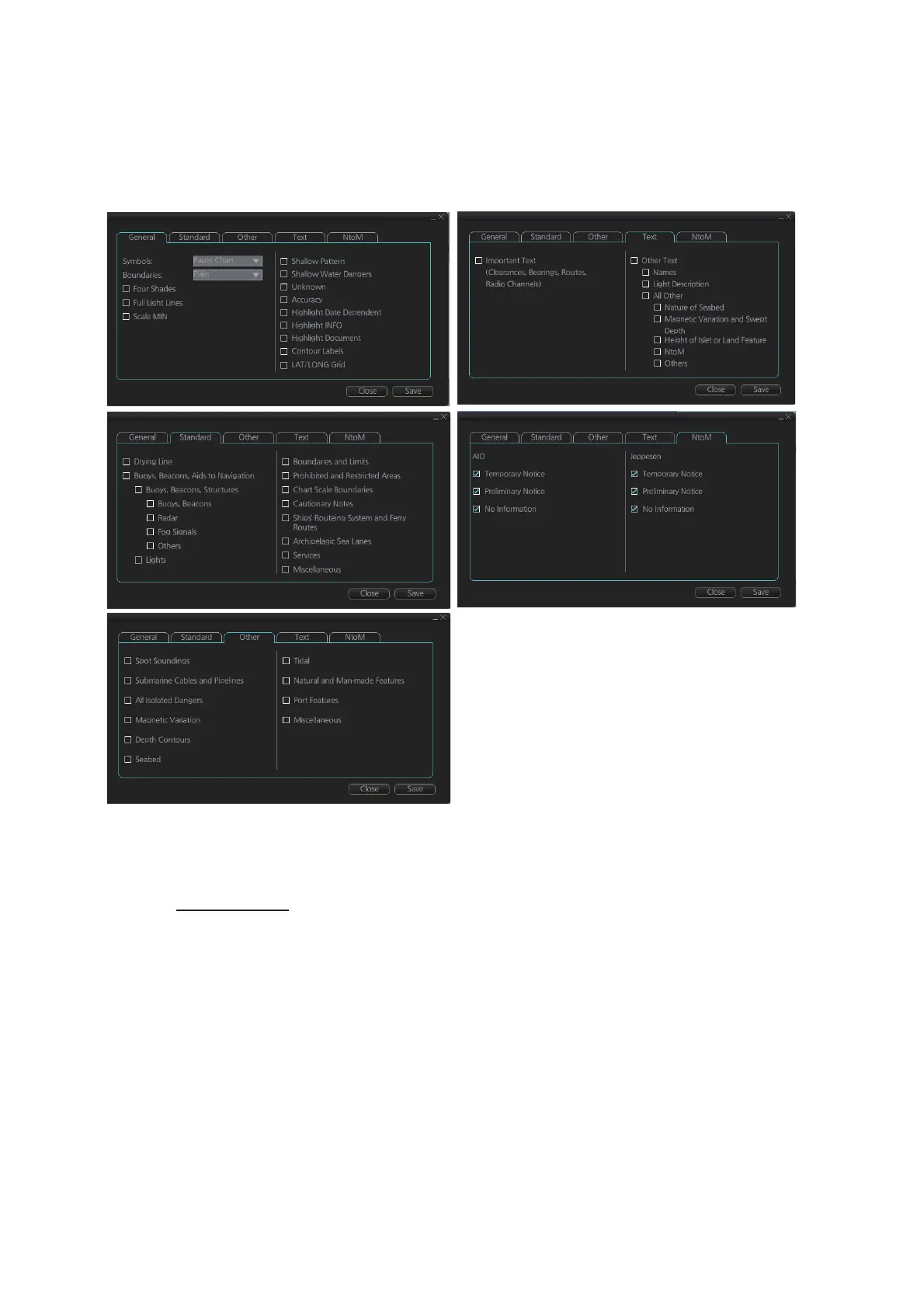
To access the [Chart Display] menu and its pages, click [DISP], [SET] and [Chartࠉ
DISP] on the InstantAccess bar™. then select [General], [Standard], [Other], [Text], or
[NtoM] page as appropriate.
To access the [Chart Display] menu and its pages, click [DISP], [SET] and [Chart
DISP] on the InstantAccess bar™ then select [General], [Standard], [Other], [Text], or
[NtoM] page as appropriate.
General page
This page turns chart features on (checkbox checked) or off.
Symbol: Determines how to display chart symbols.
- Paper Chart: Symbols displayed the same as the conventional paper chart symbols
- Simplified: Symbols displayed in simplified style, and the sea is displayed in color.
Boundaries: Determines how to show boundary lines of chart objects.
- Plain: Boundary line shown with solid and dashed lines.
- Symbolized: Symbol is attached to the line according to the purpose of the line.
Scale MIN: Set the minimum chart scale to display chart objects. When the chart scale
is lower than set here, the chart objects will not be displayed.



 To Next Page