7. HOW TO MANAGE CHARTS
7-2
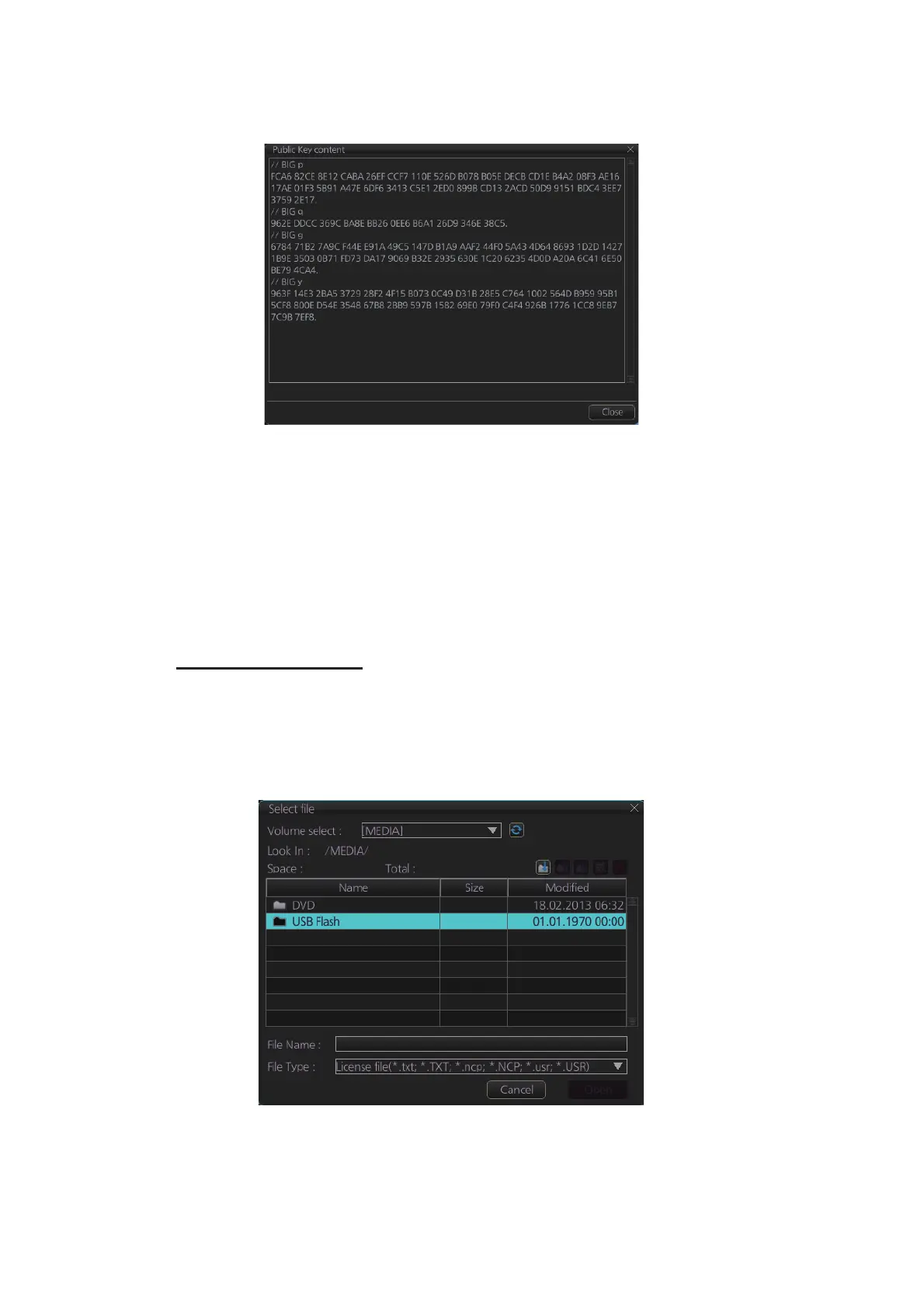
5. Click the [Display Content] button on the [Select Public Key] dialog box to show
the display contents.
6. To accept the contents, click the [Activate] button on the [Select Public Key] dialog
box.
7.2 How to Install ENC Licenses, Charts
Install your ENC licenses and charts, in that order.
7.2.1 How to install an ENC license
Automatic installation
1. Insert the medium (DVD, USB flash memory, etc.) that contains the ENC license.
2. Get into the Chart maintenance mode then click the [License] button on the
InstantAccess bar™ to show the [Licenses] dialog box.
3. Click the [Import Licenses] button.



 To Next Page