5. RADAR MAP AND TRACK
5-5
5.8 How to Erase Radar Map Marks and Lines
A total of 4,000 marks and lines is allotted per map. When this amount is exceeded in
a map, no more map marks or lines may be entered into the map unless you erase
some unnecessary marks or lines.
5.8.1 How to erase individual radar map marks and lines
1. Put the cursor on the mark or line to erase then right click to show the context-
sensitive menu.
2. Click [Mark Delete] to enable erasure of marks, lines.
3. Click the mark or line to erase.
5.8.2 How to erase map marks and lines in an area
You can erase all marks and lines within an area as follows:
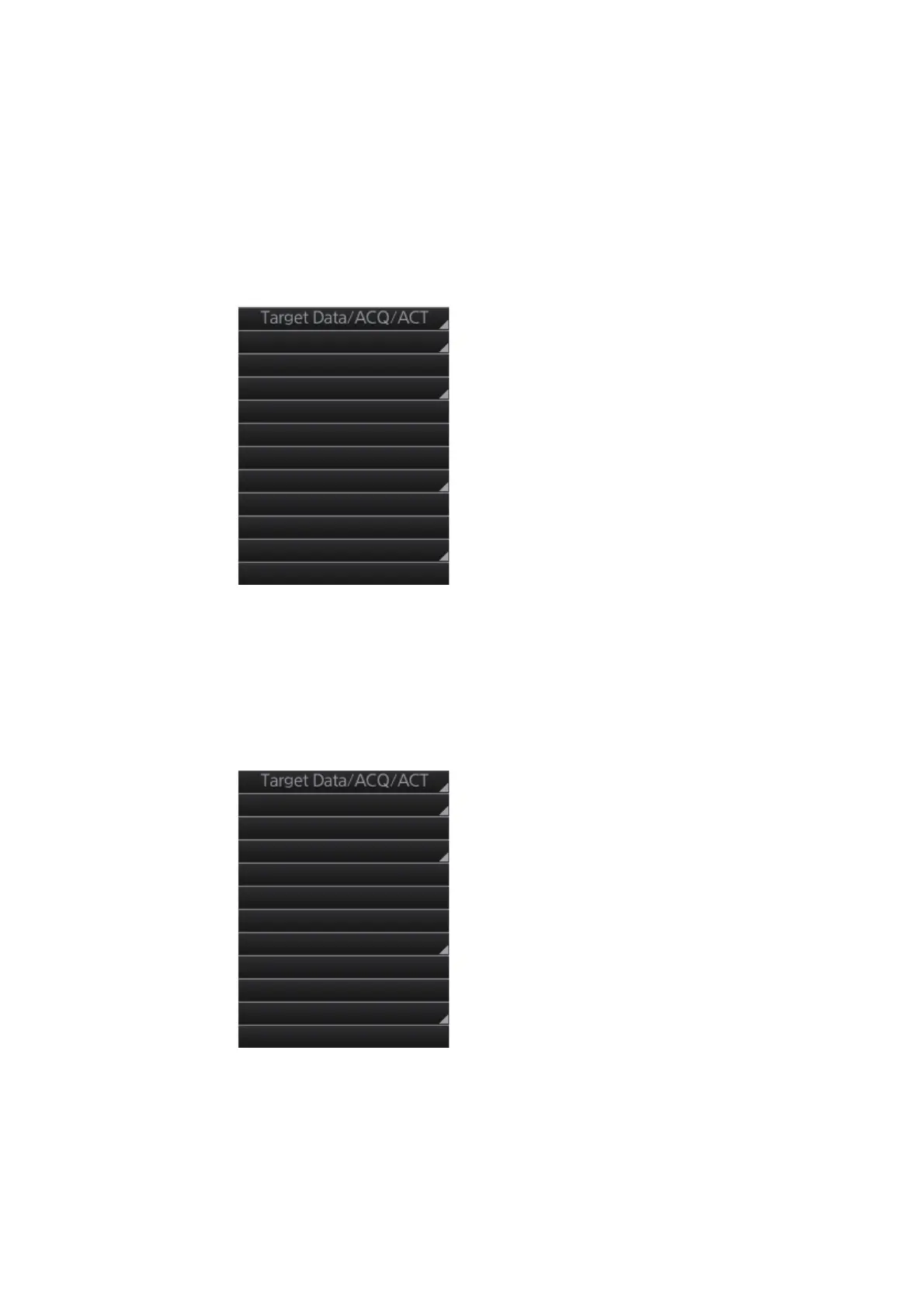
1. Right-click the display area to show the context-sensitive menu.
2. Click [Area Select].
Target Cancel
Off Center
EBL Offset
Zoom Set
Area Select
Mark Delete
Mark Copy
Own Ship Offset
REF Mark
Cursor Size
Notes Detail
Target Cancel
Off Center
EBL Offset
Zoom Set
Area Select
Mark Delete
Mark Copy
Own Ship Offset
REF Mark
Cursor Size
Notes Detail



 To Next Page