4. AIS OPERATION
4-20
4.17 How to View Own Ship Data
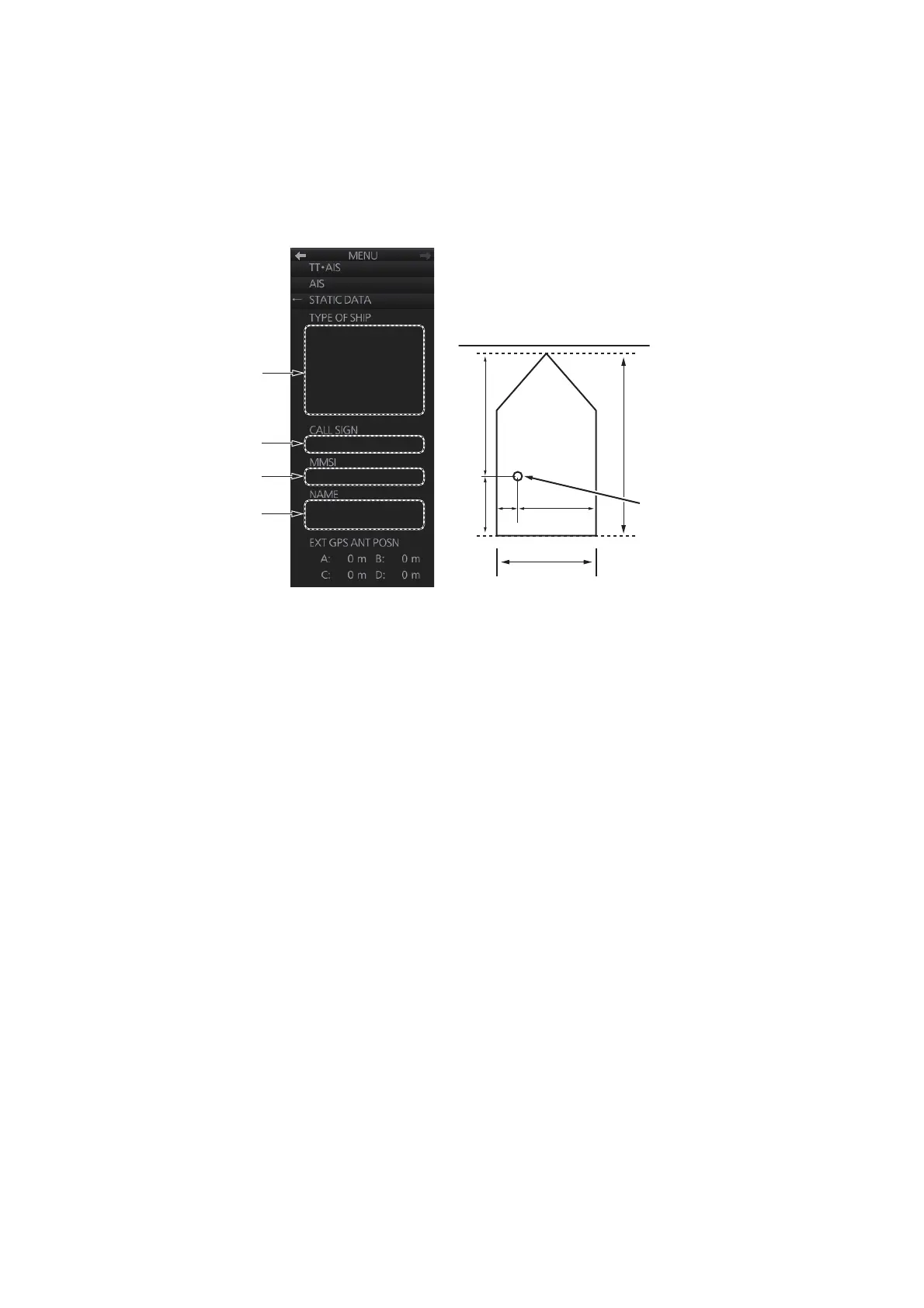
Own ship’s static data (type of ship, call sign, MMSI, name and position of external
GPS antenna) can be viewed as follows:
1. Right-click the AIS mode indication then click [AIS Menu] to show the AIS menu.
2. Select [STATIC DATA].
3. Close the menu.
Call sign
MMSI no. here
Ship name
A
B
Type of ship
C
D
Ship width
Ship length
External GPS antenna position
External GPS
antenna position



 To Next Page