19. RECORDING FUNCTIONS
19-10
How to view the danger targets log
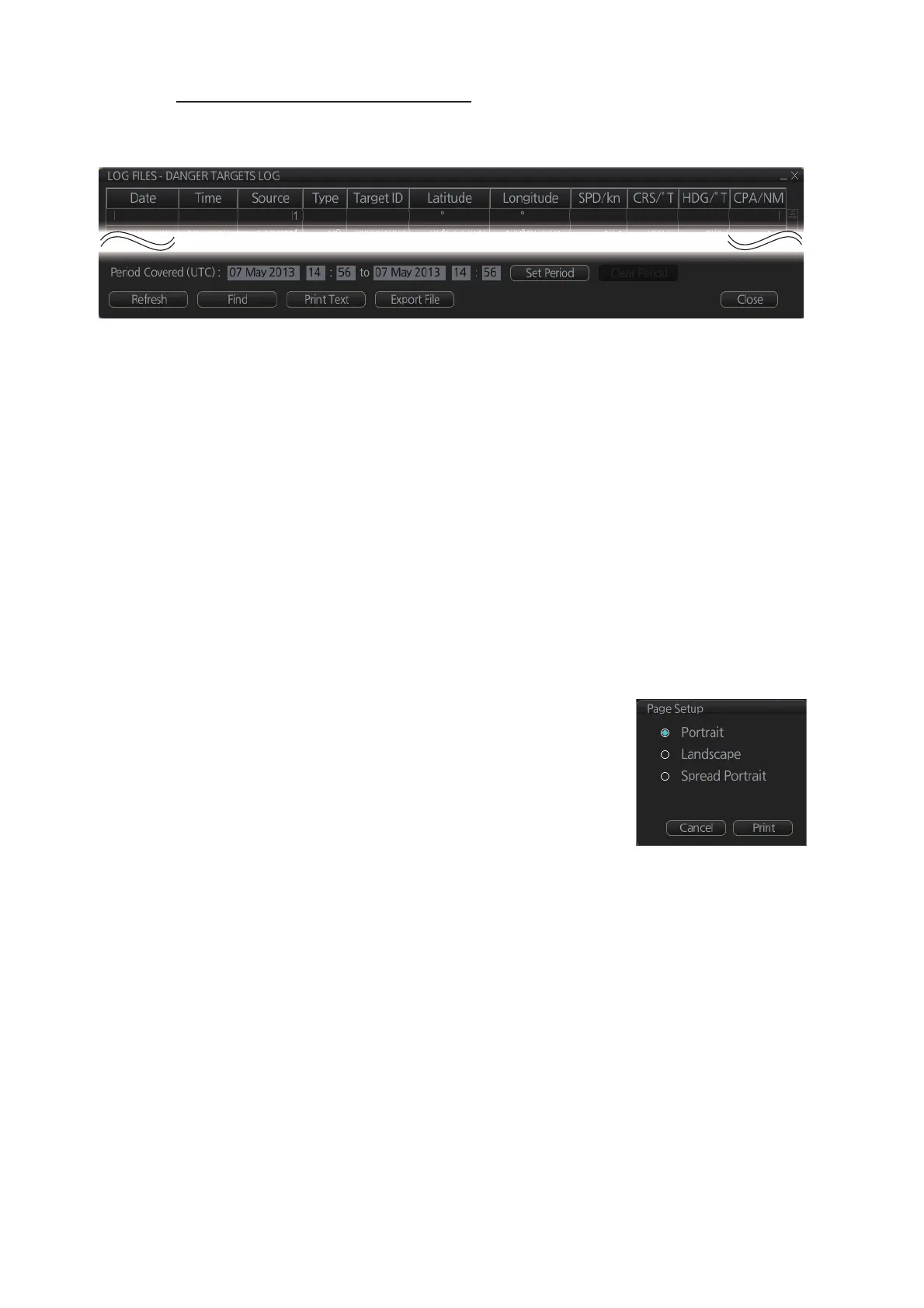
To open the [Danger Targets] log, click the [Log], [Target Log] and [Danger Target]
buttons on the InstantAccess bar™.
• To show the logs of a specific period, enter the period to show with [Period Cov-
ered (UTC)] then click the [Set Period] button. Use the [Clear Period] button to dis-
play all logs. Log entries outside the set period become gray and the entries inside
the set period remain visible. To show log entries which are not visible, spin the
scrollwheel upward to scroll up the log, downward to scroll down the log.
• To refresh the log, click the [Refresh] button.
• To search the log, do as follows:
1) Click the [Find] button to show the [Find text] box.
2) Click the input box then enter the text to search.
3) Select the search direction, with the up or down radio button.
4) Click the [Find] button. Matching text is highlighted in yellow at the top of the
screen.
5) To continue the search click the [Find] button. To cancel the search, click the
[Cancel] button.
• To print the log, click the [Print Text] button.
• To export the log, click the [Export File] button. The file
is namedDangerTargetLogYYYYMMDDhhmmss.csv.



 To Next Page