4. AIS OPERATION
4-4
Note 1: The equipment continues to process AIS targets when the AIS feature is
switched off. When the AIS is again turned on, symbols are immediately displayed.
Note 2: AIS symbols are momentarily erased after the screen is redrawn when the
heading is changed from the head-up mode.
Note 3: When no AIS data is received, the Alert 380 (ALF format: 10380,131) "AIS
COM Error" appears in the [Alert] box. Check the AIS transponder.
Note 4: An AIS target is declared a lost target if it is not detected in five consecutive
reporting periods.
Note 5: Physical and virtual AIS AtoN symbols that may appear are listed in the table
on the following page.
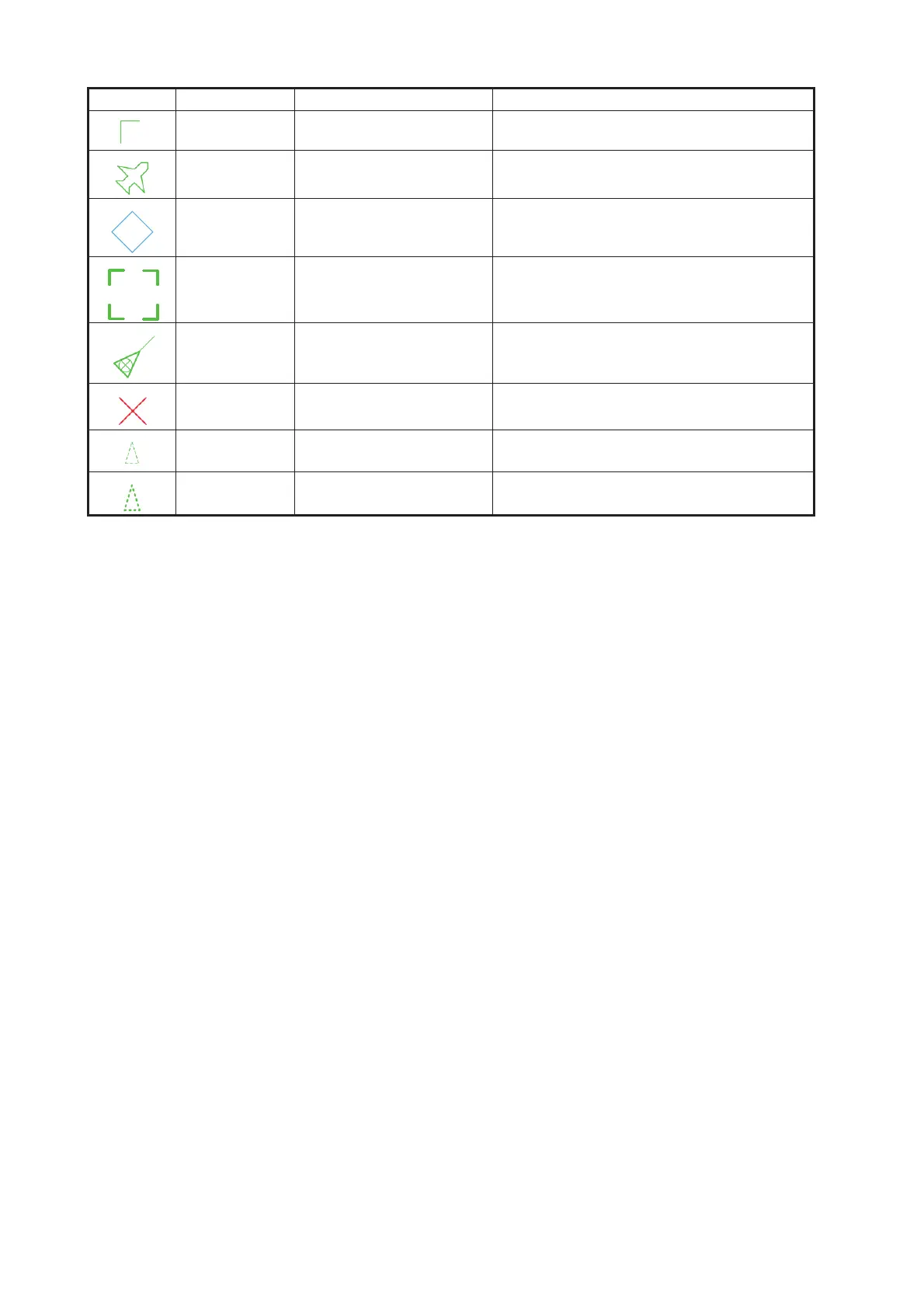
Green Heading-turn indicator Show target’s direction of turning.
Green SAR Aircraft Denote SAR aircraft.
Blue AIS base station Denote AIS base station.
Green AIS select symbol Target selected to display its data.
Green SAR vessel SAR (search and rescue) vessel
Red (fixed) AIS lost symbol X is superimposed on the AIS target sym-
bol and is flashing.
Green Non HDG/COG sleeping
AIS target
Denote sleeping AIS symbol without HDG
and COG. Dashed line.
Green Non HDG/COG activated
AIS target
Denote active AIS symbol without HDG
and COG. Dashed line.
Symbol Default color Name Description
BS



 To Next Page