13. USER CHARTS
13-14
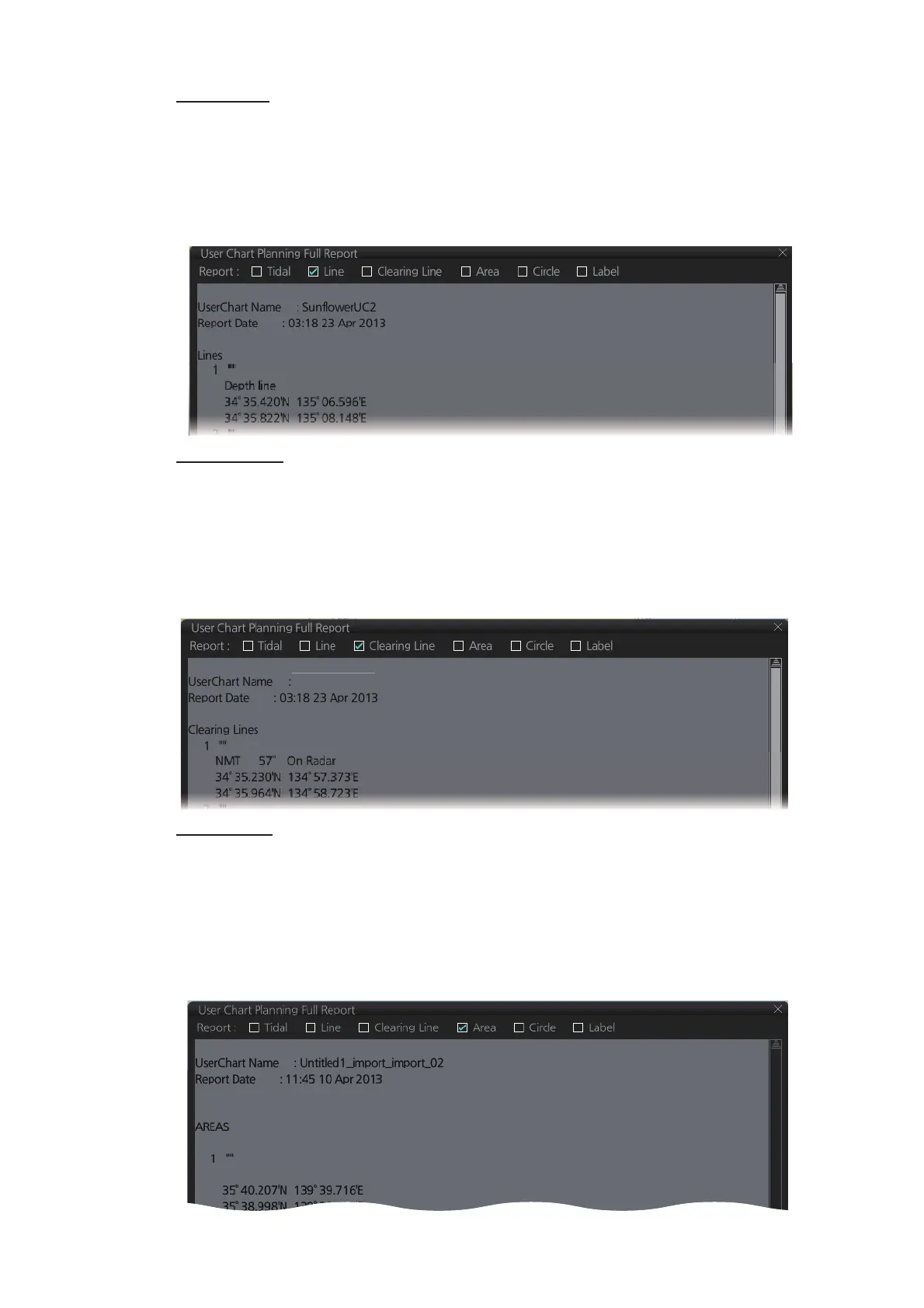
Line report
A line report provides:
Clearing line
The Clearing line report shows the name and position of clearing lines entered on the
chosen user chart selected.
Area report
An area report provides:
• Line name
• Latitude and longitude position of each point on the line
• Where a check mark is input in the column for [Radar], [Danger] or [Notes] on the [Us-
er Chart] dialog box, "On Radar", "Danger" or "Has Notes" appears in the report.
• "On radar" is shown if the area is shown on the radar overlay.
• "Danger" is shown when a check mark is input in the column for [Danger] on the [User
Chart] dialog box
• Area no. and area name
• The latitude and longitude position of each point of the area
• The description of the area
• Where a check mark is input in the column for [Radar], [Danger] or [Notes] on the [Us-
er Chart] dialog box, "On Radar", "Danger" or "Has Notes" appears in the report.



 To Next Page