1. OPERATIONAL OVERVIEW
1-18
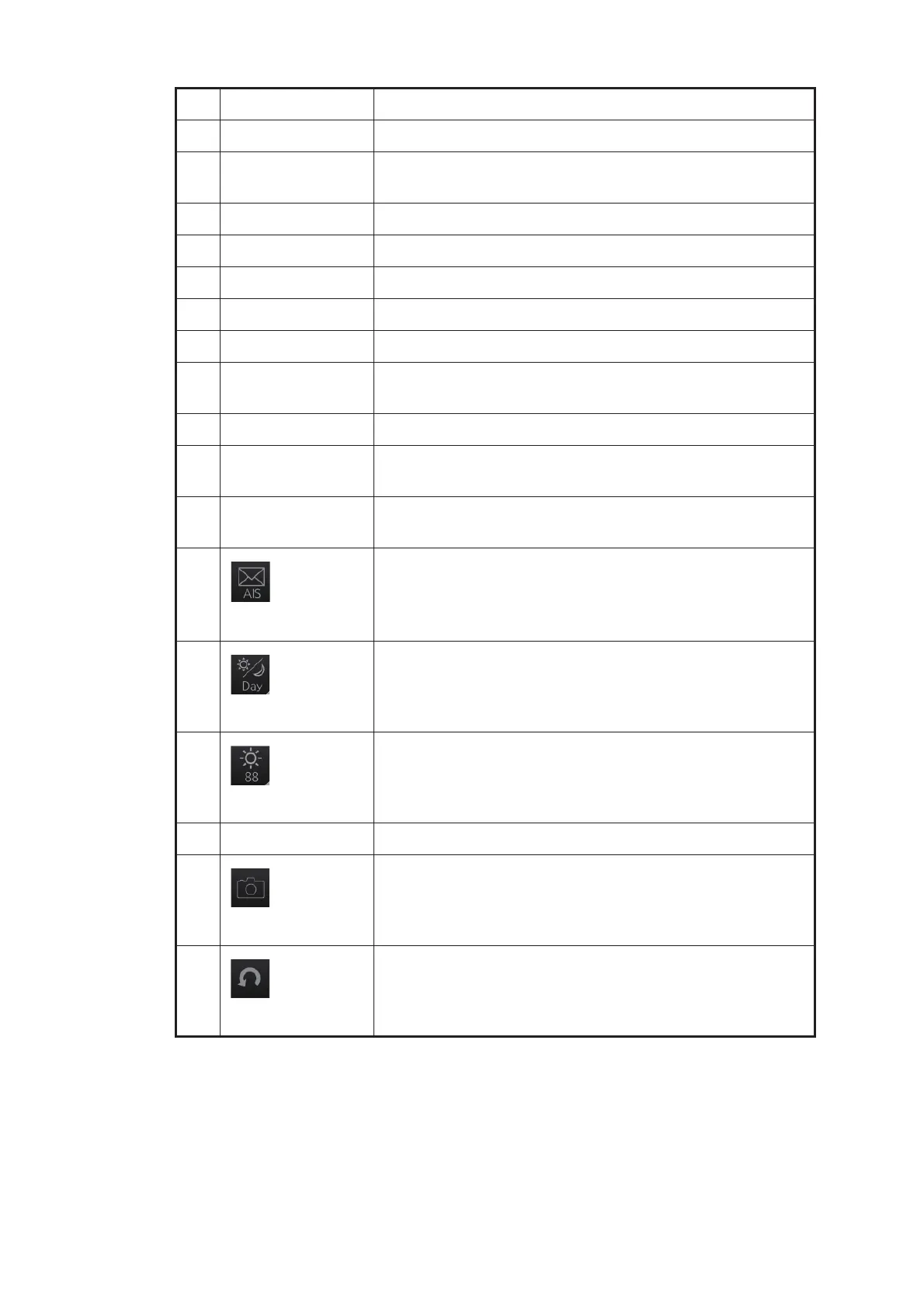
No. Button name Description
1 PULSE Selects radar pulse length.
2 TUNE Select the radar receiver tuning method, automatic or man-
ual, and manually tunes the radar receiver.
3 IR Activates or deactivates the interference rejector.
4 ES Activates or deactivates the echo stretch.
5 EAV Activates or deactivates the echo averaging.
6 HL OFF Temporarily erases everything but radar echoes.
7 CU/TM reset Resets ship's position in course-up and true motion modes.
8 MAP ON/OFF Shows or hides the radar map marks on the radar display,
in the radar mode.
9 CHART ON/OFF Shows or hides the electronic chart.
10 Chart Disp Shows, hides various chart objects. Shown in the chart ra-
dar mode. See section 2.39.2.
11 OWN AIS Shows the [VOYAGE DATA] menu, to set your ships AIS
data.
12
AIS message
Displays screen for “received AIS message.”
13
Palette
Selects a color palette.
14
BRILL
Adjusts the brilliance of the monitor. (Adjustment of the
backlighting for the control unit is available in the chart for
radar mode.)
15 MOB Enters the MOB mark at the current position.
16
Capture
Takes a screenshot.
17
UNDO
Restore previous condition in radar map and text input.



 To Next Page