APPENDIX 2 ABBREVIATIONS, SYMBOLS
AP-21
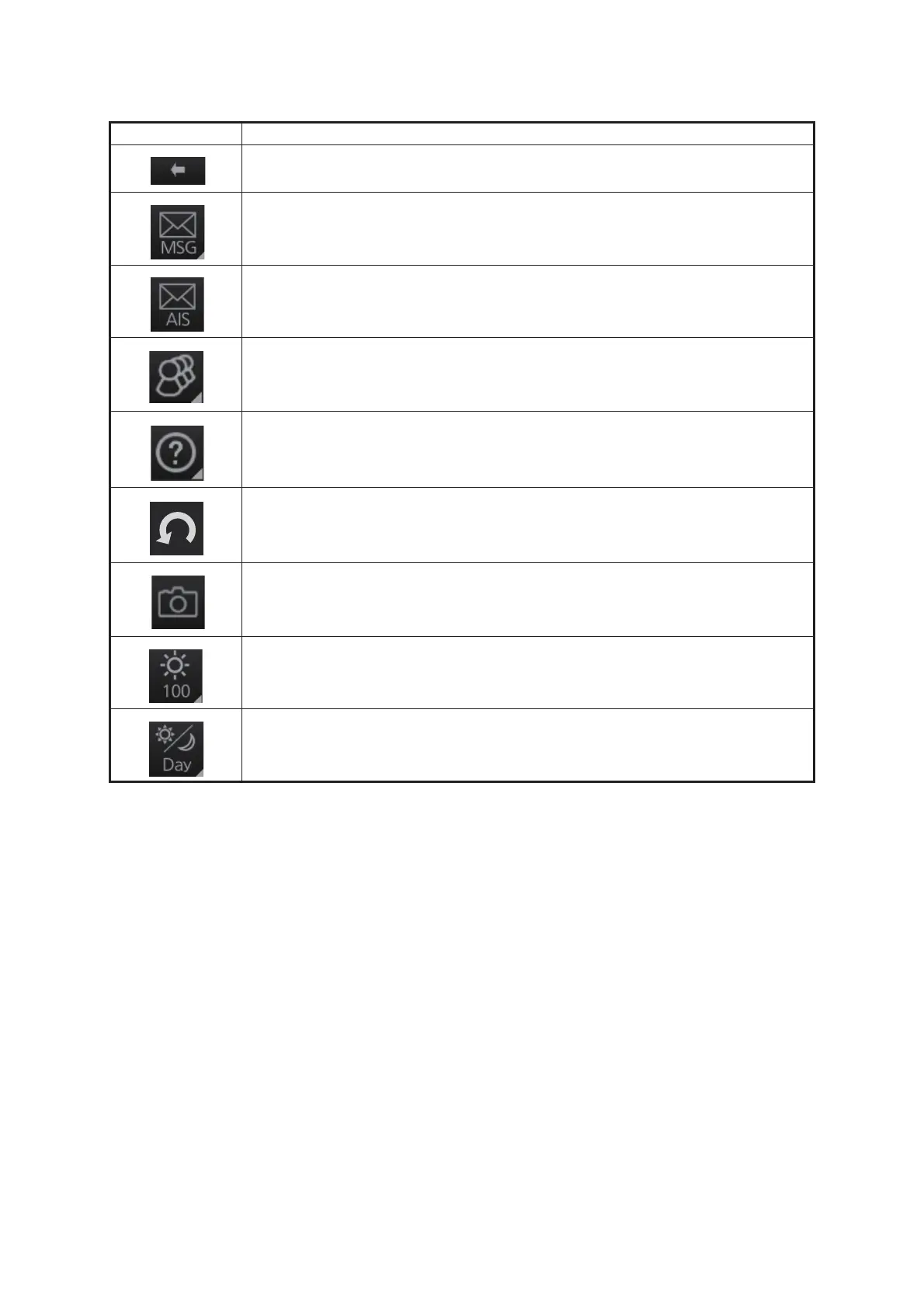
Symbols on operating buttons
Symbol Meaning
Minimize button (on InstantAccess bar™)
Access AIS, Navtex functions (chart mode)
Display received AIS message (radar mode)
Access user profile, common settings
Information (show program no., operator's manual)
Undo, redo
Note: This symbol is not displayed on the FURUNO 19-inch monitor unit on
radar mode or chart radar mode.
Screenshot capture
• Adjust the monitor brilliance
• Adjust the control unit backlighting. (Chart mode only)
Color palette selection



 To Next Page