1. OPERATIONAL OVERVIEW
1-37
*
1
: Chart alert objects other than the following:
*
2
: Available on when the [Echo] page is enabled at installation.
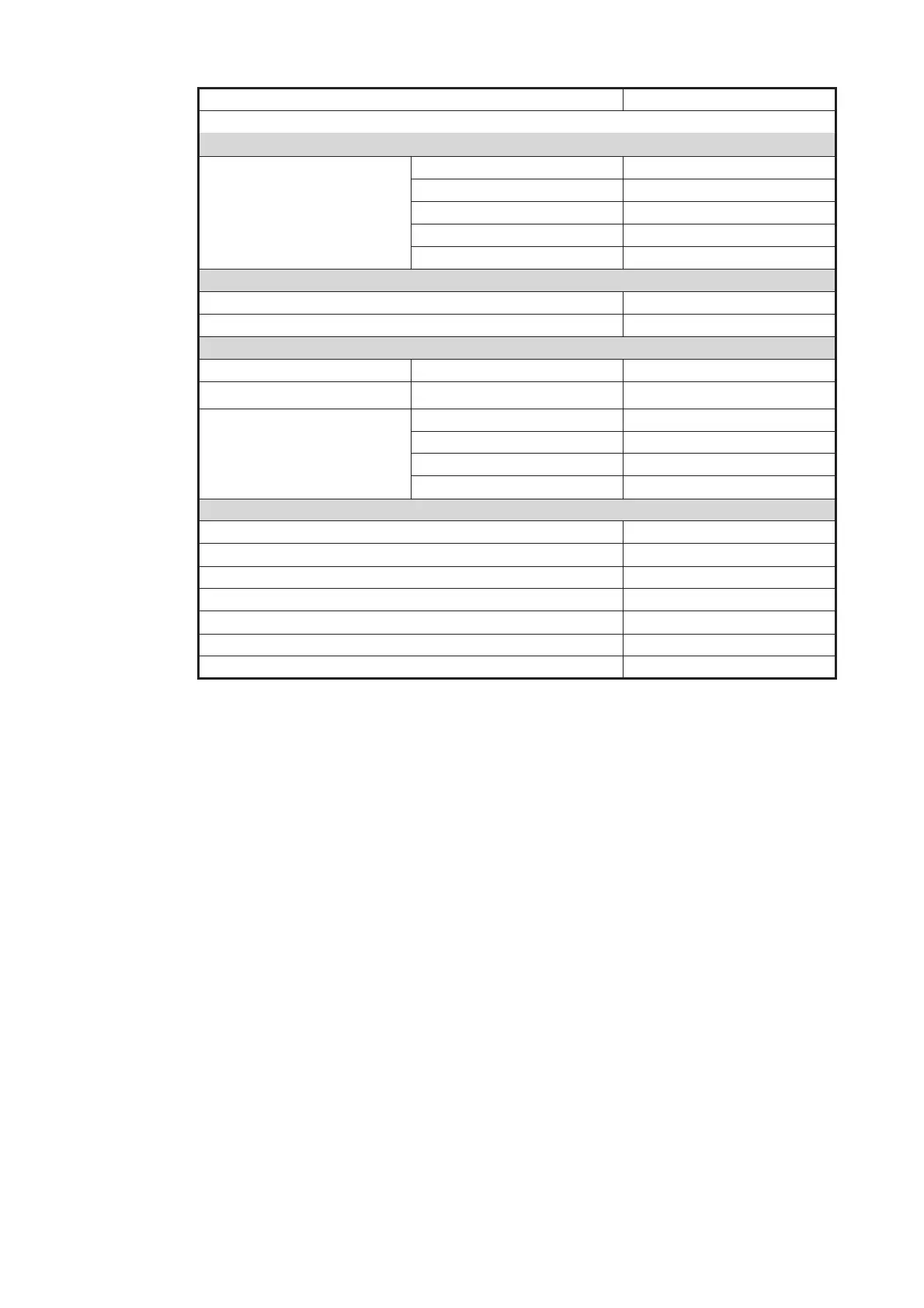
(TT•AIS) [Setting] menu
Setting.1 page Sleeping Class A OFF
Sleeping Class B OFF
Physical AtoN ON
Virtual AtoN ON
MAX Range ON, 6 NM
Chart scale/presentation mode box
Chart scale 3 NM
Presentation mode North Up TM
[Overlay/NAV Tools] box
Look-ahead page Ahead Time, 6 min
Echo page *
2
Display OFF
TT/AIS page TT display OFF
AIS display DISP ALL
Vector 6 min, TGND
Past POSN OFF
Other functions
Brilliance CALIB
Viewing Date - Display Date Auto: Today
Split Screen Full Screen (no split)
Chart database mode CUSTOM
TM Reset function Enabled
Own track Disabled
Log - NAV Log - Detail dialog SHOW TRACK
• Safety Contour
• No Vector Chart
• Sounding UKC Limit
• Not up-to-date
• Navigational Hazard
• UKC Limit
• Non-official ENC
• Permit Expired
Item Settings



 To Next Page