User Manual corpuls
3
Operation – Monitoring and Diagnosis
ENG - Version 2.1 – P/N 04130.2 99
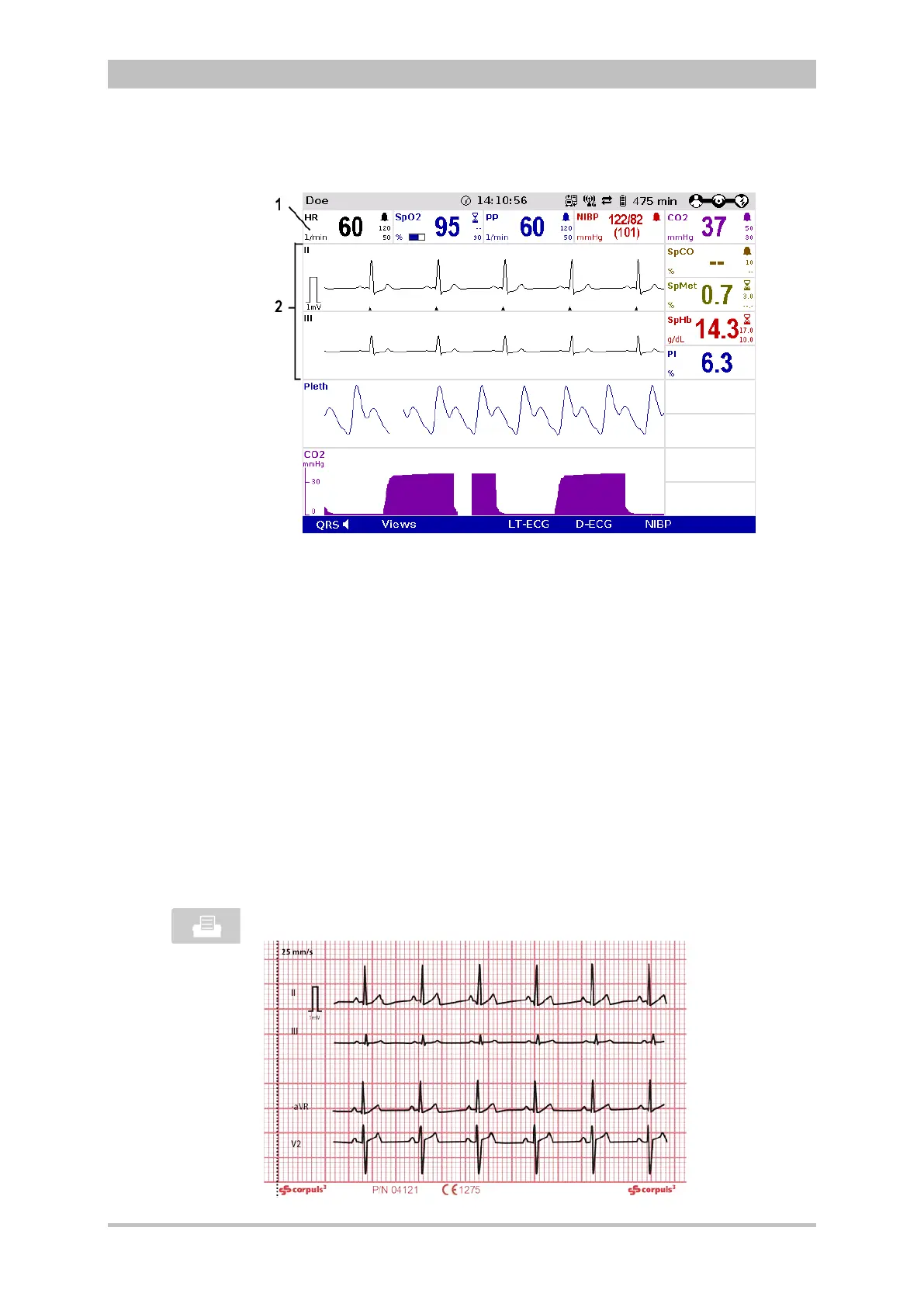
Fig. 6-3 ECG monitoring, initial screen
1 Heart rate parameter field
2 ECG curves
1. Adapt the representation of the ECG curve, if necessary (see chapter 0
2. Adapting the Representation of the ECG Curve, p. 100).
3. Configure the device alarms, if necessary (see chapter 7.3 Alarm
Configuration, p. 155).
QRS tone and QRS mark may deviate slightly from each other.
If individual ECG curves are failing, check the ECG electrodes and the ECG
cable
The ECG curves can be printed out with the integrated printer. See chapter
7.1.3 Printer settings, p. 143. for information on printout configuration.
Preceding every real-time printout is the designation “REAL-TIME PRINTOUT”
on the first page.
Press the Print key to start or stop real-time printing.



 To Next Page