General Operating Instructions
User Manual corpuls
3
50 ENG - Version 2.1 – P/N 04130.2
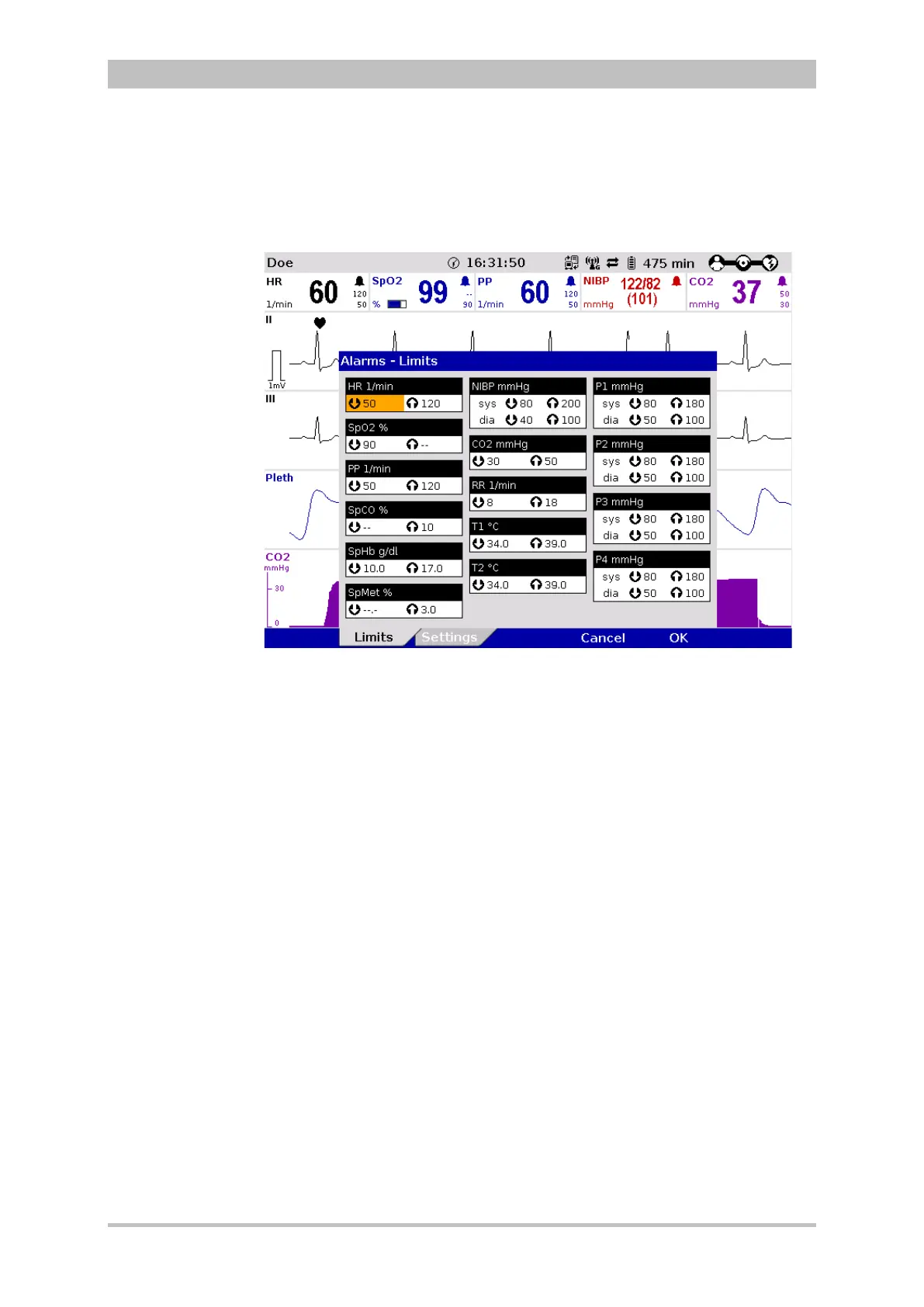
4.3.4 Configuration Dialogue
To adjust settings in the configuration dialogue, proceed as follows:
Fig. 4-16 Configuration dialogue
1. Open the configuration dialogue (see chapter 4.3.3 Main Menu, p. 49).
2. Rotate the jog dial to highlight the required configuration field.
3. Press the jog dial to select the highlighted configuration field.
4. Select the required settings by repeatedly rotating and pressing the jog dial.
A setting (numerical value, text or symbol) can be modified if
• the respective line is highlighted;
• the setting is displayed in bold type.
See chapter 7 Configuration, p. 137 for information on the possible settings.
5. Access another tab of the configuration pages by pressing the
corresponding softkey.
6. To confirm the settings and close the configuration dialogue, press the
softkey [OK].
To retain the previous settings and close the configuration dialogue, press
the softkey [Cancel].



 To Next Page