Introduction
User Manual corpuls
3
26 ENG - Version 2.1 – P/N 04130.2
3.4.2 Alarm Signals at the Patient box
Physiological and technical alarms are signalled on the patient box in various
ways:
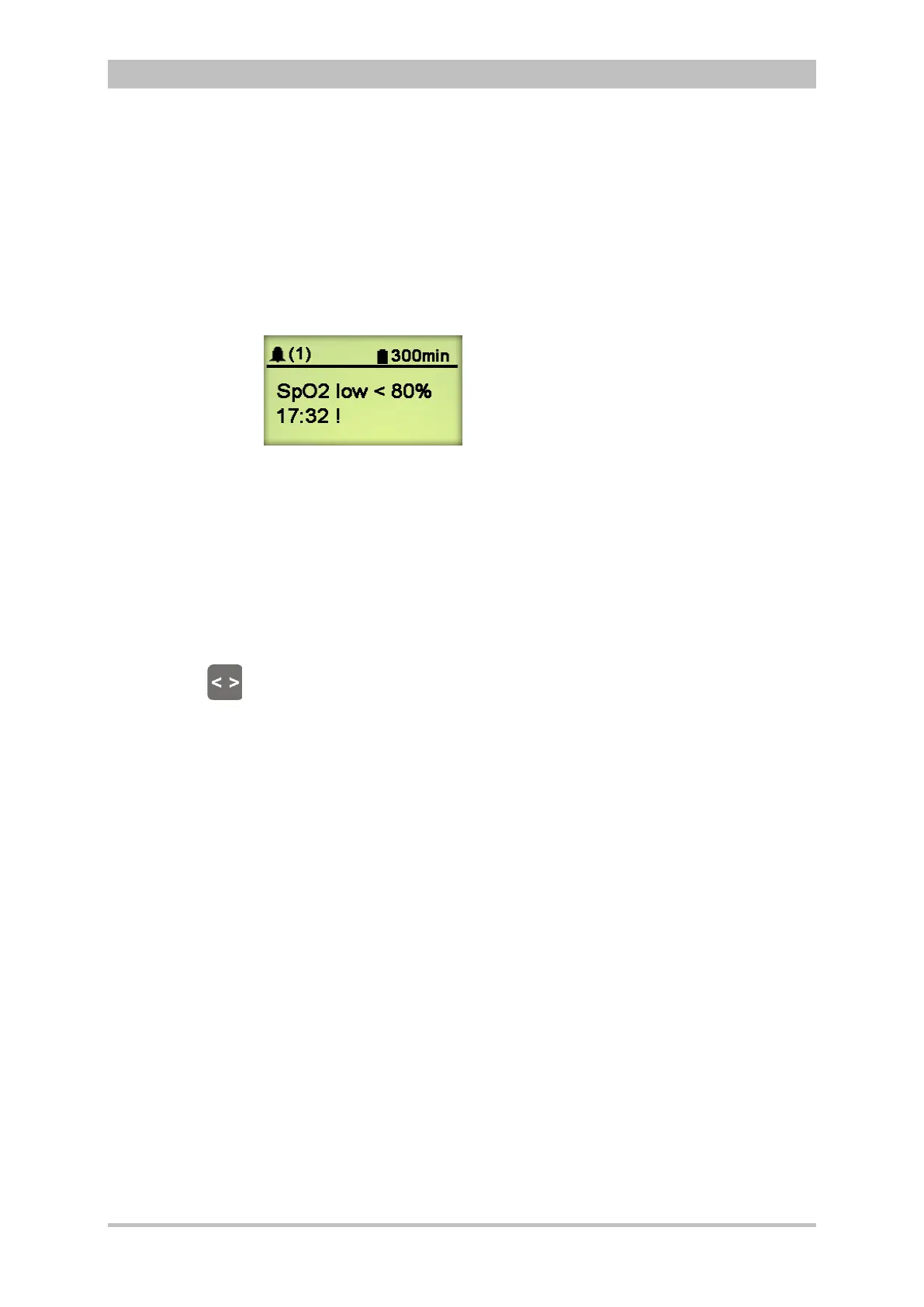
Alarm message on the patient box display:
Fig. 3-18 Alarm message on the patient box display
− The bell symbol indicates an alarm.
− The number in brackets indicates the number of active alarms
(here 1 alarm)
− The number of exclamation marks indicates the priority of the alarm
(!!! – high; !!HIGH – medium; ! – low)
− The alarm is displayed as a text message together with the pre-set
limit value and the timestamp of the alarm.
The individual alarms can be confirmed by pressing the Multifunction key once.
If a radio connection to the monitoring unit exists, the most recent alarm
message is deleted from the status line and alarm history of the monitoring unit
and from the display of the patient box.
• The acoustic alarm sounds:
− Acoustic alarms are only signalled, if no radio connection to the monitoring
unit exists.
If a connection to the monitoring unit exists, the acoustic alarm only
sounds on the monitoring unit; the alarm on the patient box is suspended.
The alarm limits can be modified on the monitoring unit. Manual and automatic
configuration in addition to further settings pertaining to the alarm function can
be found in chapter 7.3 Alarm Configuration, page 155.
After switching on, at first the settings entered by the person responsible for the
device apply. Differing alarm settings are only saved permanently if the user
has the appropriate authorisation.
Situation after
switching on



 To Next Page