General Operating Instructions
User Manual corpuls
3
44 ENG - Version 2.1 – P/N 04130.2
4.2.2 Switching Off
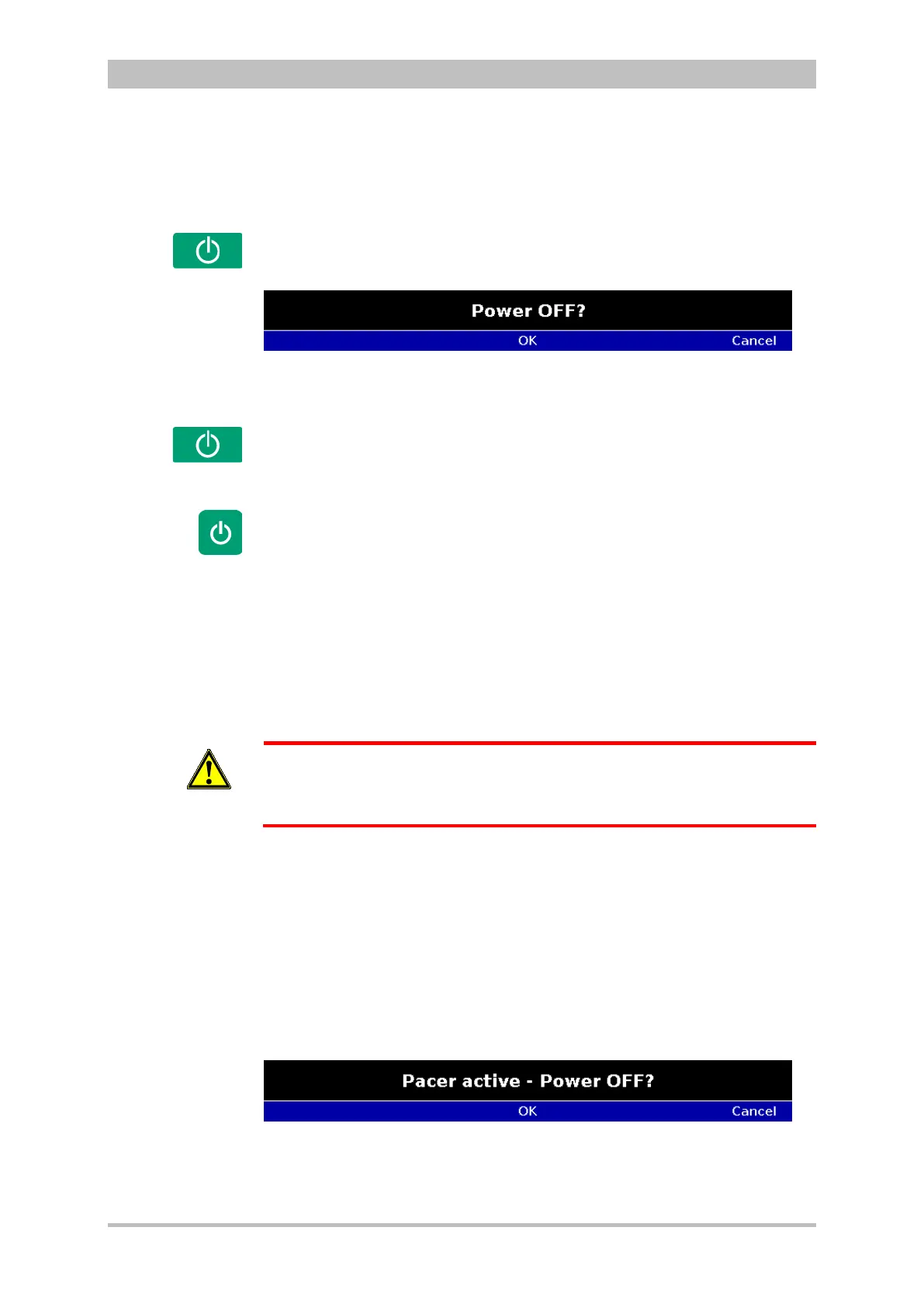
Press the On/Off key on the monitoring unit.
All modules are switched off if the softkey [OK] is pressed after the confirmation
prompt appears.
Fig. 4-9 Confirmation prompt before switching off
Press the On/Off key on the monitoring unit.
All modules connected with the monitor unit mechanically or by radio are
switched off if the softkey [OK] is pressed after the confirmation prompt appears.
The defibrillator and patient box can be switched off independently without
having an influence on the remaining modules by pressing the On/Off key. To
do so, keep the On/Off key on the defibrillator or patient box depressed for 3
seconds.
In case of a system crash of one of the modules or of the compact device, the
device can be switched off with the On/Off key. For this, the On/Off key at the
monitoring unit (or at the individual modules) has to be held down at least for 8
seconds until the device switches off. Subsequently, the. It is not necessary to
remove the battery.
Warning
In order to switch off the compact device in case of a system crash the
modules have to be disconnected and every individual module has to be
switched off separately by holding down the On/Off key at the respective
module for 8 seconds.
The switch-off process of the monitoring unit and the connected modules can
be cancelled by pressing the softkey [Cancel]. This confirmation prompt
disappears by itself if no action is taken within approx. 10 seconds and the
monitoring unit and the connected modules remain switched on.
To confirm the switching off process, press the softkey [OK].
Press the On/Off key as described above.
The confirmation prompt “Switch off Pacer? - Power OFF?" appears.
Fig. 4-10 Switching off with pacer active
If the unit is to be switched off even though the pacer is active, press softkey
[OK] or, if the unit is not to be switched off, press softkey [Cancel].
switch-
Defibrillator/patient box
Switching off
in case of
system crash
Switching off in
pacer mode



 To Next Page