User Manual corpuls
3
General Operating Instructions
ENG - Version 2.1 – P/N 04130.2 47
4.3.2 Parameter Context Menu and Curve Context Menu
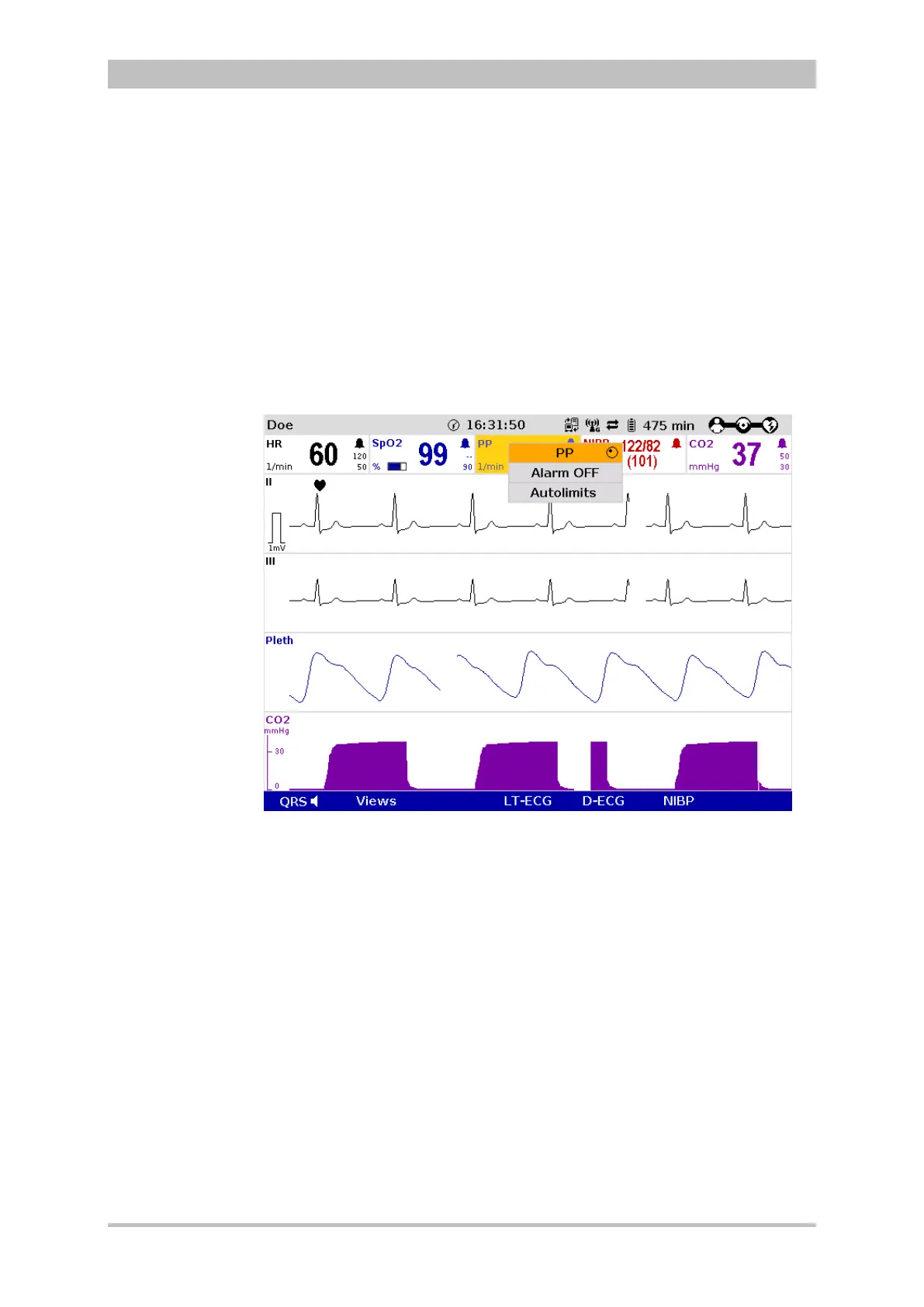
Parameter context menus and curve context menus only contain menu items
that are relevant for the highlighted field. They can be called up for parameter
fields and curve fields and open directly in the highlighted field.
Proceed as follows to open a parameter context menu or curve context menu
and adjust settings:
1. Rotate the jog dial to highlight the required parameter field or curve.
2. Press the jog dial to open the parameter context menu or curve context
menu of the highlighted parameter field or curve. The first line of the
parameter context menu or curve context menu is highlighted.
Fig. 4-13 Parameter context menu (illustration may differ)



 To Next Page