General Operating Instructions
User Manual corpuls
3
48 ENG - Version 2.1 – P/N 04130.2
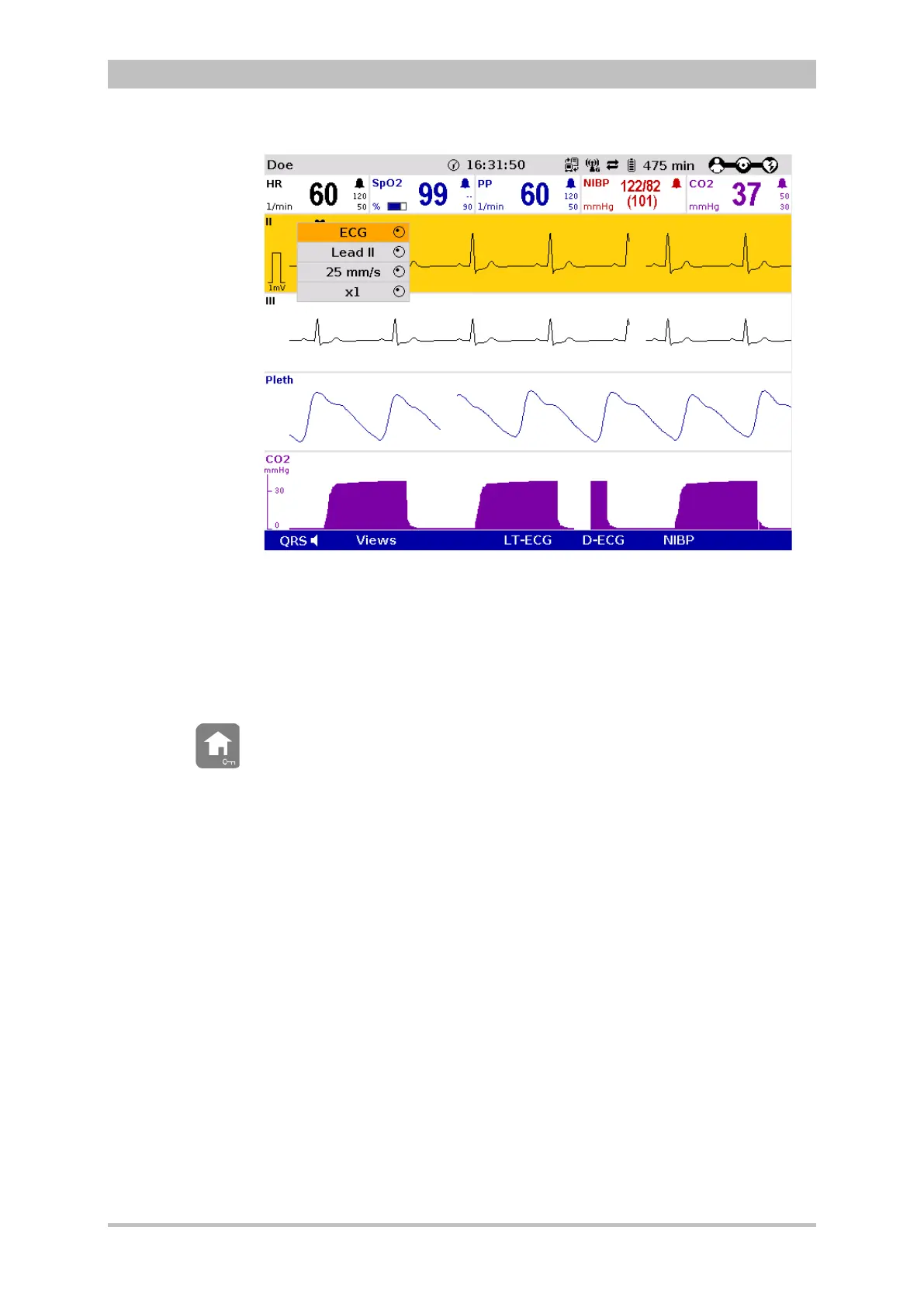
Fig. 4-14 Curve context menu
3. If another value is to be assigned to the parameter field or the curve field
for display, press the jog dial and select the required parameter by rotating.
4. Press the jog dial again to confirm selection of the required parameter.
5. Select further parameters of the parameter context menu or curve context
menu by rotating the jog dial and confirm by pressing the jog dial.
Press the Home key to quit the parameter context menu or curve context menu.
If a new curve is selected in the curve context menu, the curves are sorted
automatically in ascending order.



 To Next Page