Operation – Monitoring and Diagnosis
User Manual corpuls
3
136 ENG - Version 2.1 – P/N 04130.2
6.9.3 Performing Temperature Monitoring
Monitoring starts automatically after the sensor has been attached.
1. Select the parameter field for display of the first temperature value and
open the parameter context menu.
2. Assign T1 monitoring to the selected parameter field.
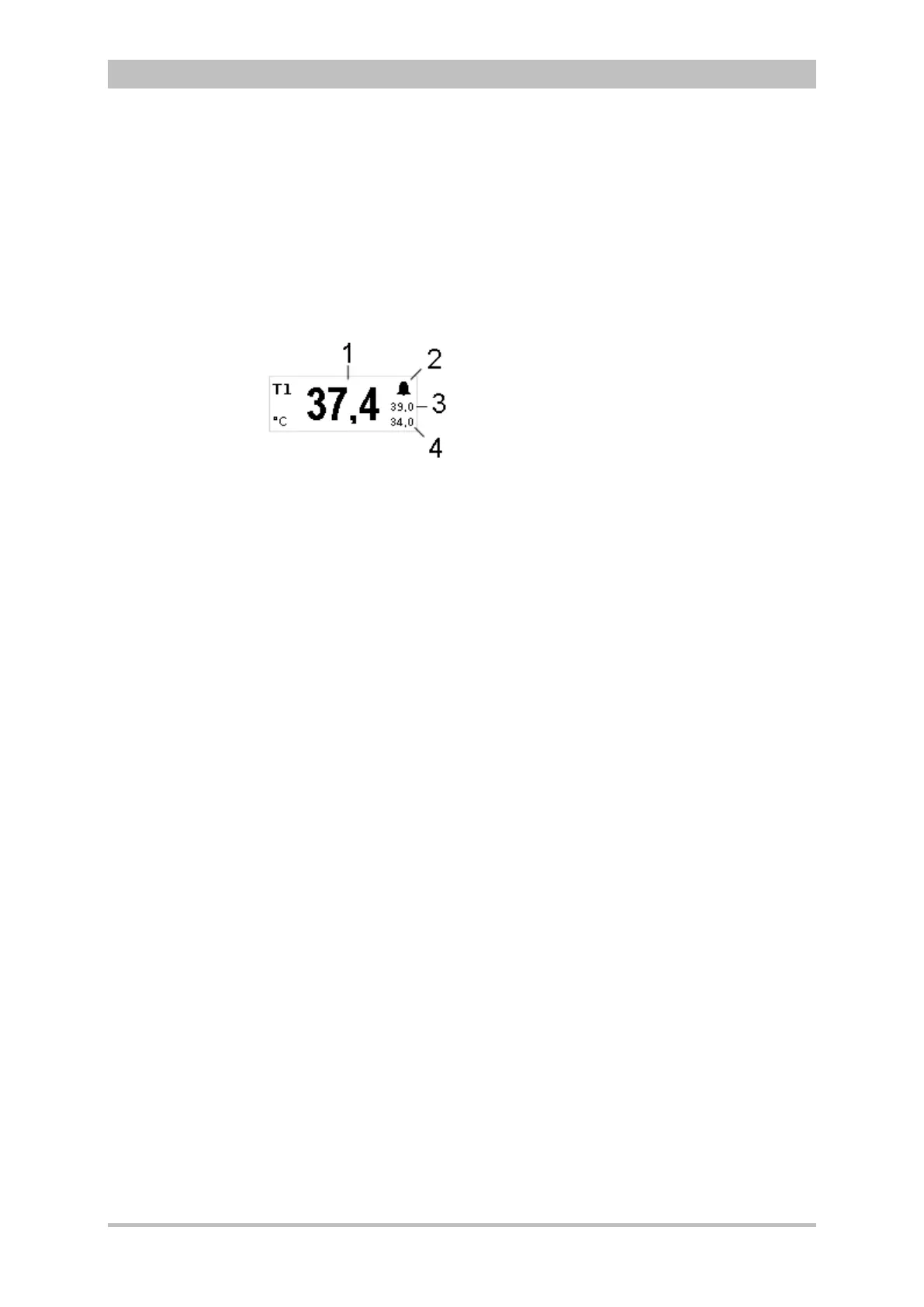
Fig. 6-35 Temperature monitoring parameter field
1 Current temperature value in °C
2 Symbol for switched-on alarms
3 Upper alarm limit
4 Lower alarm limit
3. If measurement of a second temperature value is necessary, select the
parameter field of the second temperature value and open the parameter
context menu.
4. Assign T2 monitoring to the selected parameter field.



 To Next Page