Configuration
User Manual corpuls
3
158 ENG - Version 2.1 – P/N 04130.2
7.3.4 Setting the Alarm Limits for Monitoring Functions
Automatically
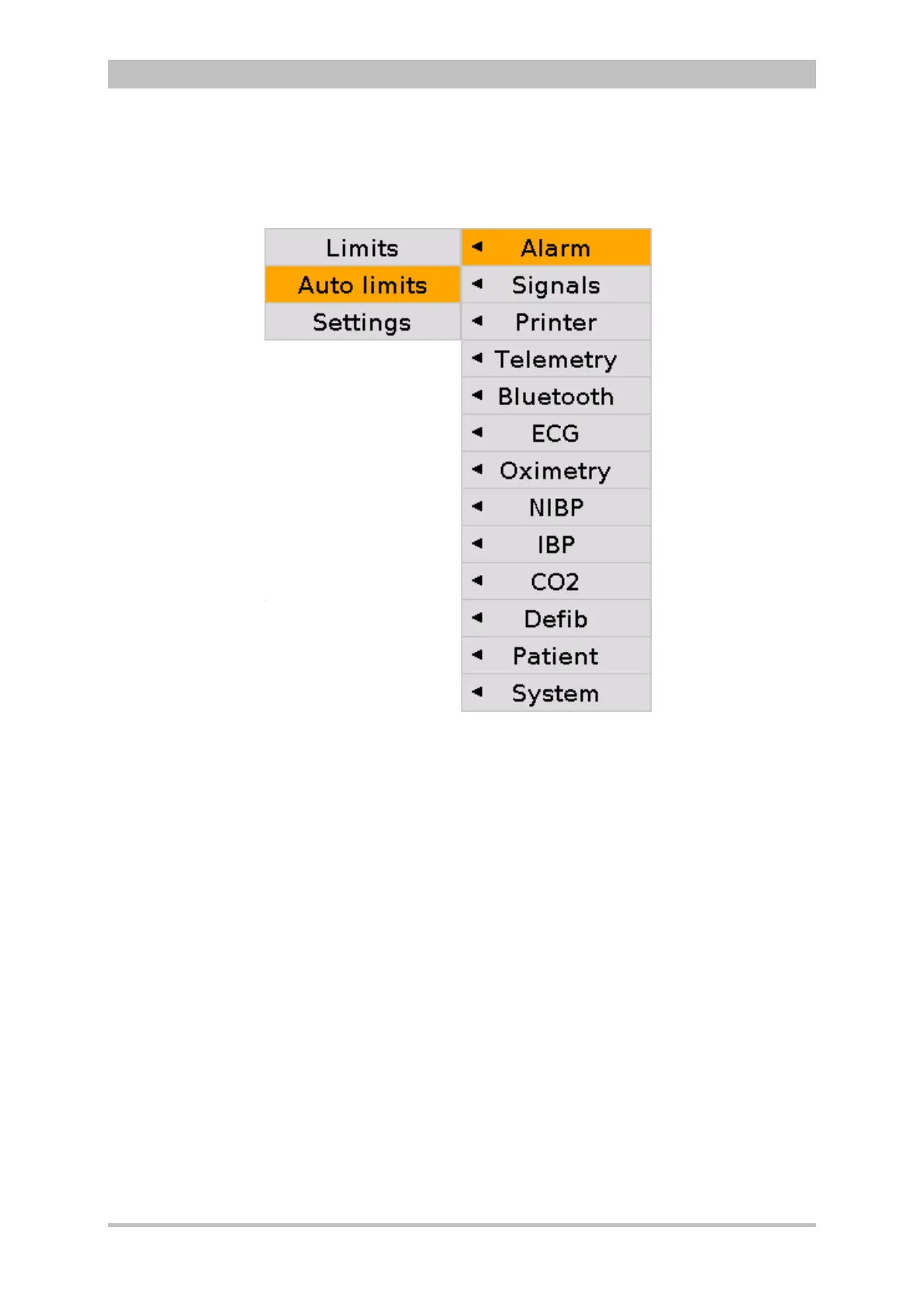
Fig. 7-16 Setting automatic alarm limits
1. In the main menu, select "Alarm" ► "Auto limits".
The corpuls
3
sets alarm limits automatically depending on the current
patient readings. A configuration dialogue with all the automatically set
alarm limits appears (see p. 156 Fig. 7-15).
2. To confirm the automatic alarm limits and close the configuration dialogue,
press the softkey [OK].
To retain the previous settings and close the configuration dialogue, press
the softkey [Cancel].
If necessary, adapt individual alarm limits manually.



 To Next Page