Data Management
User Manual corpuls
3
186 ENG - Version 2.1 – P/N 04130.2
8 Data Management
8.1 Creating a Patient File
A new data record is automatically created each time the corpuls
3
is switched
on (new mission).
An unambiguous mission number is generated, which is printed in the first line
on the first page of each printout. In addition, the time and date are
automatically logged.
For as long as the corpuls
3
is in use, all the saved data will be assigned to this
mission and saved on the CompactFlash
®
card (see chapter 8.3 Handling Data,
p. 187).
The entered data can be modified or completed during the mission. Changes
made to the data set are marked in the protocol printout.
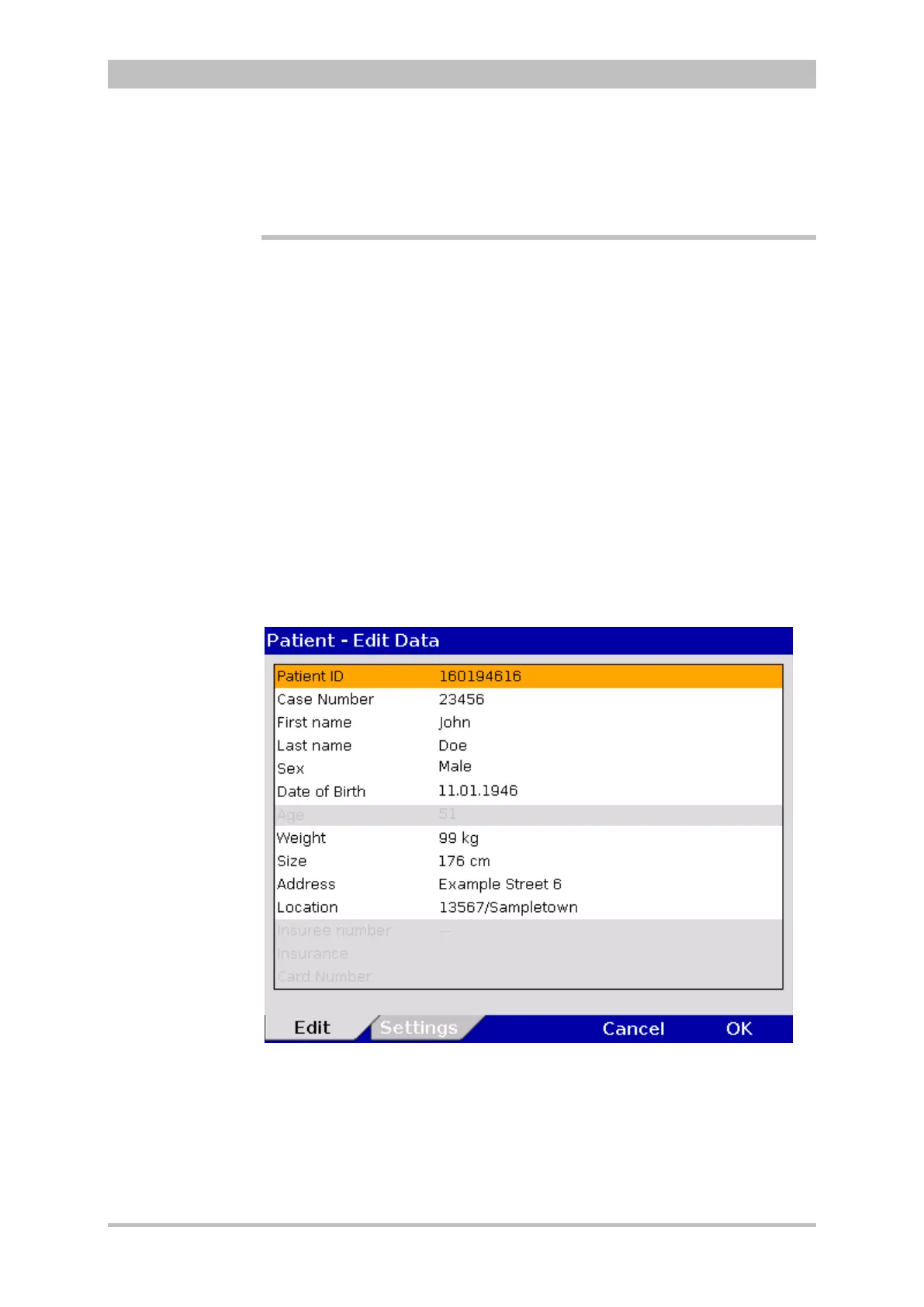
For entering changes, select "Patient" ► “Edit Data” in the main menu.
Fig. 8-1 Entering patient data
The age of the patient is automatically calculated when the date of birth is
entered and cannot be edited. If no date of birth is entered, the age can be
edited.
The information pertaining to the insurance card can only be imported via the
insurance card reader and cannot be edited.
Switching the
device on/off



 To Next Page