User Manual corpuls
3
Configuration
ENG - Version 2.1 – P/N 04130.2 159
7.4 Advanced Settings
(Persons Responsible for the Device)
7.4.1 Authorisation for Persons Responsible for the
Device
In contrast to the default user, the person responsible for the device has a
higher authorisation level to perform configurations. The different user levels are
protected by access codes.
1. In the main menu, select "System" ► "Authorisation".
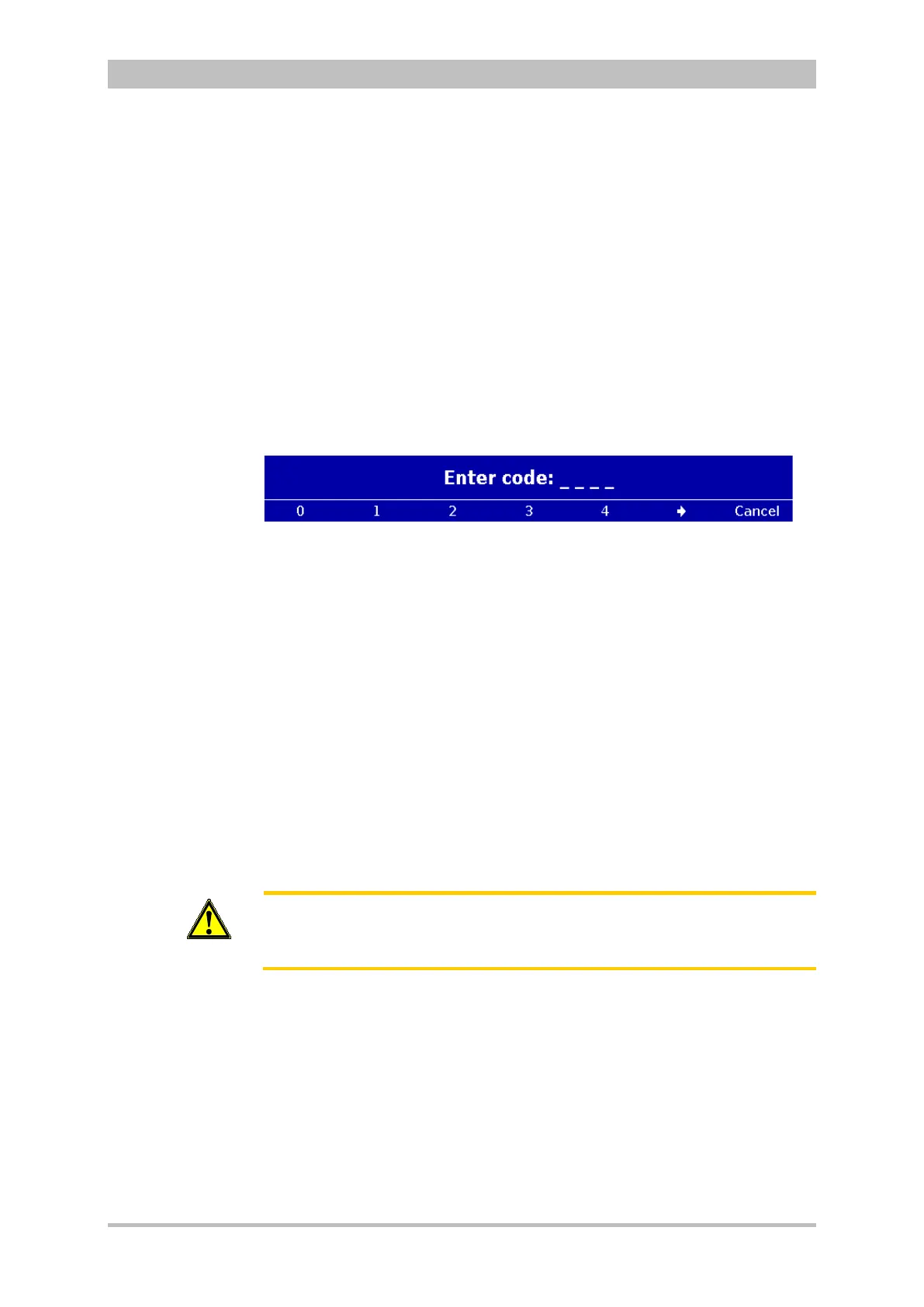
The following prompt appears:
Fig. 7-17 Code prompt
2. Enter the 4-digit access code for the user "Operator" with the softkeys. To
enter the figures 5 to 9 press the softkey []
The message "User OPERATOR logged in successfully" appears.
When switching on the corpuls
3
, the system always starts with the default
user’s authorisation.
The 4-digit access code can be chosen by the users themselves (see chapter
7.4.2 General System Settings (Person responsible for the device), p. 160).
The factory setting on delivery is:
• 2-2-2-2 for the person responsible for the device (Operator);
• 1-1-1-1 for the default user (default).
Caution
The corpuls
3
may only be used on patients if the user „Default“ is logged in.
In the higher user level for persons responsible for the device („Operator“) the
application on patients is not allowed.



 To Next Page