User Manual corpuls
3
Configuration
ENG - Version 2.1 – P/N 04130.2 181
If the checkbox at the field "ERC" is deactivated, additional measurements and
interpretations of the D-ECG are performed besides the one based on the
"STEMI"-algorithm. This include checking for the presence of the Wolff-
Parkinson-White (WPW) syndrome, of intraventricular excitation propagation
disorders, of an implanted pacer, of QRS intervals longer than 120 ms and of a
left branch bundle block.
The ERC guidelines recommend the use of the "STEMI"-algorithm for
measurement and interpretation of a D-ECG.
A licence is required for the use of the ECG measurement and ECG
interpretation options. Please contact your authorised service and sales partner
to obtain this licence.
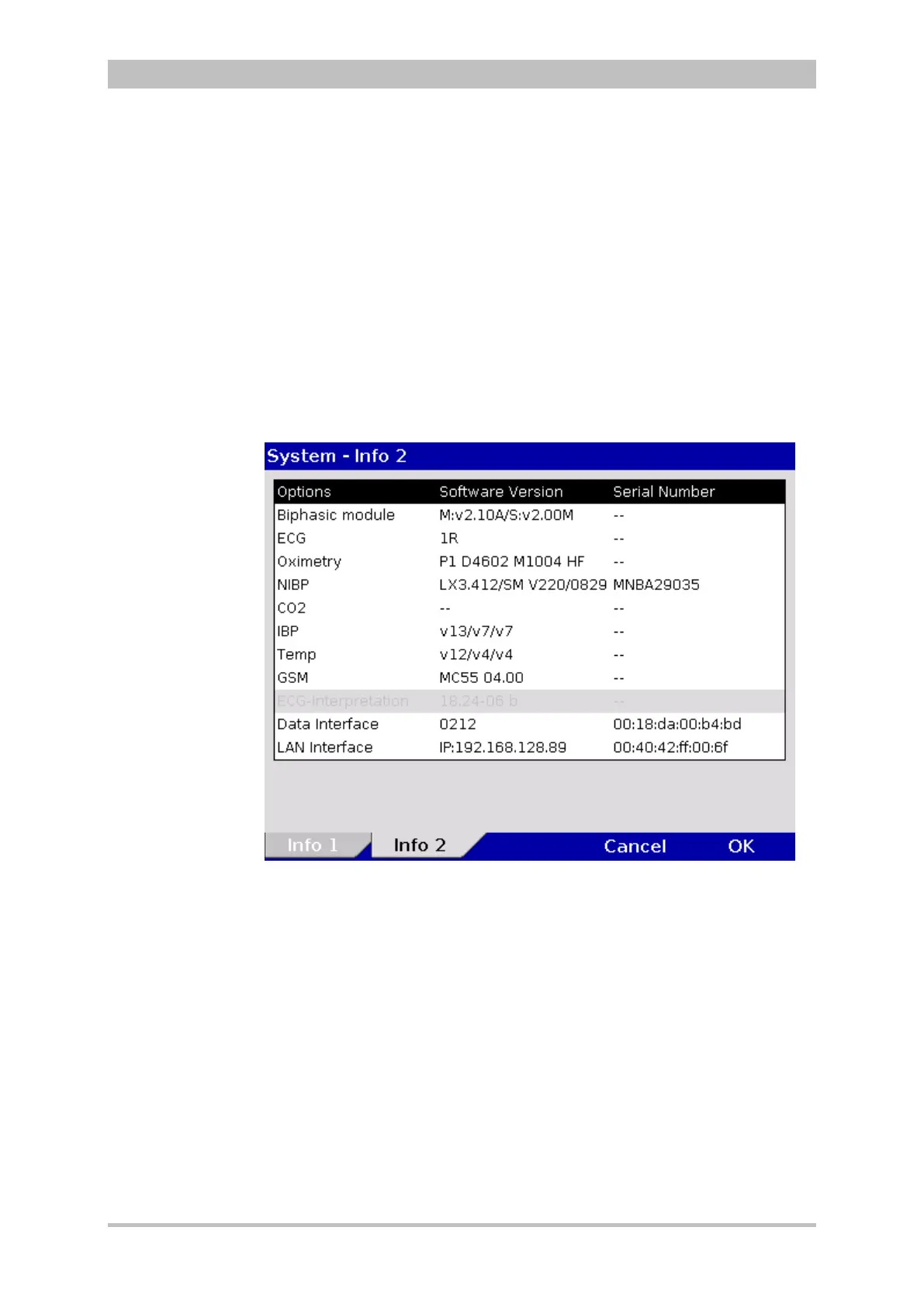
Information on the installed version of the ECG measurement and ECG
interpretation program can be found in the system info. It is listed in the
“Options” field in the line “ECG interpretation”.
Fig. 7-29 ECG measurement and ECG interpretation version in system info
7.4.11 Demo Mode (Persons Responsible for the Device)
The person responsible for the device can activate the demo mode for training
purposes. This mode shows curves and parameters and demonstrates all
functions and possible configurations.
1. Select in the main menu "System" ► "Demo".
2. In the message line the text "DEMO mode on" appears.
3. The display shows curves and parameters from the internal memory.
To deactivate the demo mode, the corpuls
3
has to be switched off and on
again. Alternatively, select again in the main menu "System" ► "Demo"
at t



 To Next Page