User Manual corpuls
3
Configuration
ENG - Version 2.1 – P/N 04130.2 143
7.1.3 Printer settings
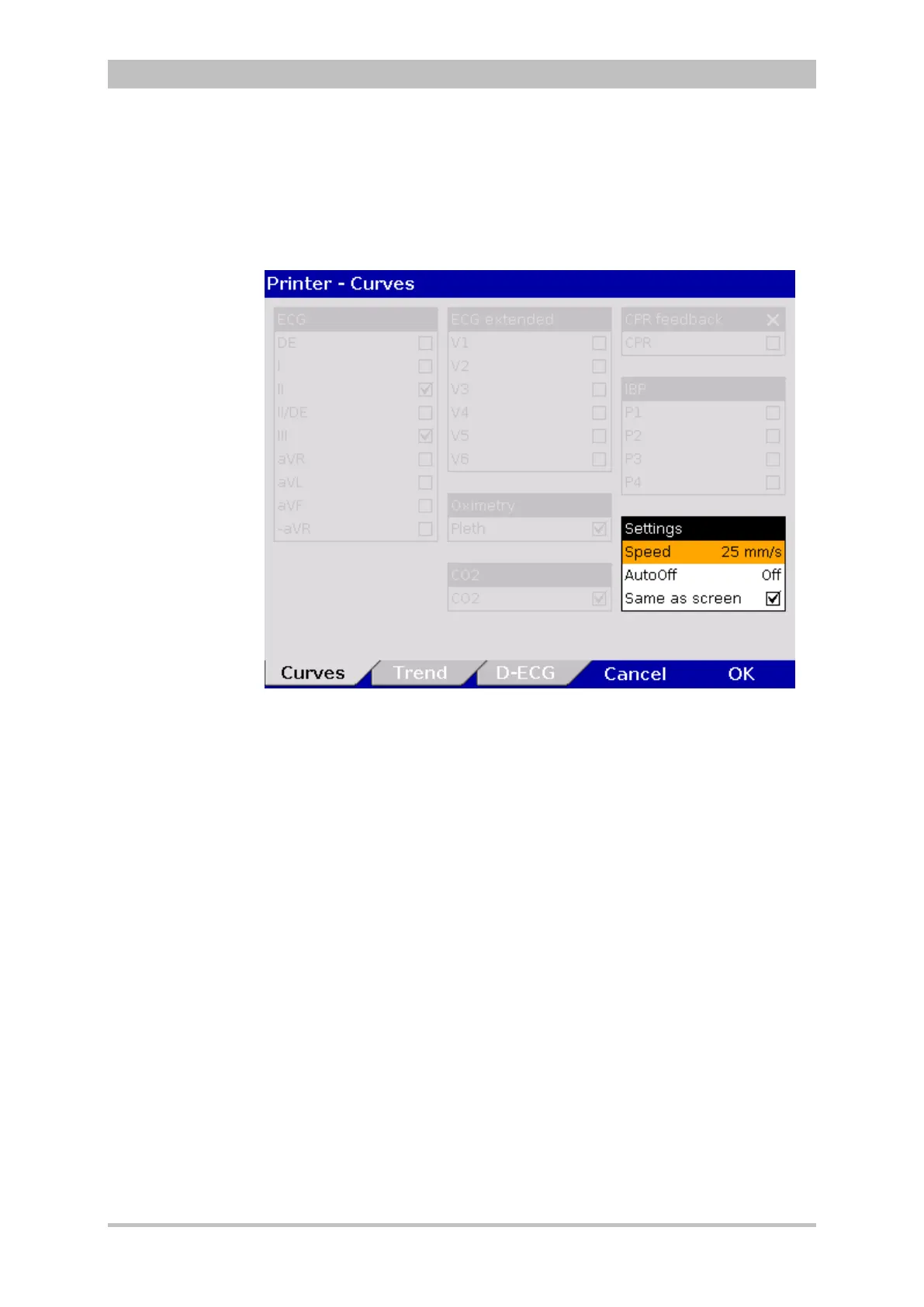
1. In the main menu, select "Printer" ► "Curves".
The configuration dialogue opens.
Fig. 7-5 Printer setting "Same as screen"
2. If in the group “Settings” the checkbox “Same as screen” is ticked, the
curves currently displayed on the monitor are printed. The remaining areas
of the configuration dialogue are greyed out (see Fig. 7-5).
3. Deactivate the checkbox “Same as screen” to enable selection of ECG
leads, Pleth-, CO
2
-, IBP- or CPR curves.
4. Select required ECG leads and curves.



 To Next Page