Configuration
User Manual corpuls
3
142 ENG - Version 2.1 – P/N 04130.2
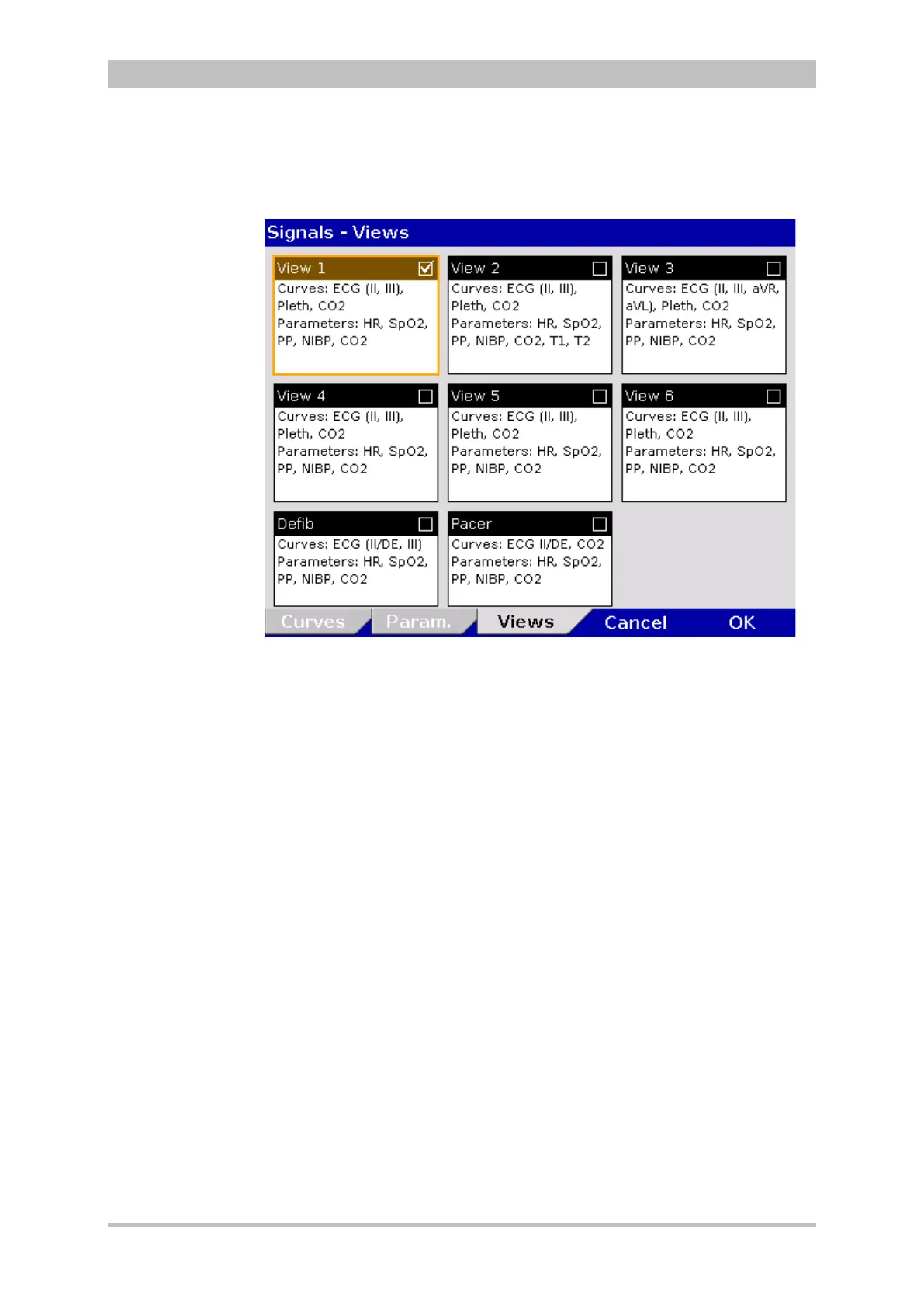
1. In the main menu, select "Signals" ► “Views”.
The configuration dialogue opens.
Fig. 7-4 Selecting pre-set views
2. Select the required configured view with the jog dial and press to confirm.
3. To confirm the settings and close the configuration dialogue, press the
softkey [OK].
To retain the previous settings and close the configuration dialogue, press
the softkey [Cancel].
The views for the defibrillator- and pacer mode can only be adjusted if the user
switches first to defibrillator- or pacer mode.
Configured views can only be permanently saved in the system settings by the
person responsible for the device (user authorisation required) (see
chapter 7.4.6 Basic Configuration of the Views (Persons Responsible for the
Device), p. 168).
pre-



 To Next Page