General Operating Instructions
User Manual corpuls
3
46 ENG - Version 2.1 – P/N 04130.2
4.3 Menu Control
The menus are controlled with the jog dial, softkeys and the function keys Back
and Home.
There are four different menu types:
• softkey context menu
• parameter context menu or curve context menu
• main menu of the device
• configuration dialogue
4.3.1 Softkey Context Menu
The softkey context menu allow for fast access to menu items that are relevant
for the chosen softkey.
There are three softkey context menus available:
• QRS: activation of the QRS tone and fast access to volume control
(monitoring mode)
• Views: fast access to a configured view of parameters and curves
(monitoring mode)
• Metronome: fast access to mode selection
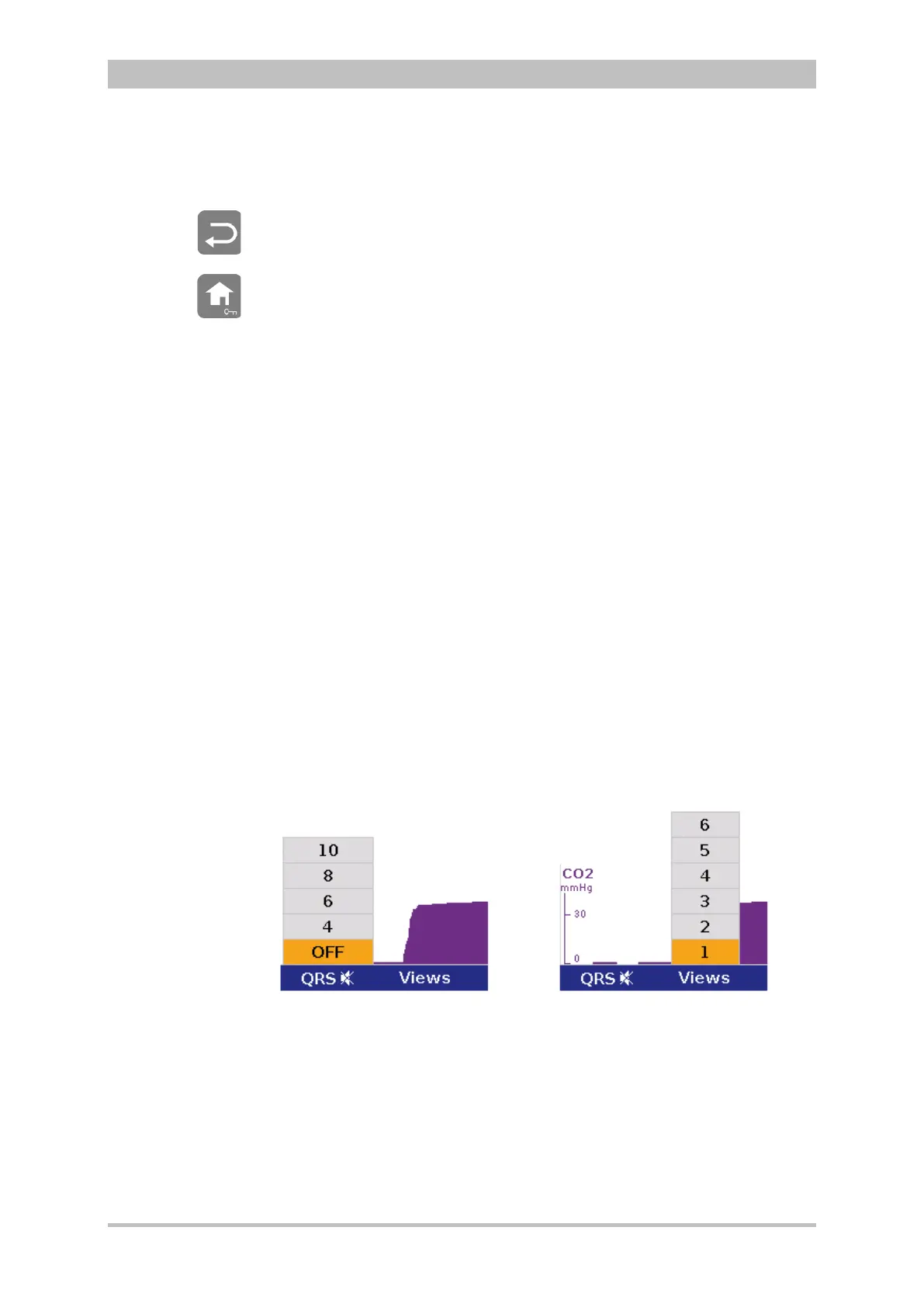
In monitoring mode the two first softkeys (left) are linked to the settings for the
volume of the QRS tone and to the selection of views on the screen.
The settings can be advanced position by position by pressing the softkey
several times. In contrast to the softkey Views, the volume control of the QRS
tone always starts with the position, „OFF“.
Fig. 4-12 Example for softkey context menu



 To Next Page