Data Management
User Manual corpuls
3
196 ENG - Version 2.1 – P/N 04130.2
8.8.1 Installing the SIM Card
For fax transmission you need a SIM card and a PIN number from your local
network service provider. The SIM card must be inserted in the SIM card slot on
the rear side of the monitoring unit (see p. 13, Fig. 3-6 Monitoring unit, rear
view)
The PIN must be deposited in the telemetry settings (see chapter 7.4.8
Configuration of Telemetry (Persons Responsible for the Device), p. 170).
8.8.2 Starting Fax Transmission
For fax transmission by short code the following steps are necessary:
1. Activate the preview of the D-ECG in monitoring mode and start recording
(see chapter 6.3.3 Recording and Measuring a Diagnostic ECG , p. 106).
2. If the LAN interface was selected in the configuration menu, proceed with
step 5. To configure the LAN interface, see chapter 7.4.8 Configuration of
Telemetry (Persons Responsible for the Device), page 170.
3. The GPRS connection is being established. In the status line the status
symbol of a radio mast is displayed whose radio waves are flashing.
4. The GPRS connection is established, if the symbol is displayed
permanently.
5. After the message “D-ECG recorded“ is displayed, press the softkey
[Send].
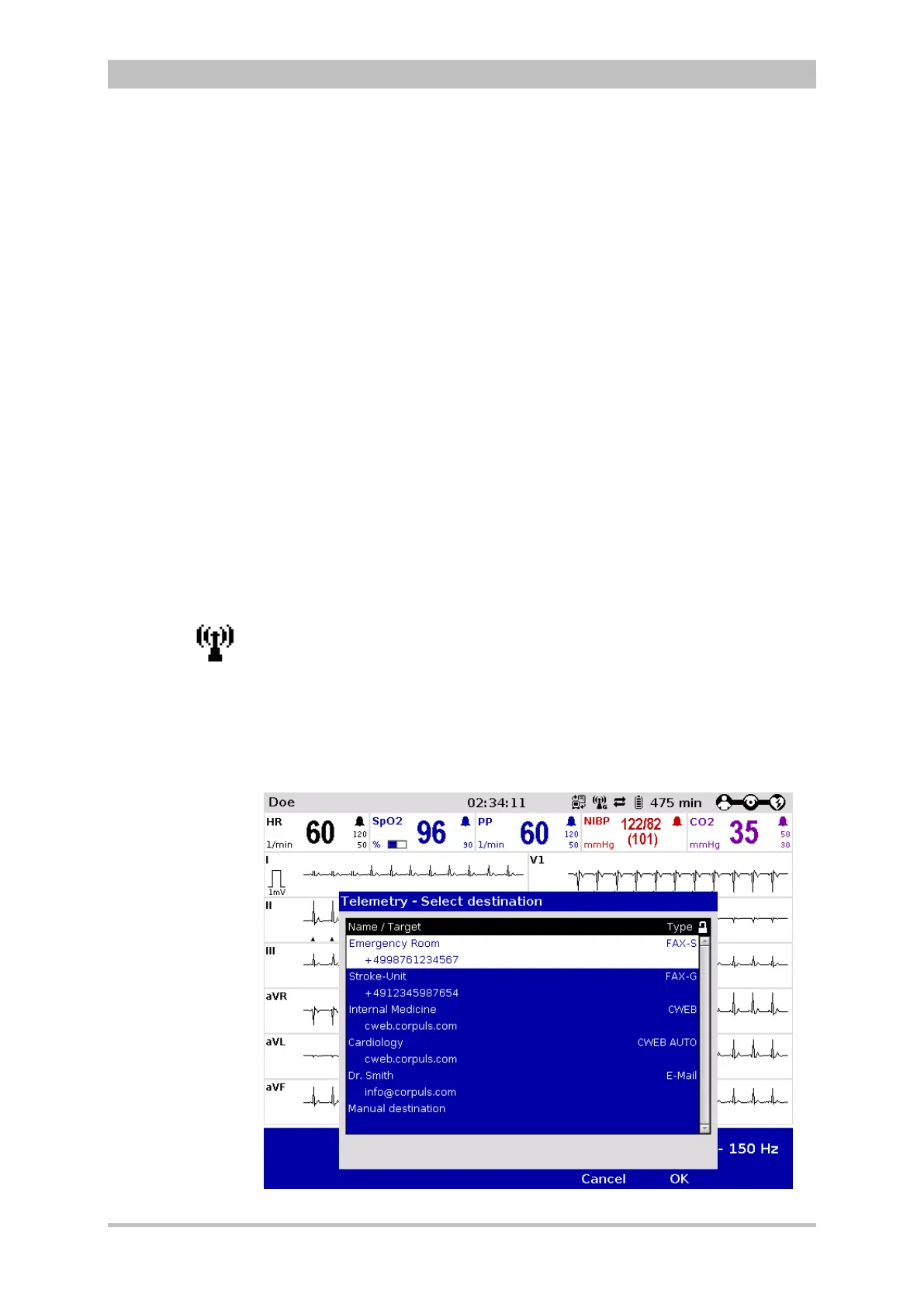
6. The phonebook overview of the pre-set destinations and numbers appears.
Fig. 8-6 Short code overview



 To Next Page